Free AVIF to GIF converter
You add AVIF files and download GIF images. A transparent background stays transparent, and the image gets a table of at most 256 colours picked from its own palette. A photo weighing 37.8 KB came out as a 393.5 KB GIF in our measurement. Your browser does the work.
Files in queue
What is an AVIF and what is a GIF?
AVIF writes the image with the AV1 video encoder. Every pixel gets its own colour stated directly, and the AV1 Image File Format specification, version 1.2.0 of 16 October 2025, allows 8, 10 or 12 bits per channel and carries transparency in a separate auxiliary stream.[1] A photo saved in this format can therefore hold tens of thousands of shades. The format is read by Chrome from version 85, Firefox from 93, Safari from 16.1 and Edge from 121.[2]
GIF works on a different principle. The file carries a colour table of at most 256 entries, and every pixel points to the number of an entry in that table. One entry can be marked as transparent and pixels holding that number become invisible — this is how the GIF89a specification, published by CompuServe on 31 July 1990, sets it out.[3] The entry numbers are written by lossless LZW compression, and the format itself dates from 1987.[4]
That is the whole conversion. The converter goes through the colours of the image, builds a table of at most 256 entries out of them and gives every pixel the entry closest to its colour. A photo that held 23,664 different colours came out in our measurement as a GIF with 244 colours.
How much does an AVIF weigh once it becomes a GIF?
A photo 1200 by 900 pixels, saved as an AVIF, weighed 38,665 bytes. After conversion the same image in a GIF file has 402,988 bytes, and the queue prints “942% more” next to it. We took the measurement on 6 September 2026 in Chromium 151.
The growth comes from two things at once. The AV1 encoder writes a photo with loss and leaves out detail the eye does not catch. Once the colour table is picked, GIF writes the entry numbers without loss, and a number takes one byte per pixel before LZW shortens it.
On a simple graphic the difference is smaller. An image 1200 by 900 pixels with sixteen colours weighed 3,931 bytes as an AVIF and 12,935 bytes as a GIF. A graphic with a transparent background went the other way: 7,289 bytes as an AVIF and 4,886 bytes as a GIF, a third less. Transparency costs a separate stream of data in an AVIF file and one table entry in a GIF.
A GIF file therefore makes sense where compatibility with older software counts and where the image has few colours. The measured weights of all four cases are gathered in the table of file kinds.
What does the converter do with an AVIF file?
The converter draws the image from the AVIF file on the browser canvas, then builds a table out of its colours and writes the finished GIF file. The canvas will not write a GIF file on its own: a browser that does not know the requested format writes a PNG instead and says nothing about the swap.[5] That is why the file is assembled by the gifenc library running in the browser, and the table colours are picked by pairwise nearest neighbour clustering.[6] That method merges similar shades into one until 256 are left. The image stays on your device the whole time.
The result depends on the image alone, so the converter has one field to fill in: the list of files in the queue. Image dimensions stay as they were, and you can change them beforehand in the image editor. A single file can be up to 100 MB. Above that the queue shows the message “File is too large (max 100 MB).”
Transparency carries over to the result, and the threshold sits exactly at the middle of the 8-bit opacity scale. A pixel with opacity up to 127 becomes transparent in the GIF file, and a pixel from 128 upwards is fully visible and keeps its colour. This follows from the build of the format itself: GIF has two states of opacity, visible and transparent.
From a file with a sequence of images the converter saves the first frame. Such a file gets the note “Animated file — the first frame is saved.” in the queue, so you see it before you click Convert. An animated AVIF file from the AOMedia test set, 480 by 270 pixels, gave a single-frame GIF of the same dimensions in our measurement.
How much does a file weigh after AVIF becomes GIF?
| Kind of AVIF file | AVIF file weight | GIF file weight | Difference in the queue |
|---|---|---|---|
| Photo 1200 × 900 | 37.8 KB (38,665 B) | 393.5 KB (402,988 B) | 942% more |
| Flat graphic 1200 × 900, sixteen colours | 3.84 KB (3,931 B) | 12.6 KB (12,935 B) | 229% more |
| Graphic 1200 × 900 with a transparent background | 7.12 KB (7,289 B) | 4.77 KB (4,886 B) | 33% less |
| Sequence of images 480 × 270 | 160.7 KB (164,551 B) | 98.2 KB (100,569 B) | 39% less |
What carries over from an AVIF file to a GIF file?
| Property of the image | In the AVIF file | In the GIF file after conversion |
|---|---|---|
| Number of colours | The colour of every pixel stated directly | A table of at most 256 entries |
| Transparency | Alpha channel on a smooth scale, in a separate stream | One table entry, a pixel visible or transparent |
| Sequence of images | Many images in one file | The first frame as a still image |
| Image dimensions | Up to 65,536 pixels per side | The same as in the AVIF file, up to 16,384 pixels per side |
| Colour depth | 8, 10 or 12 bits per channel | 8 bits per colour component |
| Compression | Lossy or lossless, by the AV1 encoder | Lossless LZW once the colour table is picked |
What happens to a semi-transparent pixel?
| Pixel opacity in the AVIF file | Alpha channel value | The pixel in the GIF file |
|---|---|---|
| Fully transparent pixel | 0 | Transparent |
| A quarter opacity | 64 | Transparent |
| Last value below the threshold | 127 | Transparent |
| First value above the threshold | 128 | Visible, with its own colour |
| Four fifths opacity | 204 | Visible, with its own colour |
| Fully opaque pixel | 255 | Visible, with its own colour |
How do you turn an AVIF into a GIF?
Add AVIF files
Drag the images onto the Add files area or click it and pick files from your disk. You can choose a whole batch at once — the converter lines it up in the queue on the right and shows the weight of every file.Click Convert
The Convert button sits in the Convert and download section. The progress bar shows how many files are already finished, and every row of the queue gets its own status: Pending, Processing and Done.Download the GIF files
A single file is saved with the Download button next to its name, the whole batch with Download all. The name stays the same and the extension changes to .gif.
Which images take a 256-colour table well?
Logos, icons and signs
An image built from a few flat areas fits into the colour table with room to spare, so after conversion it looks the way it did before. The graphic in our measurement had sixteen colours and all of them reached the result.Charts and interface screenshots
A bar chart, a diagram or a screenshot of a program window works with a dozen or so colours and sharp edges. Such material saved as a GIF keeps its labels and lines legible.Photos with smooth gradients
A photo holds tens of thousands of shades while the table fits 256, so gentle transitions in a sky or in shadow line up into visible bands. The photo in our measurement went from 23,664 colours down to 244.
Where will a GIF file open?
A GIF file opens in every web browser. The format has been in use since 1987, so older image editors and content management systems read it too. That is its greatest strength when a file goes to someone whose software you do not know.
When the image is to keep its full range of colour, a format with a wider palette serves better. You can save the same AVIF file as a PNG with the AVIF to PNG converter, which carries transparency on a smooth scale, or as a WebP with the AVIF to WebP converter. The way back is handled by the GIF to AVIF converter. Every other image converter is gathered in the Format conversion section.
Convert other files to GIF
Convert AVIF to other formats
Sources
- AV1 Image File Format (AVIF), version 1.2.0 of 16 October 2025 — Alliance for Open Media
- Image file type and format guide — MDN Web Docs
- Graphics Interchange Format Version 89a, 31 July 1990 — CompuServe Incorporated
- GIF — Wikipedia
- HTMLCanvasElement: toBlob() method — MDN Web Docs
- gifenc, a GIF encoder for the browser — Matt DesLauriers, GitHub
The file sizes in the tables were measured by running finished images through this converter in a browser, and we report them the way the tool counts them. What the page says about either format rests on the sources listed above.
Content last reviewed: · written and checked by the Arteon team
Common questions about turning AVIF into GIF
Will a transparent background be kept?
Yes. The converter marks one entry of the colour table as transparent and gives it to every pixel with opacity up to 127. Pixels from 128 upwards stay fully visible and keep their colour.
Why did the GIF file come out larger than the AVIF file?
The AV1 encoder writes a photo with loss, while GIF writes the entry numbers without loss once the colour table is picked. In our measurement a photo 1200 by 900 pixels grew from 38,665 to 402,988 bytes. On simple graphics the difference is much smaller, and a graphic with a transparent background even came out a third lighter. When the file is going onto a web page, a lighter result comes out of the AVIF to JPG converter.
How many colours will be left of my photo?
At most 256, because that is what the colour table of a GIF file fits. The converter picks them from the colours of the image itself, so on a photo dominated by green the table gets mostly shades of green. The photo in our measurement held 23,664 colours and the output file 244.
Will an animated AVIF come out as an animated GIF?
The converter saves the first frame of the sequence as a still image, at the full dimensions of the source file. You can spot a file with animation in the queue by the note “Animated file — the first frame is saved.”, before you click Convert.
Does the converter have a quality setting?
The result depends on the image alone, because GIF writes the entry numbers without loss and the only decision is which colours go into the table. The converter makes that choice itself from the colours of the image, so the only field to fill in is the list of files in the queue.
How large a file will the converter take?
A single file can be up to 100 MB. Above that the queue shows the message “File is too large (max 100 MB).” The number of files in one batch is not limited.
Do my files go to a server?
The conversion is done by code running in your browser, and the image stays on your device the whole time. Closing the tab ends the work and clears the results from the browser's memory.
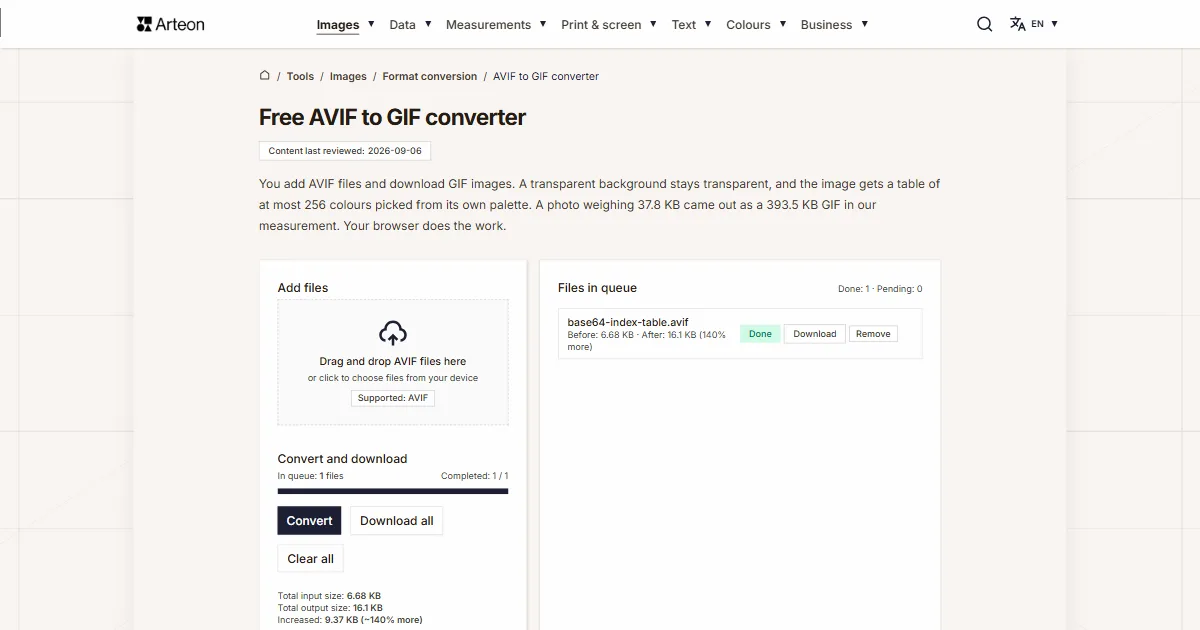
Help us improve our tools
Got an idea for a new feature, found a bug or want to suggest another tool? Write to us – we reply within 24 hours.
Try our other useful tools
Online image editor
Resize, crop and convert your image. Ready-made formats for social media, circular avatars, export to JPG/PNG/WebP.

Meta title & description checker
Check title and description length in pixels. Live Google preview and optimization tips.
PNG to JPG
Convert PNG files to JPG in your browser. No file limits, no signup, no server uploads.

Favicon generator
Create a complete favicon.ico set for your website from one image. All required sizes, no login.
Color palette generator
Generate 9 palettes from one color: monochromatic, complementary, triadic and more. HEX codes.
WebP to JPG
Convert WebP files to universally compatible JPG. Works in every app and platform.
Color contrast checker
Check text and background contrast per WCAG 2.1 AA and AAA. Automatic color correction.
Free QR code generator
Create a QR code for a website, vCard business card or print. Export PNG and SVG, no registration.
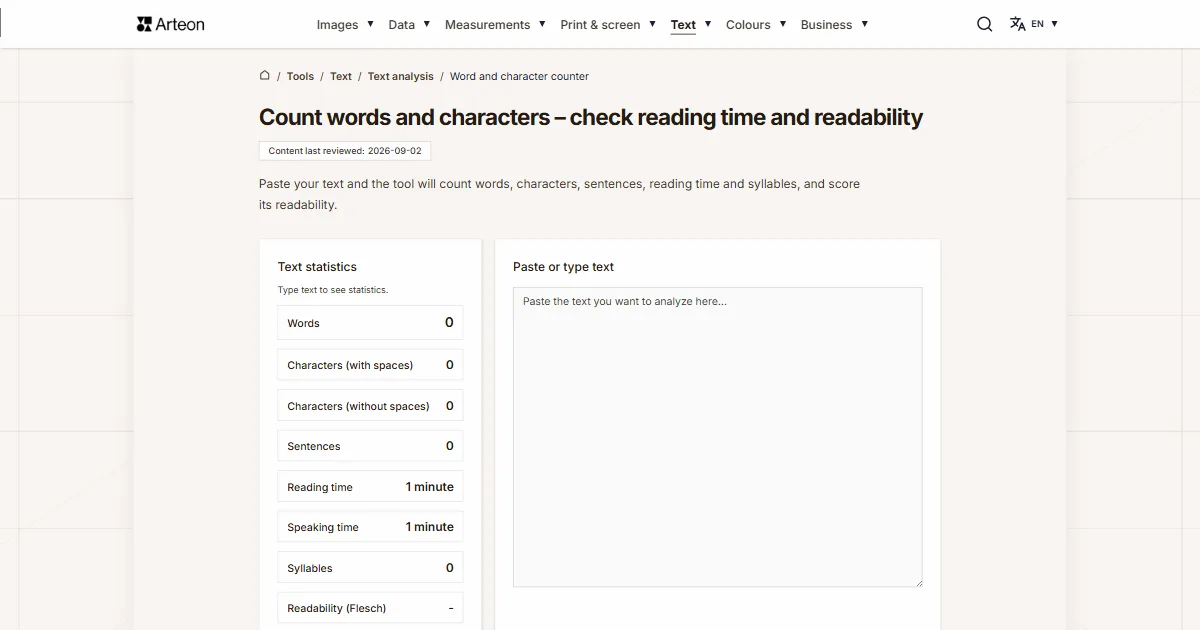
Word & character counter
Count words, characters, sentences and reading time. Check readability with the Flesch-Kincaid score.