Convert CMYK values into an RGB color
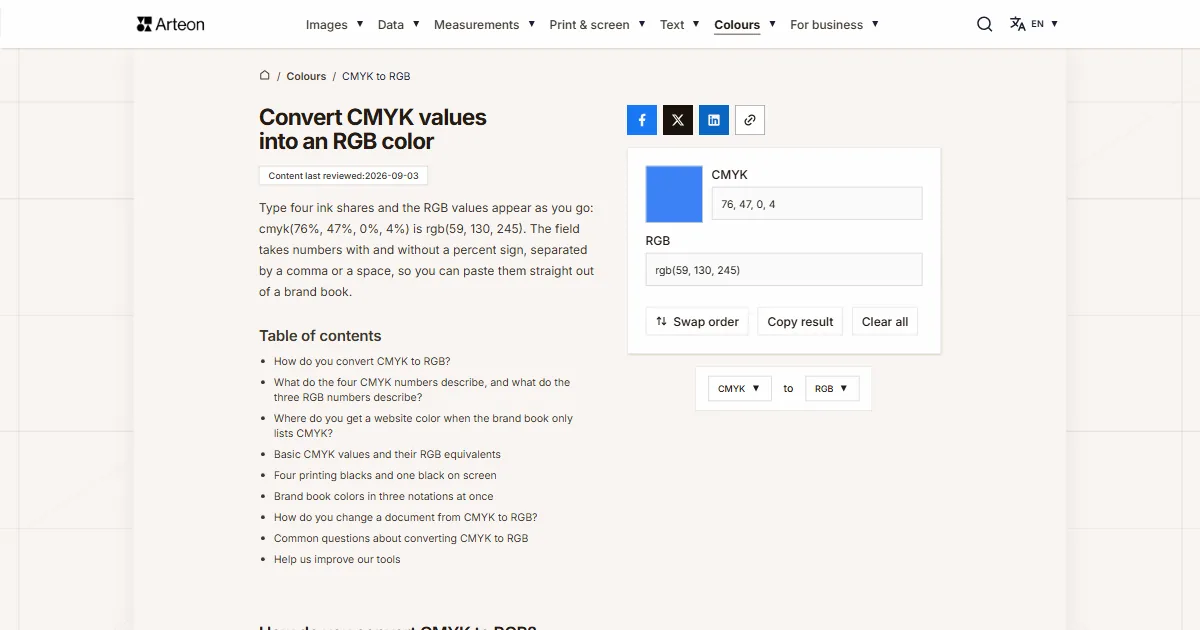
Type four ink shares and the RGB values appear as you go: cmyk(76%, 47%, 0%, 4%) is rgb(59, 130, 245). The field takes numbers with and without a percent sign, separated by a comma or a space, so you can paste them straight out of a brand book.
How do you convert CMYK to RGB?
Subtract each ink from one, multiply by the same for the black, and multiply by 255. Percentages go into the formula as fractions, so 76% enters it as 0.76.
Formula: R = 255 × (1 − C) × (1 − K), and the green and blue channels work the same way, from magenta and from yellow.
The color cmyk(76%, 47%, 0%, 4%) gives 255 × 0.24 × 0.96 on the red channel, which is 59. Green comes out at 130 and blue at 245, because there is no yellow ink in this color at all. The result is rgb(59, 130, 245).
A few values come up more often than the rest. Black alone at 100% gives rgb(0, 0, 0), four zeros give white, and black at 20% gives the gray rgb(204, 204, 204), that is the code #CCCCCC.
CMYK values are given in whole percentages, so on the way there and back a channel can land one step off. That difference is invisible on screen. To take a screen color to ink, use the RGB to CMYK converter.
What do the four CMYK numbers describe, and what do the three RGB numbers describe?
The four CMYK numbers say how much ink should land in a given place. The first is cyan, the second magenta, the third yellow and the fourth the black, written as K. Each is a percentage of coverage: zero means bare paper and a hundred means full coverage.
Inks take light away from white paper, so four zeros give white and rising values lead to a steadily darker color. That has a consequence: CMYK values belong to a particular paper and a particular ink, because the same mix comes out one way on coated stock and another on uncoated[1].
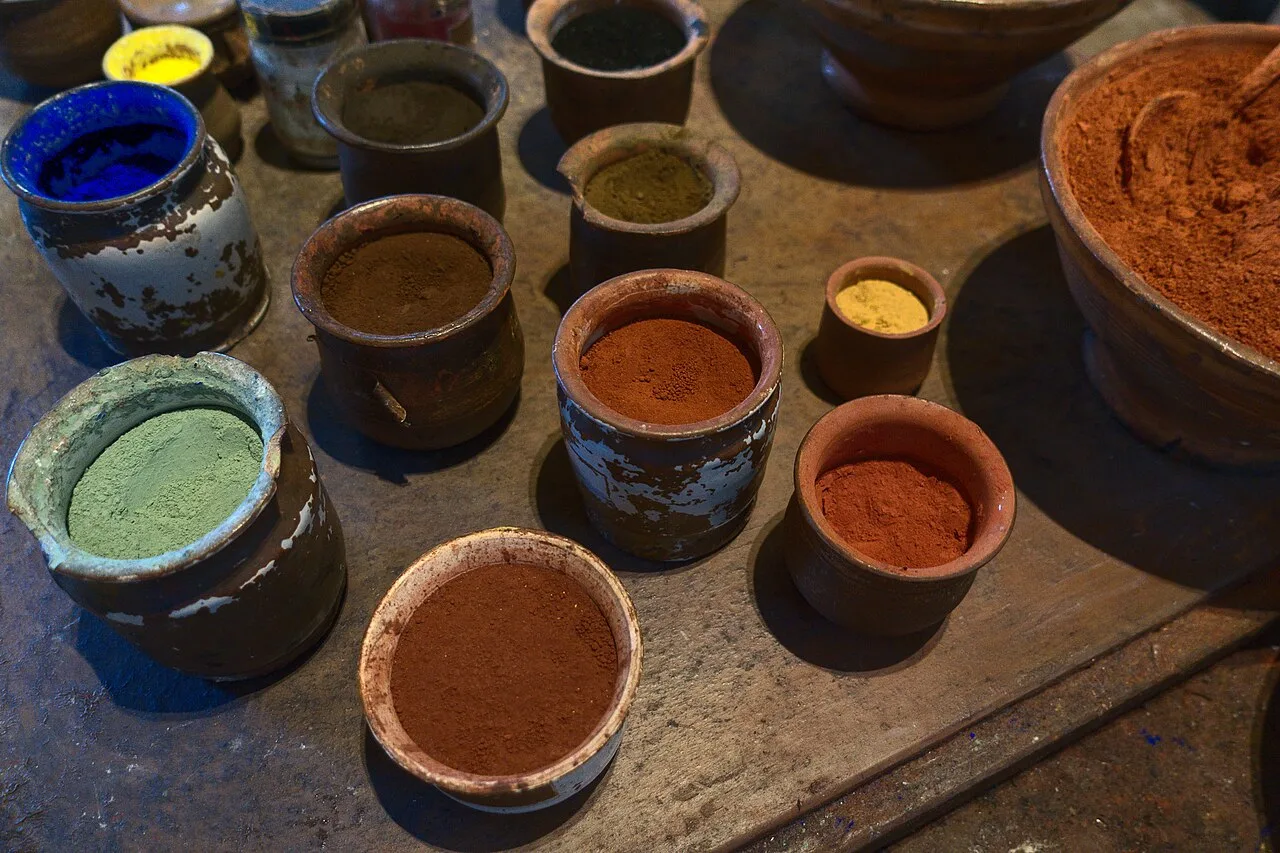
The three RGB numbers describe something else: the strength of emitted light. The red, green and blue channels take values from 0 to 255 and a screen adds their light together, so three zeros give black and three maximum values give white.
A screen has one shared scale for all of this: the sRGB space, which holds for HTML and CSS[2]. That is why a color given in RGB looks the same on every compliant device, while the same color laid down in ink depends on what it was printed on and with.
Where do you get a website color when the brand book only lists CMYK?
Brand books usually come together with printed material, so they describe color the way a press needs it: as four ink shares. A website needs the same color as three numbers or as a HEX code. Type the four values into the converter at the top of the page and you get notation ready to paste into a stylesheet.
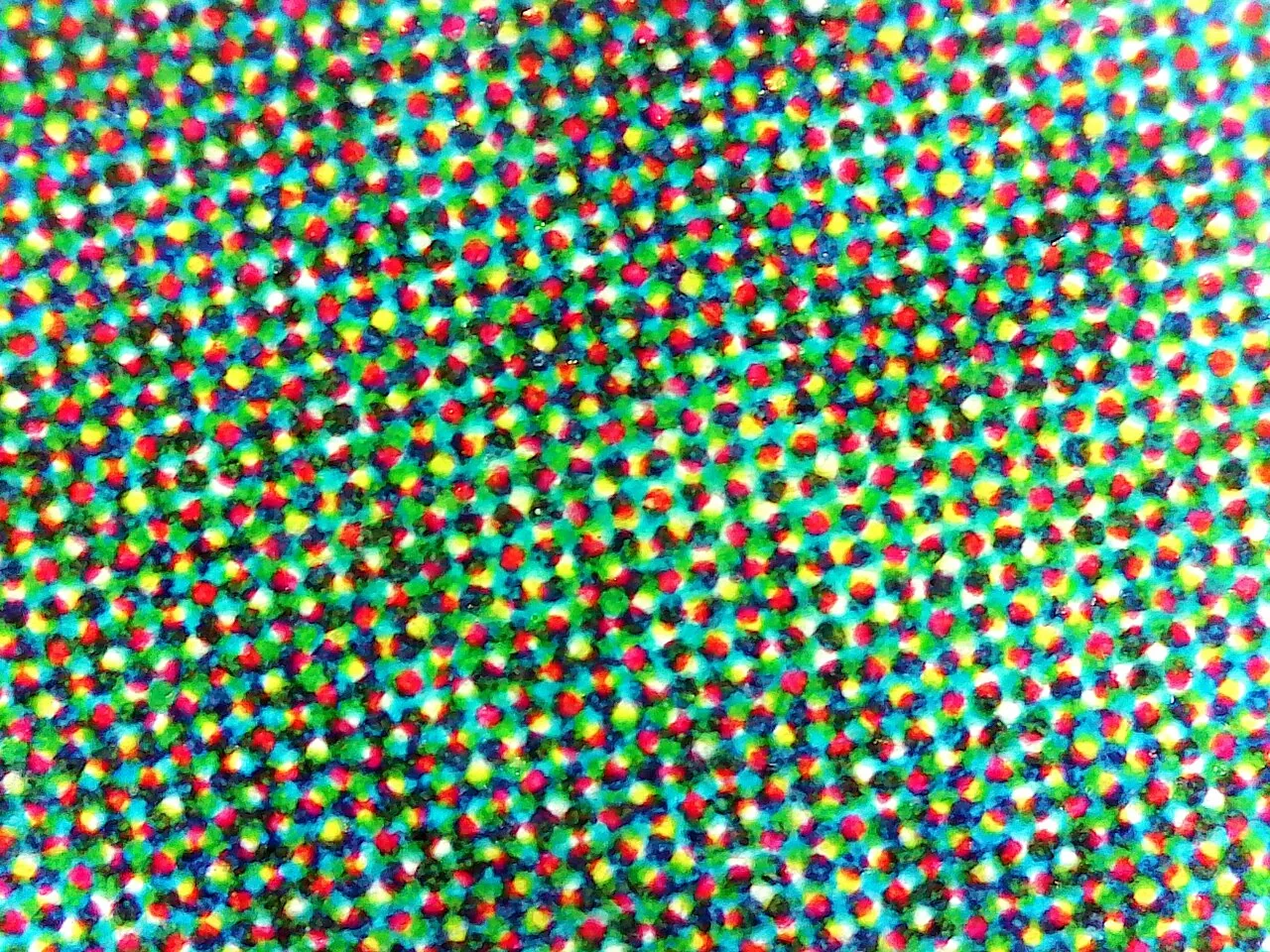
Treat the result as a starting point and compare it with a printed sample if you have one to hand. The four numbers describe ink on a particular paper while a screen emits its own light, so the two versions of a color always differ a little. What matters for a website is that the shade is recognizable and consistent with the rest of the identity.
Basic CMYK values and their RGB equivalents
| CMYK values | RGB values | HEX code |
|---|---|---|
| 0%, 0%, 0%, 0% | 255, 255, 255 | #FFFFFF |
| 100%, 0%, 0%, 0% | 0, 255, 255 | #00FFFF |
| 0%, 100%, 0%, 0% | 255, 0, 255 | #FF00FF |
| 0%, 0%, 100%, 0% | 255, 255, 0 | #FFFF00 |
| 0%, 100%, 100%, 0% | 255, 0, 0 | #FF0000 |
| 100%, 0%, 100%, 0% | 0, 255, 0 | #00FF00 |
| 100%, 100%, 0%, 0% | 0, 0, 255 | #0000FF |
| 0%, 0%, 0%, 10% | 230, 230, 230 | #E6E6E6 |
| 0%, 0%, 0%, 20% | 204, 204, 204 | #CCCCCC |
| 0%, 0%, 0%, 50% | 128, 128, 128 | #808080 |
| 0%, 0%, 0%, 80% | 51, 51, 51 | #333333 |
| 0%, 0%, 0%, 90% | 25, 25, 25 | #191919 |
| 0%, 0%, 0%, 100% | 0, 0, 0 | #000000 |
| 30%, 0%, 100%, 0% | 179, 255, 0 | #B3FF00 |
A gray built from the black alone has three equal channels on screen, so its HEX code is made of three identical pairs of characters.
Four printing blacks and one black on screen
| Kind of black | CMYK values | Ink coverage | RGB values |
|---|---|---|---|
| Single-ink black | 0%, 0%, 0%, 100% | 100% | 0, 0, 0 |
| Rich black (example recipe) | 60%, 40%, 40%, 100% | 240% | 0, 0, 0 |
| Black at the European profile limit | 75%, 68%, 67%, 90% | 300% | 6, 8, 8 |
| Registration black | 100%, 100%, 100%, 100% | 400% | 0, 0, 0 |
Ink coverage is the combined share of the four values at a single point. PSO Coated v3 allows 300%[3] and GRACoL 2013 allows 320%[4], which is why registration black serves press marks only. Your printer gives the exact rich black recipe in the file specification, together with the profile name — the profile list is on the RGB to CMYK converter.
Brand book colors in three notations at once
| CMYK values | RGB values | HEX code |
|---|---|---|
| 100%, 72%, 0%, 6% | 0, 67, 240 | #0043F0 |
| 85%, 50%, 0%, 0% | 38, 128, 255 | #2680FF |
| 76%, 47%, 0%, 4% | 59, 130, 245 | #3B82F5 |
| 0%, 90%, 86%, 0% | 255, 25, 36 | #FF1924 |
| 0%, 35%, 85%, 0% | 255, 166, 38 | #FFA626 |
| 0%, 24%, 94%, 0% | 255, 194, 15 | #FFC20F |
| 0%, 0%, 0%, 80% | 51, 51, 51 | #333333 |
| 0%, 0%, 0%, 100% | 0, 0, 0 | #000000 |
Colors with no black in them come out brightest on screen, because each of the three channels then starts from a full 255 and loses only what a single ink takes away.
How do you change a document from CMYK to RGB?
You open print files in the same programs they were made in, and the mode setting sits in a different menu in each.
Photoshop
Choose Edit › Convert to Profile and set sRGB as the destination, which is what browsers expect. The quicker route is Image › Mode › RGB Color, which uses the profile set in the program.Illustrator
Choose File › Document Color Mode › RGB Color. The change covers the whole document including the swatches, so colors saved earlier as four values get three new ones.InDesign
The conversion happens on save. Choose File › Export, go to the Output tab and under Color Conversion set conversion to the destination profile, then name sRGB in the profile field.GIMP
Version 3.0 opens CMYK files in JPEG, TIFF, PSD and JPEG XL, with the editing done in RGB[5]. Opening such a file is therefore enough to get the image in screen colors.
Sources
- CMYK color model — Wikipedia
- sRGB — Wikipedia
- PSOcoated_v3.icc — profile registry entry — International Color Consortium
- GRACoL2013_CRPC6.icc — profile registry entry — International Color Consortium
- GIMP 3.0 Release Notes — GIMP
Every figure in the tables was computed from the unit definitions and checked arithmetically before publication. Historical values and the names of local units come from the sources listed above.
Content last reviewed: · written and checked by the Arteon team
Common questions about converting CMYK to RGB
How do you convert CMYK to a HEX code?
Type the four values into the converter above and carry the result into the RGB to HEX converter. Ready codes for the most common brand colors are in the three-notation table on this page.
Does CMYK give back exactly the RGB color you started from?
Almost. The four CMYK numbers are whole, so rgb(59, 130, 246) comes back as rgb(59, 130, 245). One step in 256 is indistinguishable on screen, but where you still have the original screen color, use that one.
Why does a printed color look different on screen?
Paper reflects light and a screen emits it, so the same color reaches the eye by two routes, and the result also depends on the paper. The conversion gives the nearest screen equivalent; leave the final judgement to a comparison with a printed sample.
Is 100% black the same as rich black?
On screen both give rgb(0, 0, 0); on paper they differ in depth. Single-ink black uses the black alone and suits text, because it needs only one plate in register. Rich black adds the other three inks and gives darker large areas.
What does registration black at 100/100/100/100 mean?
It is a mark for the printer, used for cut lines and registration marks so they appear on all four plates at once. Its ink coverage is 400%, above the 300% that PSO Coated v3 allows[3], which is why artwork itself uses one of the other blacks.
Can a file for a website stay in CMYK?
Browsers assume the sRGB space[2], so save photographs and graphics for the web in RGB. That way the colors look the same in every browser and on every compliant screen.
How do you change CMYK to RGB in Photoshop?
Open the file and choose Edit › Convert to Profile, then set sRGB as the destination profile. The shorter route runs through Image › Mode › RGB Color and uses the profile set in the program.
Where do you get CMYK values if all you have is a screen color?
Convert it the other way with the RGB to CMYK converter. The Swap order button above the content takes you there in one click.
Help us improve our tools
Have an idea, found a bug, or want to suggest a feature? Drop us a message – we respond within 24 hours.