Free tools
Image format converters, image editor, favicon generator, text counter, color tools, and QR codes. No registration, no limits - everything runs in your browser.
Images & favicons
Tools for preparing photos, graphics, and icons for websites and social media.
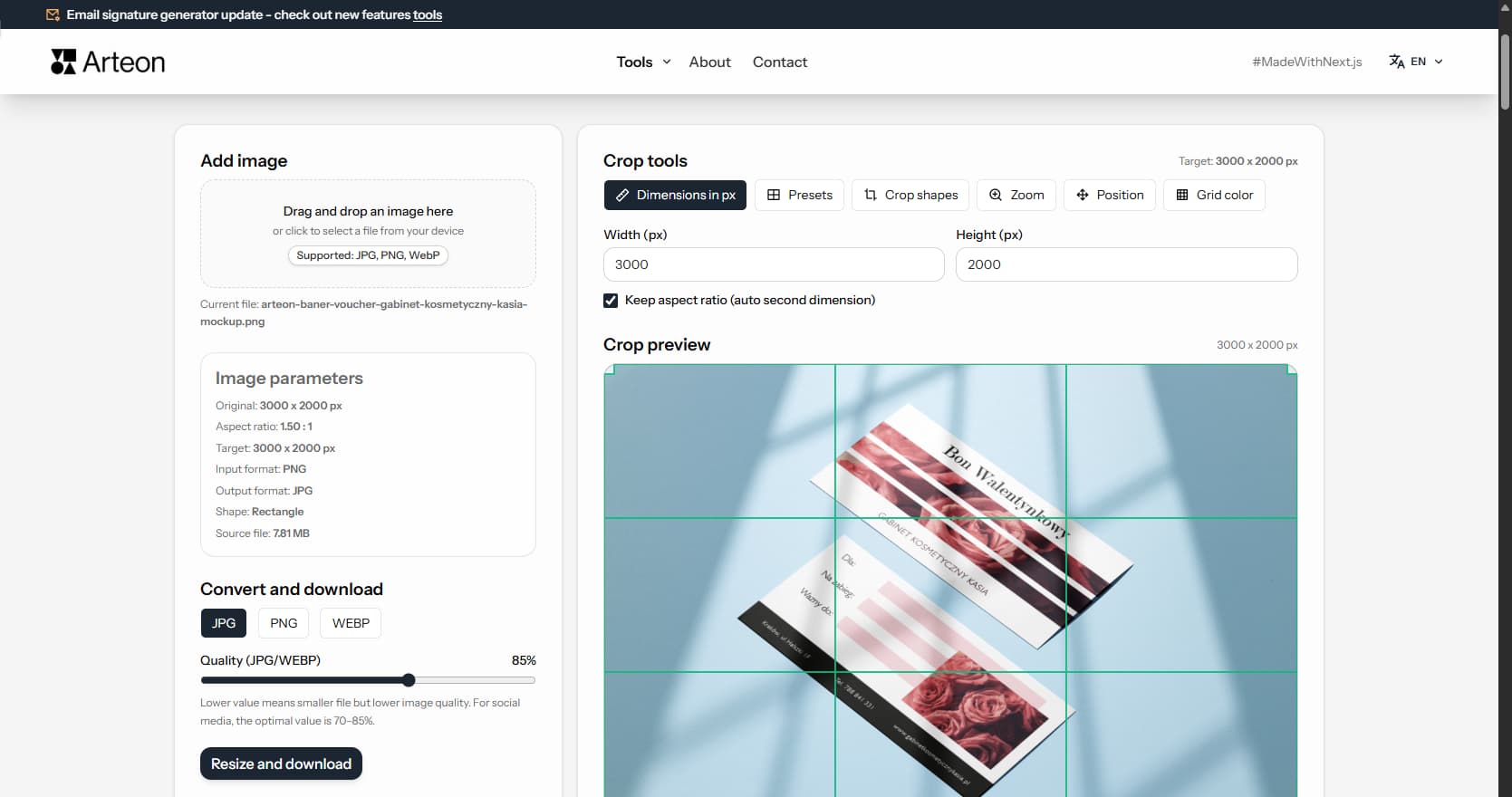
Online image editor
Prepare the perfect crop for social media or your website. Choose a ready-made format or enter custom pixel dimensions and download the image in PNG, JPG, or WebP.
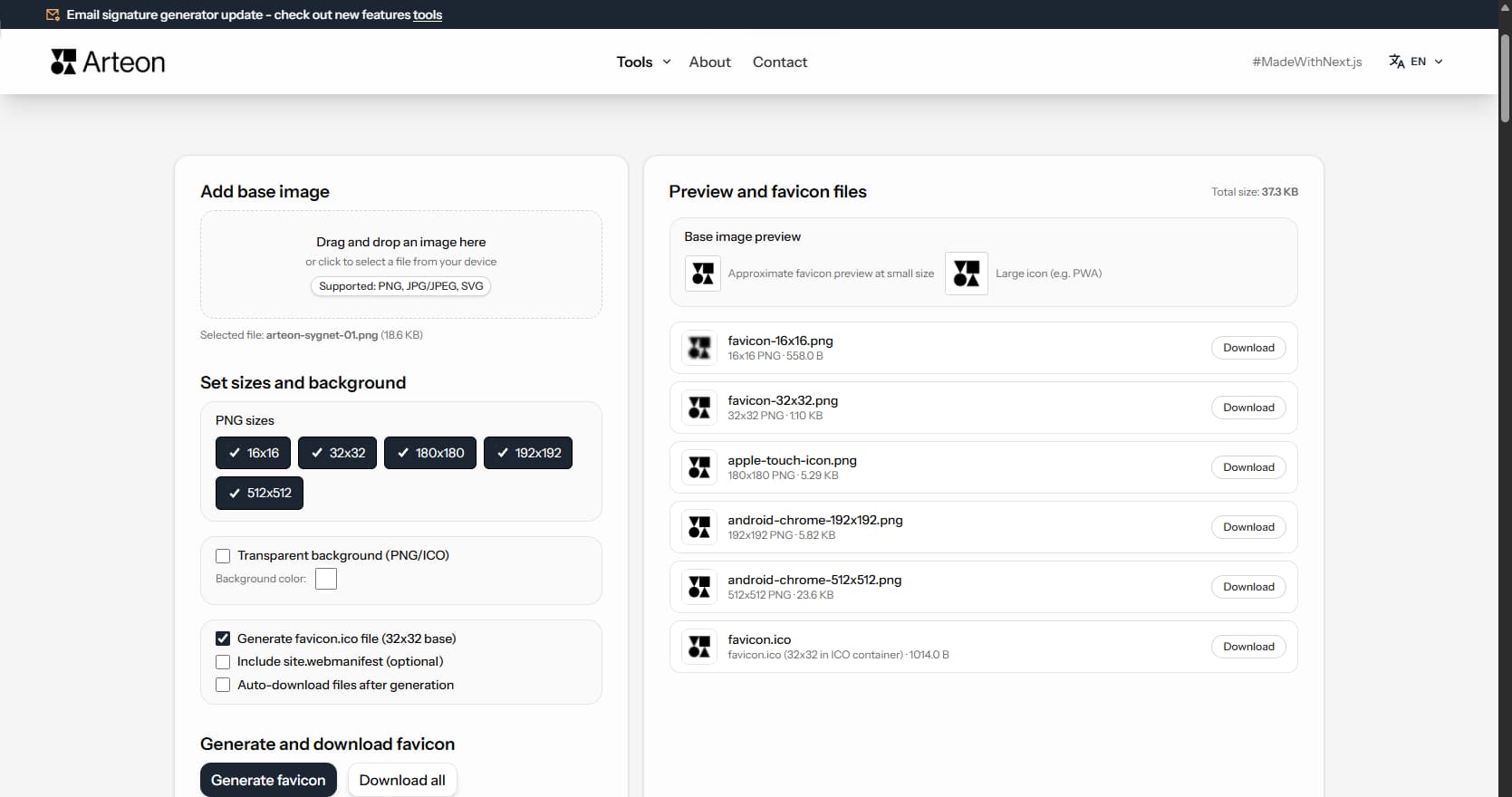
Favicon & icon generator
Generate favicon.ico and PNG icons 180x180, 192x192, and 512x512 from a single image - compliant with browser and Lighthouse requirements.
Text & SEO
Tools for checking text length, meta tags, and previewing your page in search results.
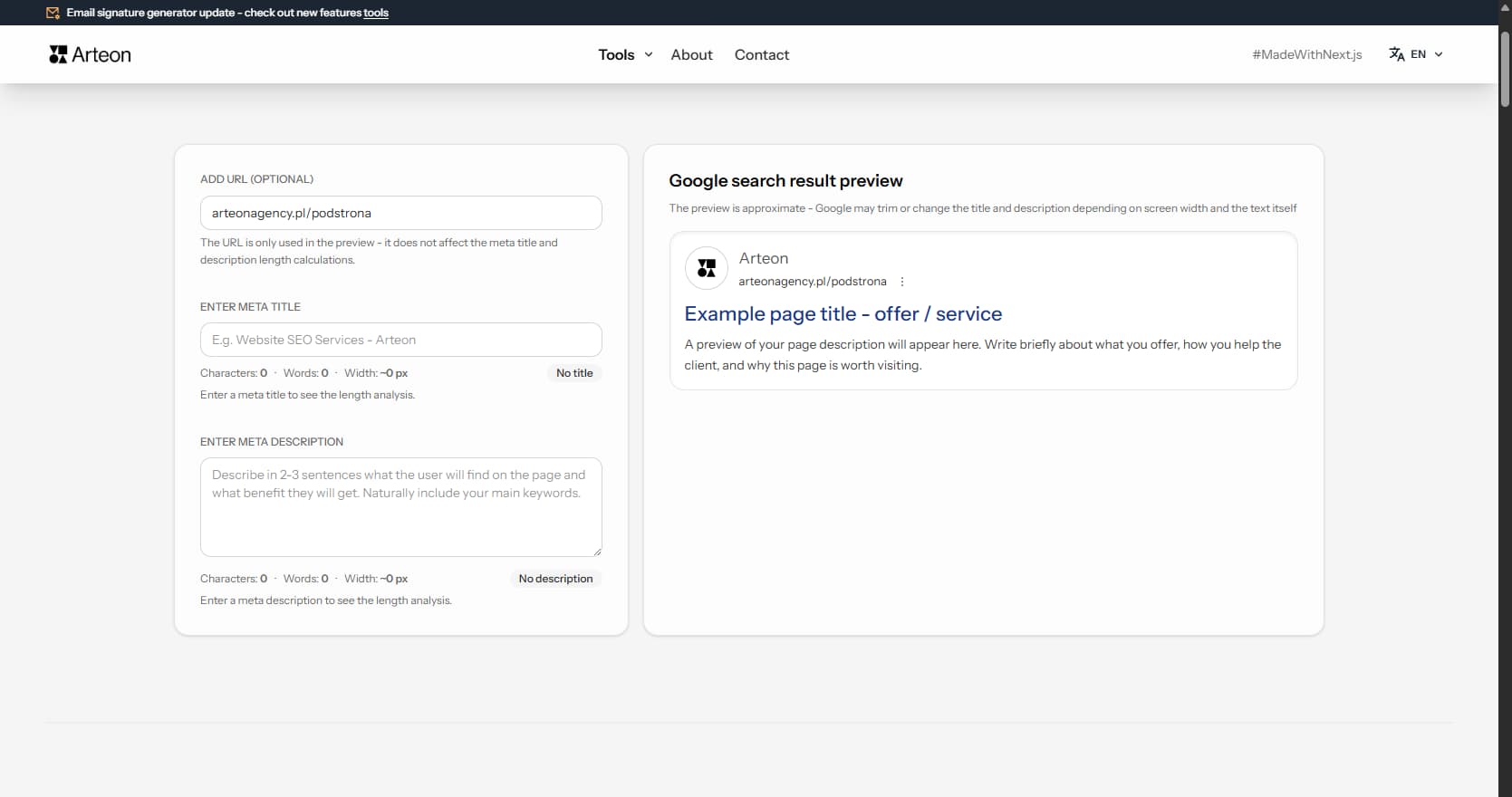
Meta title & description checker
Check character count, word count, pixel width, and preview how your page looks in Google. Avoid truncated titles and descriptions and fine-tune your SEO content.
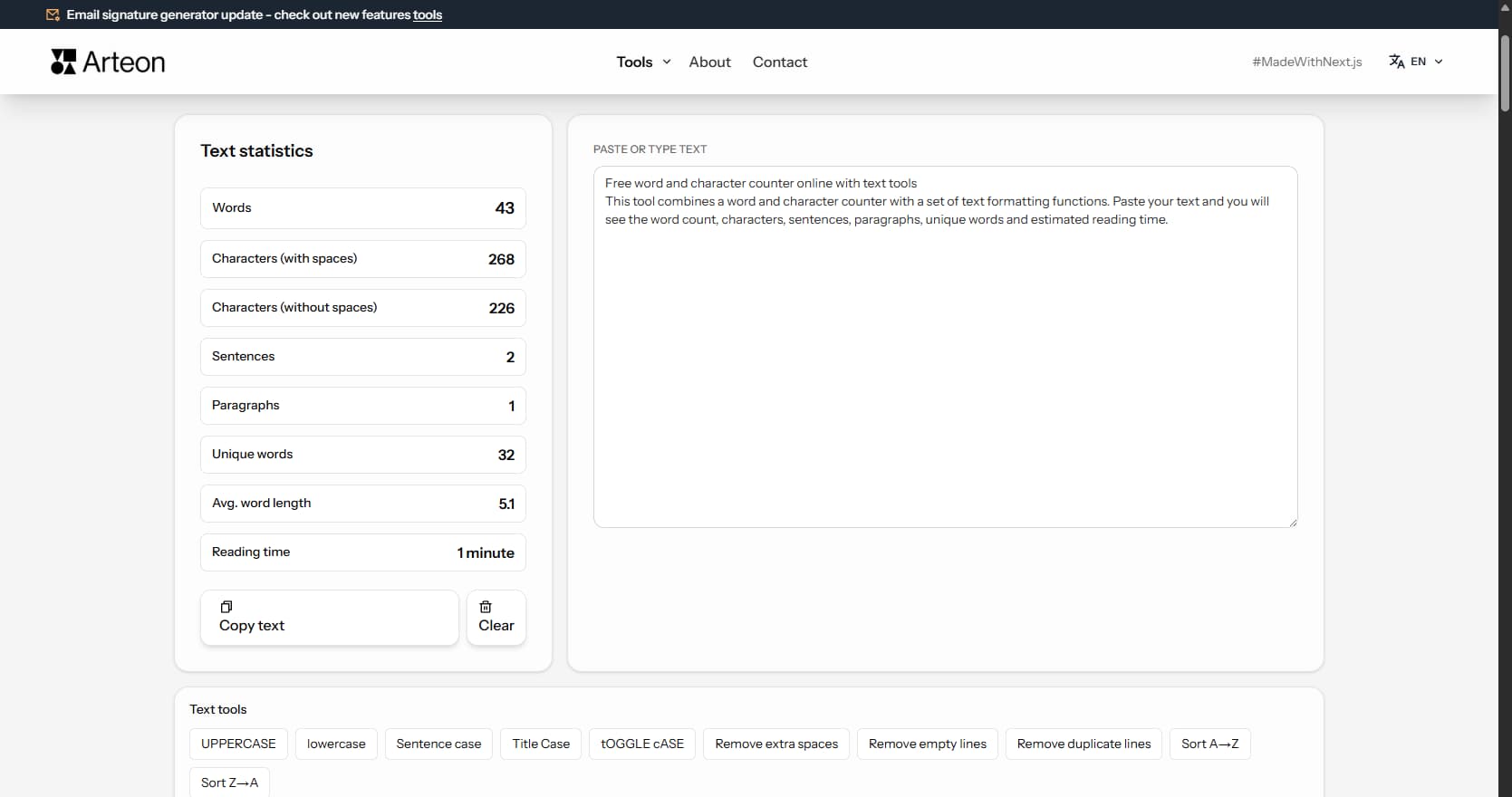
Word & character counter
Check text length and evaluate whether it fits a homepage, service description, blog post, or product description. The tool counts words, characters, paragraphs, and reading time.
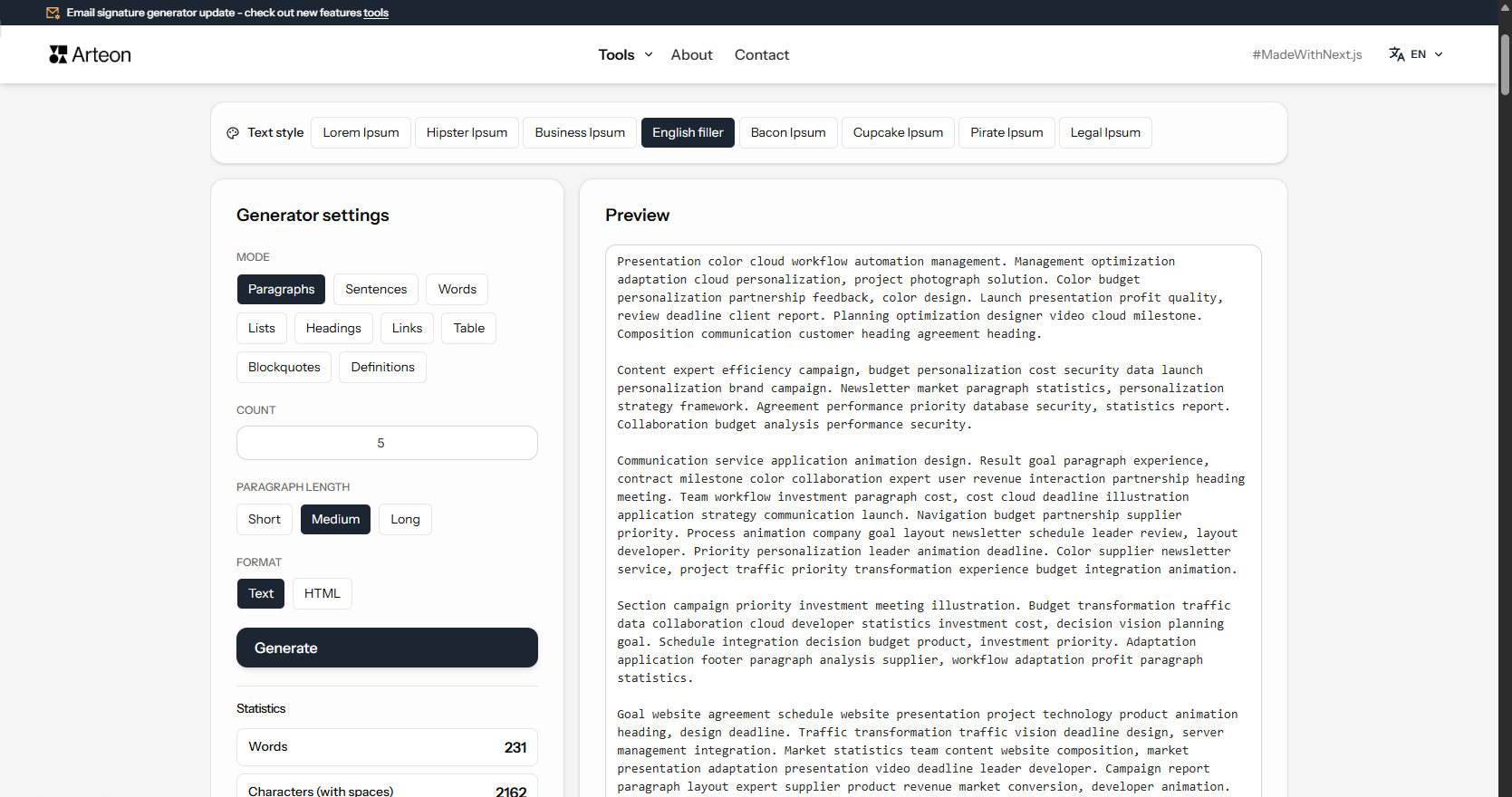
Lorem Ipsum Generator
Generate placeholder text in 8 styles and 9 modes. Lorem Ipsum, Hipster, Business, Bacon and more. Copy as text or HTML.
E-mail & communication
Tools that help organize e-mail communication and brand image.
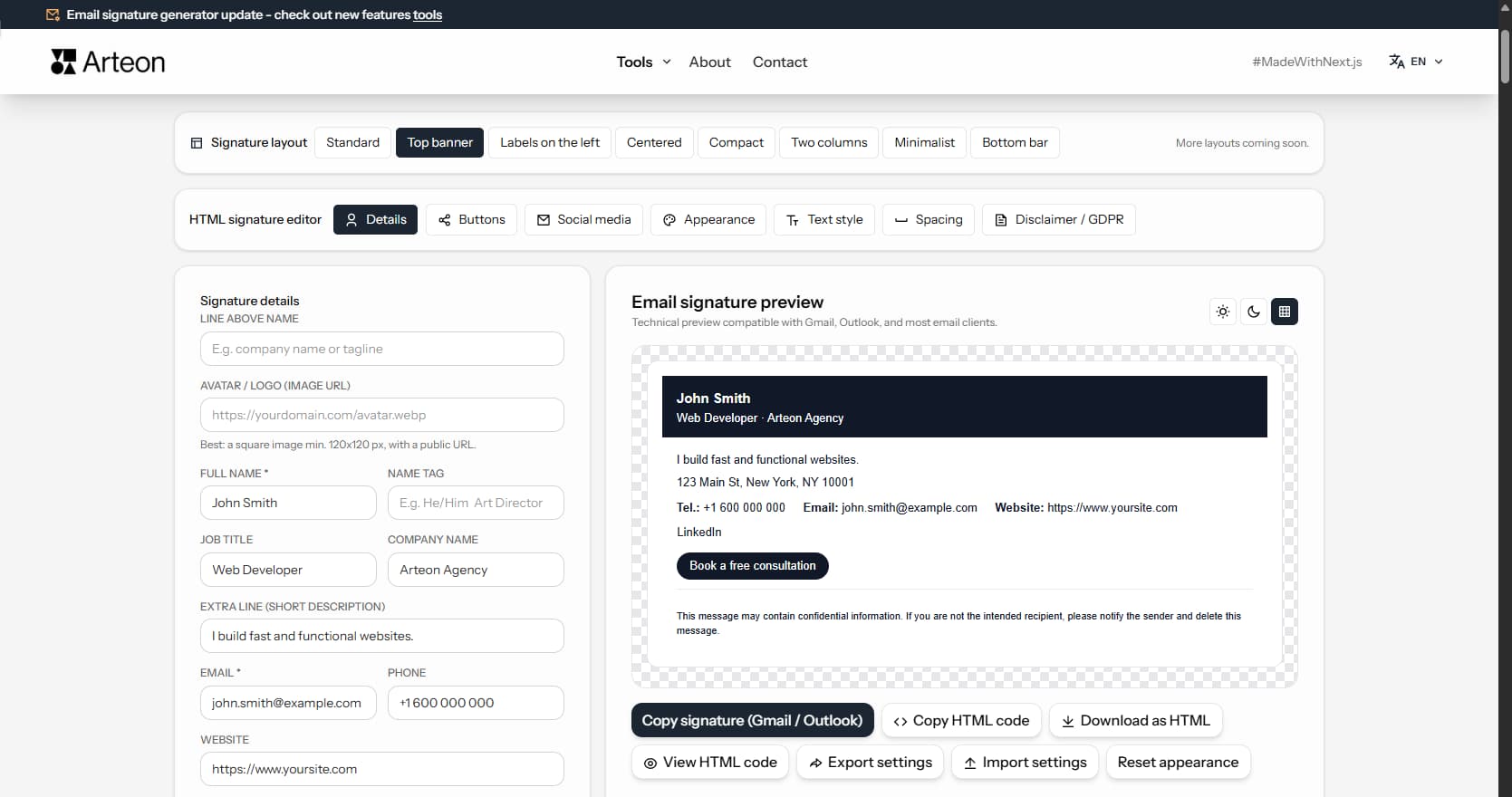
Free HTML e-mail signature generator
Build a professional e-mail signature in minutes. Enter your details, choose colors, and copy the ready HTML code into Gmail, Outlook, and other e-mail clients.
QR codes
QR code generator for websites, business cards, menus, and printed materials.
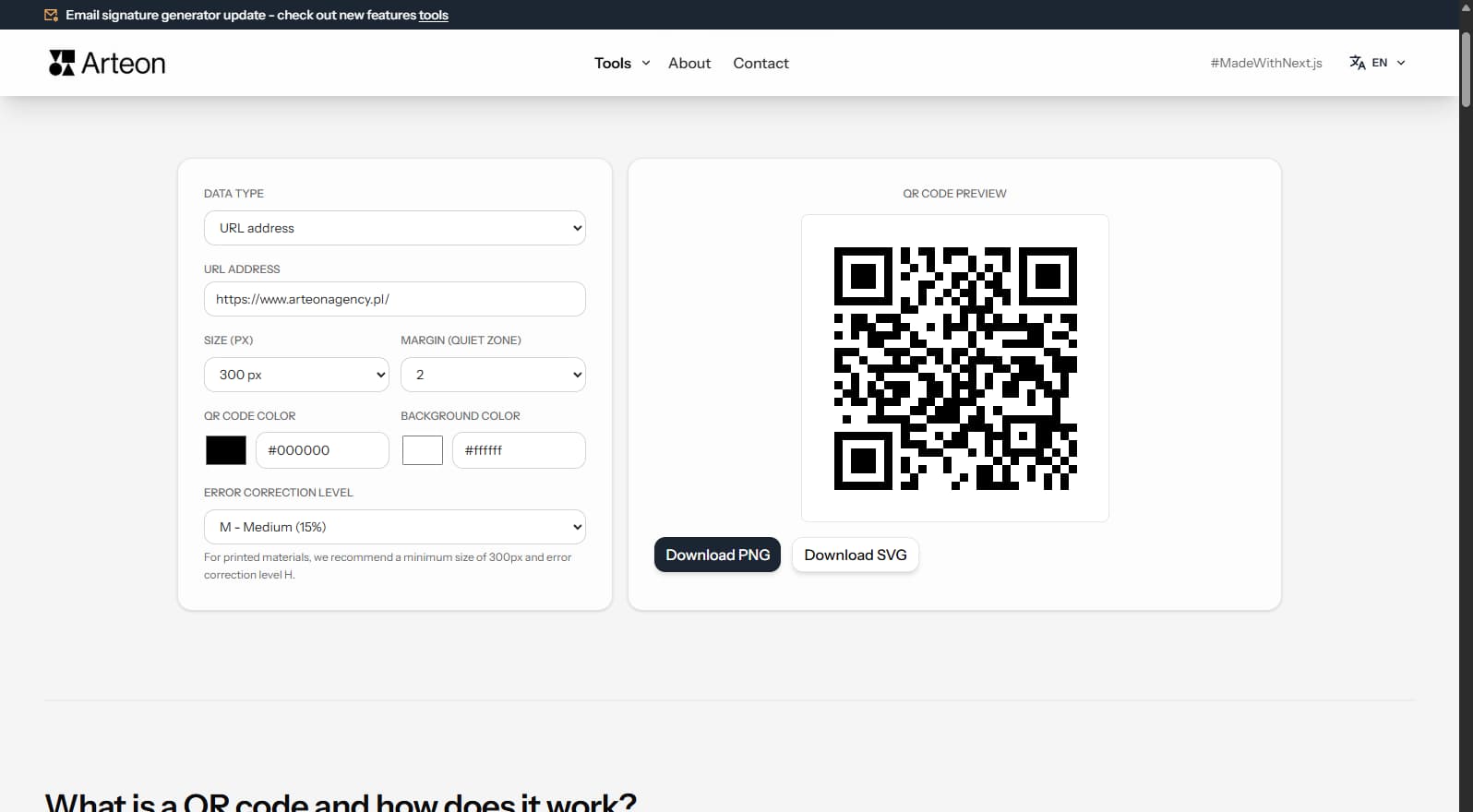
Free QR code generator
Create a QR code for a website, vCard, restaurant menu, or flyer. Export to PNG and SVG, no login, no limits.
Colors & accessibility
Tools for working with colors, contrast, and WCAG accessibility.
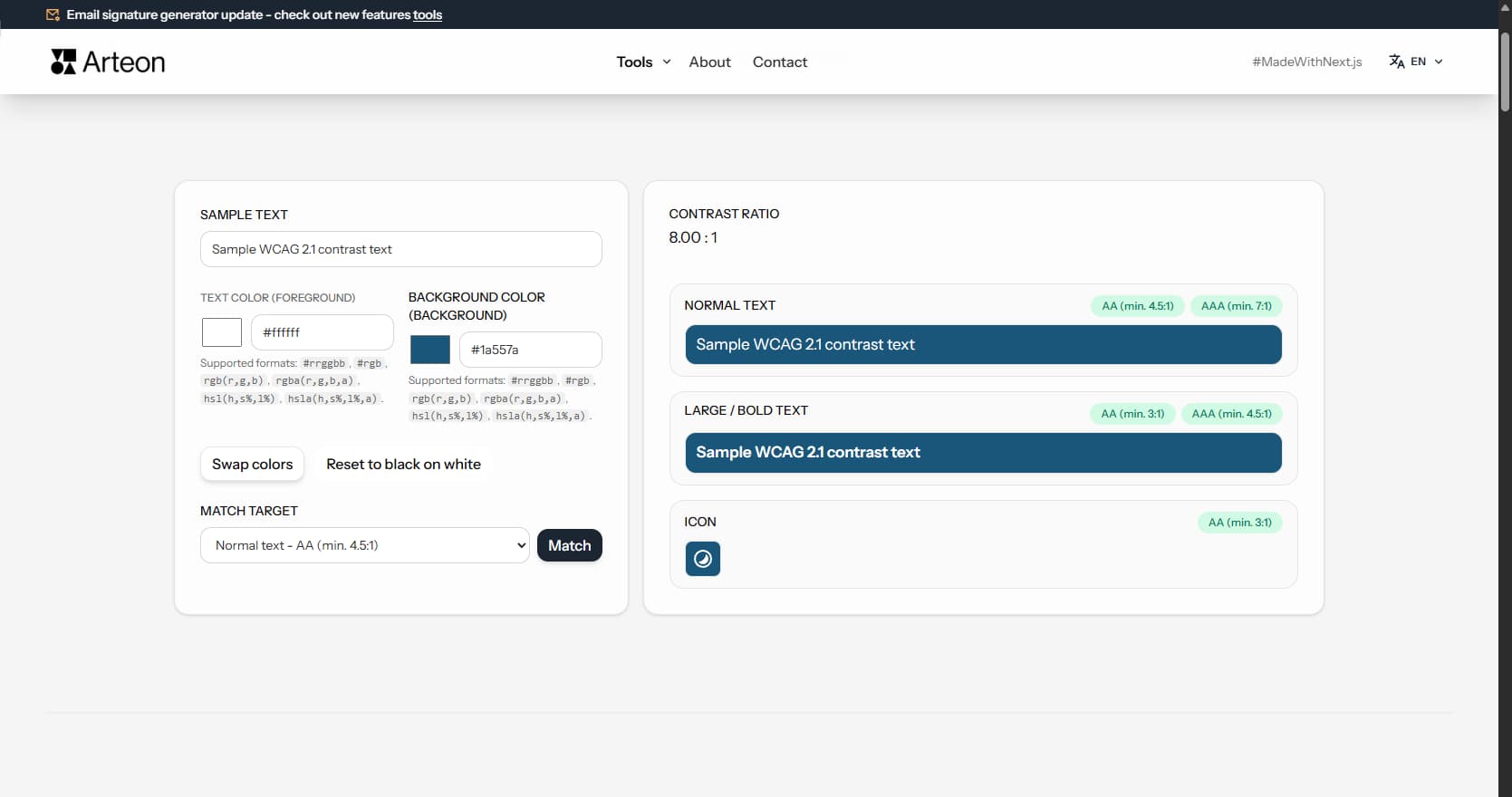
Color contrast & readability checker
Check if your text and background colors are readable. Enter color codes, see the contrast ratio per WCAG, and use the Match function for automatic correction.
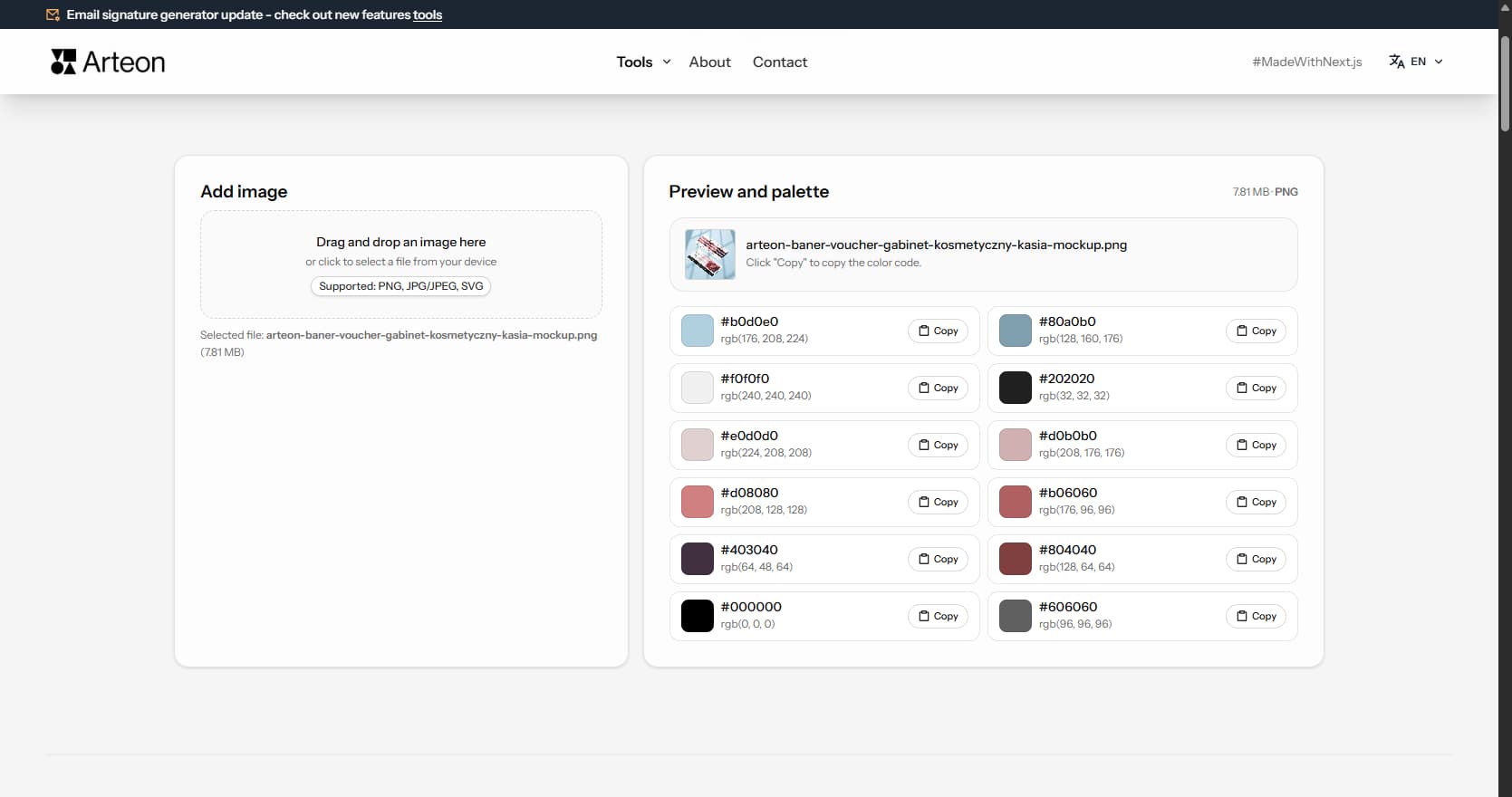
Image color extractor
Upload a photo or logo and the tool will extract dominant colors. Copy HEX codes with a single click and use them anywhere.
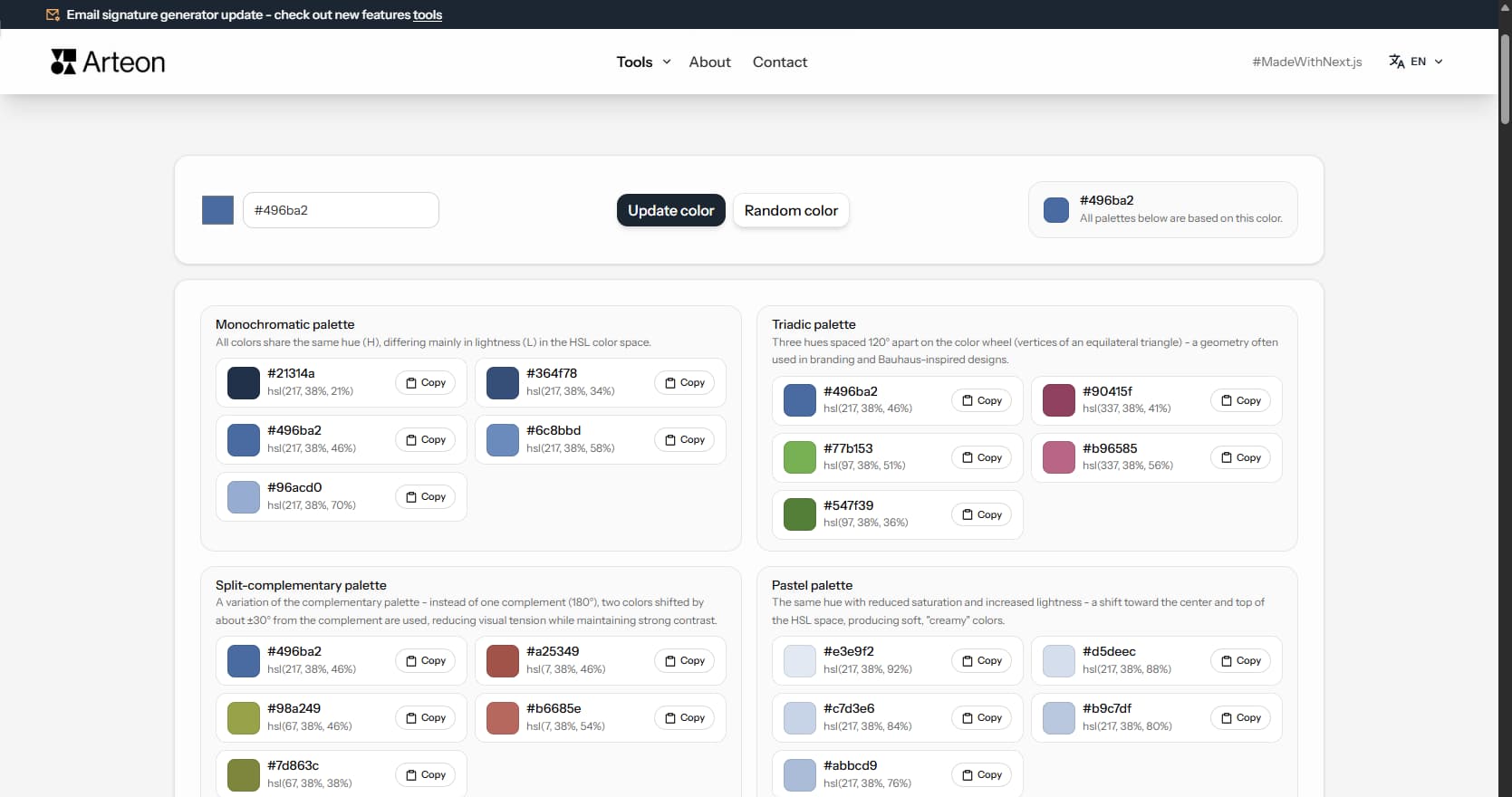
Color palette generator
Pick one base color and generate 9 color palettes: monochromatic, complementary, triadic, pastel, dark, and more. Copy HEX codes with a single click.
Image format converters
Online image converters - convert between JPG, PNG, WebP, SVG, BMP, and GIF. Runs in your browser, no files sent to servers.
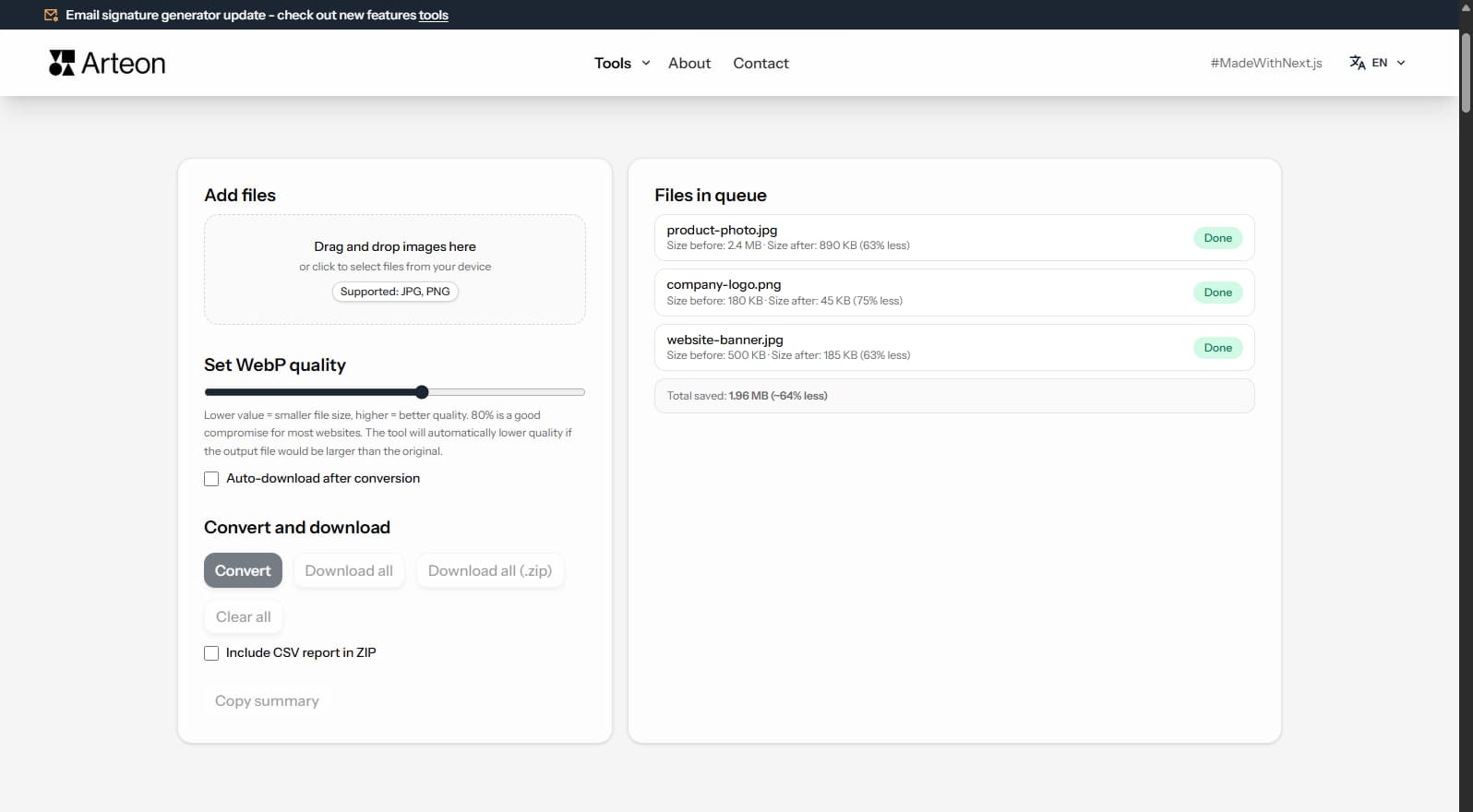
JPG to WebP converter
Convert JPG photos to lightweight WebP. Cut image weight by up to 35% for faster page loads.
PNG to JPG converter
Convert PNG files to JPG in your browser. No file limits, no signup, no server uploads.
WebP to JPG converter
Convert WebP files to universally compatible JPG. Works in every app and platform.
PNG to WebP converter
Convert PNG graphics to WebP. Smaller files while preserving transparency.
JPG to PNG converter
Convert JPG images to lossless PNG. Runs locally in your browser, unlimited files.
WebP to PNG converter
Convert WebP images to lossless PNG. Local conversion, nothing sent to any server.
Data converters
Online data format converters — convert between CSV, JSON, XML, YAML, Markdown and HTML. All processing in your browser.
CSV to JSON
Convert CSV to JSON format. Automatic separator detection and result formatting.
JSON to CSV
Convert JSON data to CSV format. Processing in your browser, no server upload.
XML to JSON
Convert XML data to JSON. Browser-based conversion with structure validation.
JSON to XML
Convert JSON data to valid XML. Browser-based conversion with formatting.
YAML to JSON
Convert YAML configuration to JSON. Validation and formatting in the browser.
JSON to YAML
Convert JSON data to readable YAML. Browser-based conversion with formatting.
What are Arteon tools?
A set of Free tools for preparing materials for websites, social media, and print. Image-to-WebP converter, favicon generator, text length counter, color extractor, palette generator, and QR codes.
All tools run in your browser - files are never sent to a server. Use them without registration and without limits.
Why use Arteon tools?
Full privacy
All tools process files locally in your browser. Nothing is sent to a server - data disappears when you close the tab.No usage limits
Use without restrictions - no daily limits, no file limits, no conversion limits. As many times as you need.No registration
No account needed. Open the tool, use it, and you are done.Available in English
All tools are available in English - interface, instructions, and messages.
Frequently asked questions about our tools
How much do the tools cost?
Nothing. All tools are free, with no subscriptions and no hidden fees.
Are my files sent to a server?
No. All tools run entirely in your browser. Files never leave your computer and are not stored anywhere.
Do I need an account?
No. You can use them right away, without logging in or creating an account.
Is there a usage limit?
No. Use them without restrictions - no daily limits, no file limits, no conversion limits.
What are these tools for?
They help prepare materials for websites, social media, and print: optimize images, create favicons, check text length, generate QR codes, pick colors, and verify their readability.
Do the tools work on mobile?
Yes, but some (WebP converter, favicon generator) work better on desktop due to processing larger files.