Convert an RGB color into the four CMYK inks
Type three numbers from the screen and the ink shares appear as you go: rgb(59, 130, 246) is cmyk(76%, 47%, 0%, 4%). The converter uses the standard formula, the same one printers' calculators and design software fall back on for a document with no profile attached.
How do you convert RGB to CMYK?
Divide each channel by 255, then work the four ink shares out of those three fractions. The brightest channel sets the black, and the other three inks come from it and from their own channel.
Formula: K = 1 − the largest channel, and then C = (1 − R − K) ÷ (1 − K). Magenta works the same way from the green channel and yellow from the blue.
The color rgb(59, 130, 246) divides down to channels of 0.231, 0.510 and 0.965. Blue is the brightest, so black comes out at 0.035, that is 4%. Cyan gives 76% and magenta 47%, while yellow lands at zero because the whole value of the blue channel went into the black. The result is cmyk(76%, 47%, 0%, 4%).
A few values come up more often than the rest. Black rgb(0, 0, 0) comes down to the black ink alone at 100%, white rgb(255, 255, 255) gives four zeros, and the gray rgb(128, 128, 128) is written as 50% black with no other ink involved.
The formula is independent of the press and the paper, which is why it gives the same answer everywhere. What the inks actually work out to on a given press is set by the ICC profile your printer specifies, and the profiles used on both sides of the Atlantic are in the table on this page. To go the other way, use the CMYK to RGB converter.
What is CMYK, and what is RGB?
RGB describes color with light. A screen has dots in three colors and adds their light together, so three full values give white and three zeros give black.
CMYK describes color with ink, and ink works the other way round: it sits on white paper and takes light away from it, so the more ink the darker the result. That is why the primaries stand on opposite sides in the two notations. Full cyan takes red out of the white, and full magenta takes green.
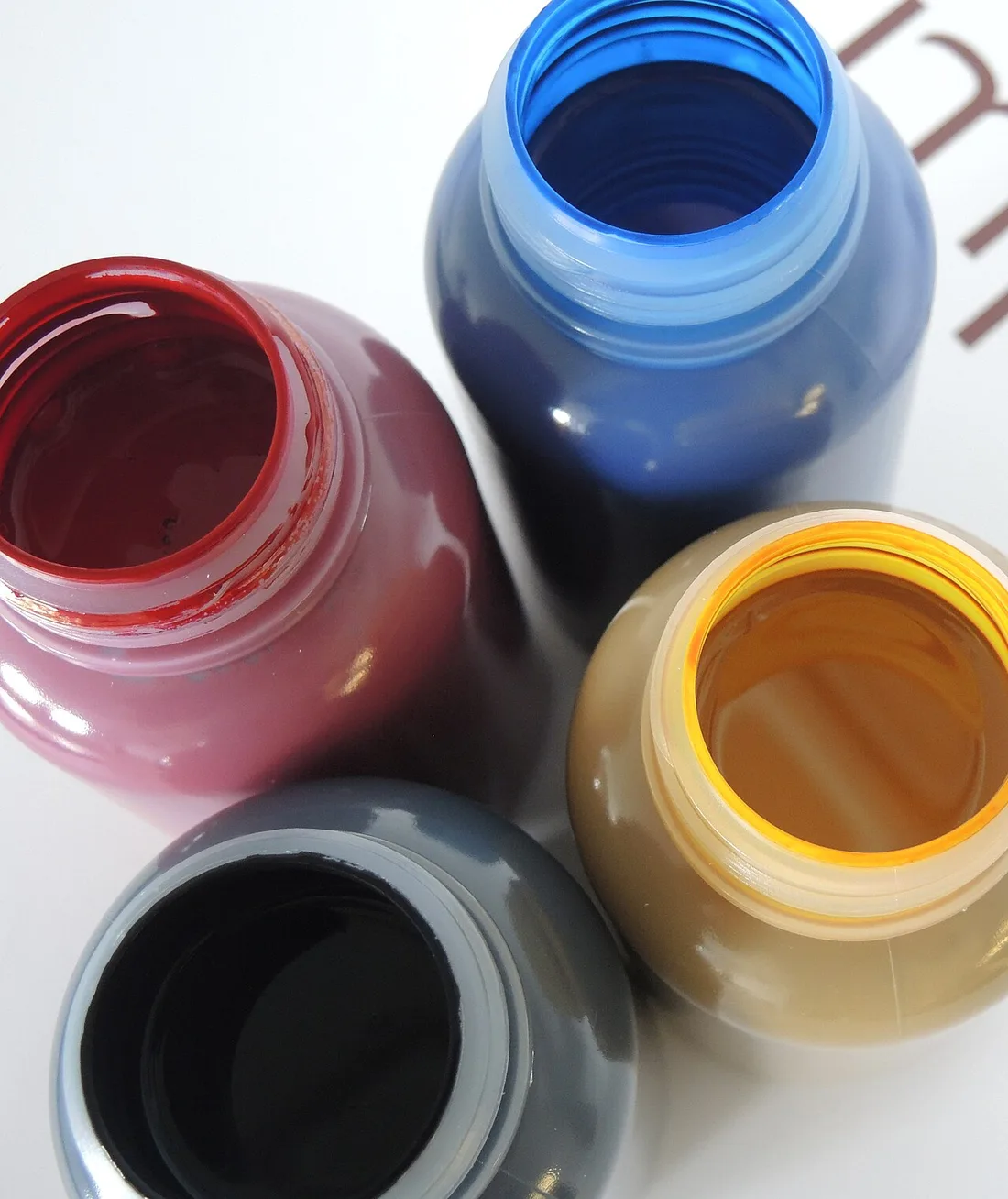
The abbreviation comes from the names of the four inks: cyan, magenta, yellow and K, the black. That last letter stands for the key plate, the one that carries the outlines and the text[1].
Black ink joins the set for several reasons. The key plate holds outlines and text more precisely than three inks can, a hundred percent of cyan, magenta and yellow together makes a dark but imperfect black, and a single black ink costs less and dries faster than three colored ones laid over each other[1].
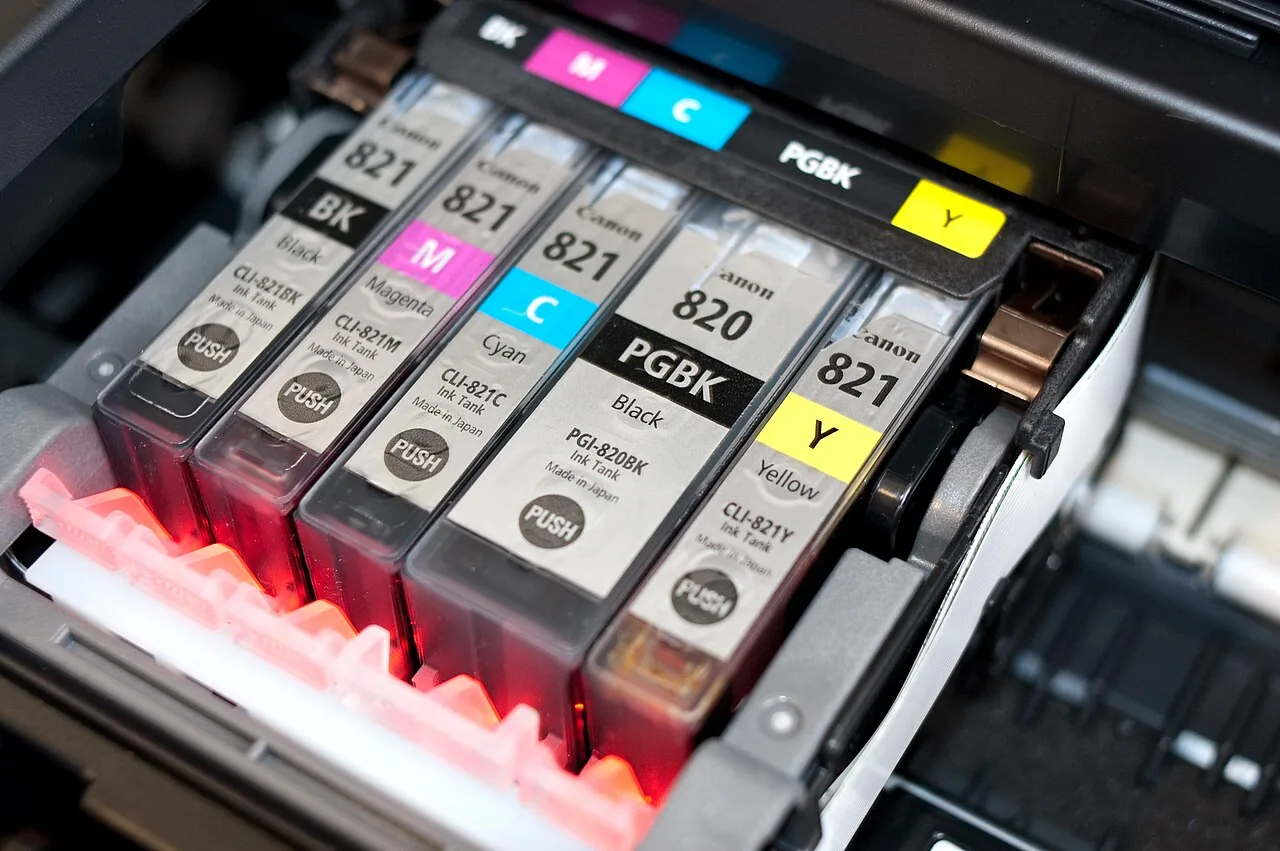
In everyday work the two turn up in different places. RGB values come from the browser, from Figma and from every color picker on screen. CMYK values sit in a printer's file specification, in the brand book and in the PDF export dialog — wherever the file is heading for paper.
A screen describes color in the sRGB space, which W3C adopted for HTML and CSS[2] and which is therefore the same on every compliant device. Ink has no single scale like that, and the profiles in the next table are what stand in its place.
Basic screen colors and their CMYK values
| RGB values | HEX code | CMYK values |
|---|---|---|
| 255, 255, 255 | #FFFFFF | 0%, 0%, 0%, 0% |
| 0, 0, 0 | #000000 | 0%, 0%, 0%, 100% |
| 255, 0, 0 | #FF0000 | 0%, 100%, 100%, 0% |
| 0, 255, 0 | #00FF00 | 100%, 0%, 100%, 0% |
| 0, 0, 255 | #0000FF | 100%, 100%, 0%, 0% |
| 255, 255, 0 | #FFFF00 | 0%, 0%, 100%, 0% |
| 0, 255, 255 | #00FFFF | 100%, 0%, 0%, 0% |
| 255, 0, 255 | #FF00FF | 0%, 100%, 0%, 0% |
| 192, 192, 192 | #C0C0C0 | 0%, 0%, 0%, 25% |
| 128, 128, 128 | #808080 | 0%, 0%, 0%, 50% |
Screen red comes out of magenta and yellow, green out of cyan and yellow, and blue out of cyan and magenta. That is why, going the other way with the CMYK to RGB converter, pairs of inks come back as single channels.
Colors from digital projects in CMYK values
| HEX code | RGB values | CMYK values |
|---|---|---|
| #3B82F6 | 59, 130, 246 | 76%, 47%, 0%, 4% |
| #EF4444 | 239, 68, 68 | 0%, 72%, 72%, 6% |
| #22C55E | 34, 197, 94 | 83%, 0%, 52%, 23% |
| #7C3AED | 124, 58, 237 | 48%, 76%, 0%, 7% |
| #F59E0B | 245, 158, 11 | 0%, 36%, 96%, 4% |
| #0F172A | 15, 23, 42 | 64%, 45%, 0%, 84% |
| #64748B | 100, 116, 139 | 28%, 17%, 0%, 45% |
| #333333 | 51, 51, 51 | 0%, 0%, 0%, 80% |
The navy #0F172A needs all four inks at once, because its channels differ from one another. The gray #333333 has equal channels, so the black alone is enough for it. If all you have is a HEX code, take it through the HEX to RGB converter first.
Which ICC profile do printers ask for?
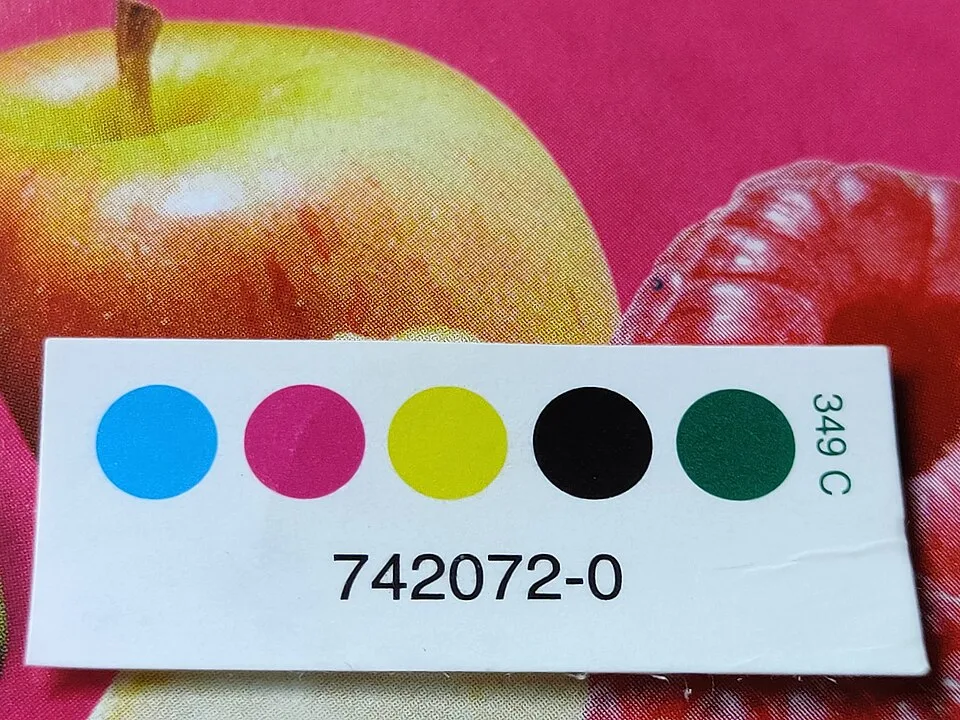
| Profile name | Characterization data | Paper or condition | Standard |
|---|---|---|---|
| GRACoL2013_CRPC6 | CGATS21-2-CRPC6 | premium coated, US commercial | ISO 15339-2, CGATS.21-2 |
| SWOP2013C3_CRPC5 | CGATS21-2-CRPC5 | publication coated, US web offset | ISO 15339-2, CGATS.21-2 |
| PSO Coated v3 | FOGRA51 | premium coated, Europe | ISO 12647-2:2013 |
| PSO Uncoated v3 | FOGRA52 | uncoated woodfree white, Europe | ISO 12647-2:2013 |
| eciCMYK v2 | FOGRA59 | file exchange color space | — |
The ink limit is where the two markets part company. GRACoL 2013 allows a total ink coverage of 320% and a maximum black of 100%[3], while PSO Coated v3 stops at 300% and takes the deepest black to 96%[4]. Always take the profile name from your own printer's specification, because press setups differ.
How do you change RGB to CMYK in design software?
The destination profile sits in a different place in each of these programs, and in InDesign the change only happens when you save the file.
Photoshop
Choose Edit › Convert to Profile and pick the profile your printer specified. That route gives you control over how the conversion is made. The quicker way is Image › Mode › CMYK Color, which uses the profile set in the program.Illustrator
Choose File › Document Color Mode › CMYK Color. The change covers the whole document including the swatches, so colors saved earlier as RGB get new values.InDesign
The layout stays in RGB and the conversion happens on export. Choose File › Export, pick Adobe PDF (Print), go to the Output tab and under Color Conversion set conversion to the destination profile, then name your printer's profile below it.Canva
Click Share and choose Download. Set the file type to PDF Print and the color profile to CMYK. That profile comes with the paid plan; on the free one the file is saved in RGB.
Sources
- CMYK color model — Wikipedia
- sRGB — Wikipedia
- GRACoL2013_CRPC6.icc — profile registry entry — International Color Consortium
- PSOcoated_v3.icc — profile registry entry — International Color Consortium
- GIMP 3.0 Release Notes — GIMP
Every figure in the tables was computed from the unit definitions and checked arithmetically before publication. Historical values and the names of local units come from the sources listed above.
Content last reviewed: · written and checked by the Arteon team
Common questions about converting RGB to CMYK
Do you have to change RGB to CMYK before sending a file to the printer?
Check your printer's file specification, because that is what settles it. Some shops want a finished CMYK file in a named profile, while others prefer the file in RGB and convert it themselves, on the grounds that they know their own press best. Converting on your side gives you a say in how colors behave at the edge of what the inks can do.
Why do colors look different after the change to CMYK?
A screen emits light and paper reflects it, so the most saturated screen colors sit outside what four inks can build. The conversion brings them to the nearest color available for that ink and paper. The largest shift shows on intense greens, blues and oranges.
Will the printer convert RGB to CMYK for me?
A press prints with four inks only, so every file goes through that change — the only question is who makes it and with which profile. If the printer does it, they use their own process profile. If you do it, you see the result on screen before the file goes out.
How do you change RGB to CMYK without Photoshop?
This converter gives you the values for a single color, and for whole files Illustrator, InDesign, Affinity, Scribus and Canva on a paid plan all handle it. GIMP 3.0 opens and saves CMYK files in JPEG, TIFF, PSD and JPEG XL, with the editing itself done in RGB[5].
What does the K in CMYK stand for?
K stands for the black ink, and the letter comes from the key plate — the one that carries the outlines and the text in multicolor printing[1].
Which profile should you pick for offset printing?
What does a 300% ink limit mean?
It is the combined share of all four inks at a single point. PSO Coated v3 allows at most 300%[4] and GRACoL 2013 allows 320%[3], because above that the ink stops drying at press speed and offsets onto the next sheet. The four values that add up to the limit are in the blacks table on the CMYK to RGB converter.
Can a HEX code be given in CMYK values?
Yes, in two steps. Convert the code to three numbers with the HEX to RGB converter and type those in here. The code #3B82F6 comes through that way as cmyk(76%, 47%, 0%, 4%).
Help us improve our tools
Have an idea, found a bug, or want to suggest a feature? Drop us a message – we respond within 24 hours.