XML to JSON converter
Convert XML to JSON format. Automatic parsing and formatting. Free, no registration.
Why convert XML to JSON?
XML is the standard in enterprise systems (SAP, Oracle, SOAP APIs), B2B data exchange (EDI, UBL), banking (ISO 20022), and government portals. However, modern web applications, REST APIs, and NoSQL databases work with JSON. Converting XML to JSON bridges legacy systems with modern frontends and mobile apps.
JSON is lighter than XML — no closing tags, no attributes, no namespaces. Converting XML API responses to JSON simplifies data processing in JavaScript, Python, and other languages. React, Vue, and Angular apps consume JSON natively without additional parsing libraries.
The converter maps XML elements to JSON objects, attributes to special keys, and text content to string values. Repeating elements are automatically converted to arrays.
All processing happens locally in your browser — nothing is sent to any server. No registration, no limits, no tracking.
How to convert XML to JSON
Paste your data
Paste or type your XML data into the input field, or upload a .xml file from your computer. The converter validates XML syntax before conversion.Convert
Click Convert to transform your XML data into JSON format.Copy or download
Copy the JSON output to clipboard or download as a file.
What makes this converter different?
Complete privacy
Your files are processed entirely in your browser. Nothing is uploaded to any server.No limits
Convert as many files as you need. No daily limits, no file size restrictions, no watermarks.Quality control
Adjust settings to find the perfect balance between file size and quality.Instant conversion
All processing happens locally using modern browser APIs - fast and works offline after loading.
XML vs JSON – format comparison
| Feature | XML | JSON |
|---|---|---|
| Nested/hierarchical data | ✓ | ✓ |
| Tabular data | — | — |
| Schema validation | ✓ | ✓ |
| Human readable | ✓ | ✓ |
| API standard | ✓ | ✓ |
| Compact syntax | — | ✓ |
How does XML to JSON conversion work?
XML (eXtensible Markup Language) uses a tag-based hierarchy with opening and closing elements, while JSON (JavaScript Object Notation) uses lightweight curly braces and key-value pairs. The converter parses the XML document tree and maps each element to a corresponding JSON structure.
XML elements become JSON objects, repeated elements with the same tag name become JSON arrays, and text content becomes string values. XML attributes are typically mapped as special properties (prefixed with @) within the JSON object to distinguish them from child elements.
JSON is the preferred format for modern web APIs, JavaScript applications, and NoSQL databases. Converting XML to JSON makes data easier to work with in frontend frameworks and REST APIs. The conversion runs entirely in your browser — no data is sent to any server.
Tips for converting XML to JSON
A few tips to help you avoid common issues during conversion:
XML attributes
XML attributes are converted to JSON properties with an @ prefix. For example, <item id='1'> becomes {"@id": "1"}. This preserves the distinction between attributes and child elements.Namespaces
XML namespaces are preserved in the JSON output as part of the element names. Complex namespace declarations may require manual cleanup depending on your use case.Mixed content
XML elements that contain both text and child elements (mixed content) are handled by placing text in a special #text property in the JSON output.CDATA sections
CDATA sections in XML are converted to plain string values in JSON. The CDATA wrapper is removed and the content is preserved as-is.
Convert other files to JSON
Frequently asked questions about XML to JSON conversion
Is converting XML to JSON free?
Yes, this converter is completely free with no limits. No registration, no watermarks.
Does the converter upload my files?
No. All processing happens locally in your browser. Your files never leave your device.
Can I convert multiple files at once?
Yes, the converter supports batch conversion. Add multiple files and convert them all simultaneously.
Does the converter work on mobile?
Yes, the converter works on any device with a modern web browser, including smartphones and tablets.
Is converting XML to JSON safe?
Yes. The entire conversion runs locally in your browser. Your data is never sent to any server. When you close the page, all data is automatically cleared from memory.
Will I lose XML attributes during conversion?
No. XML attributes are preserved in the JSON output as properties with an @ prefix. For example, an attribute id='123' becomes "@id": "123" in the JSON object.
Can I use the JSON output in JavaScript?
Yes. The output is standard JSON that can be parsed with JSON.parse() in JavaScript or used directly in any programming language, API, or database that supports JSON.
Help us improve our tools
Have an idea, found a bug, or want to suggest a feature? Drop us a message – we respond within 24 hours.
Explore other useful tools
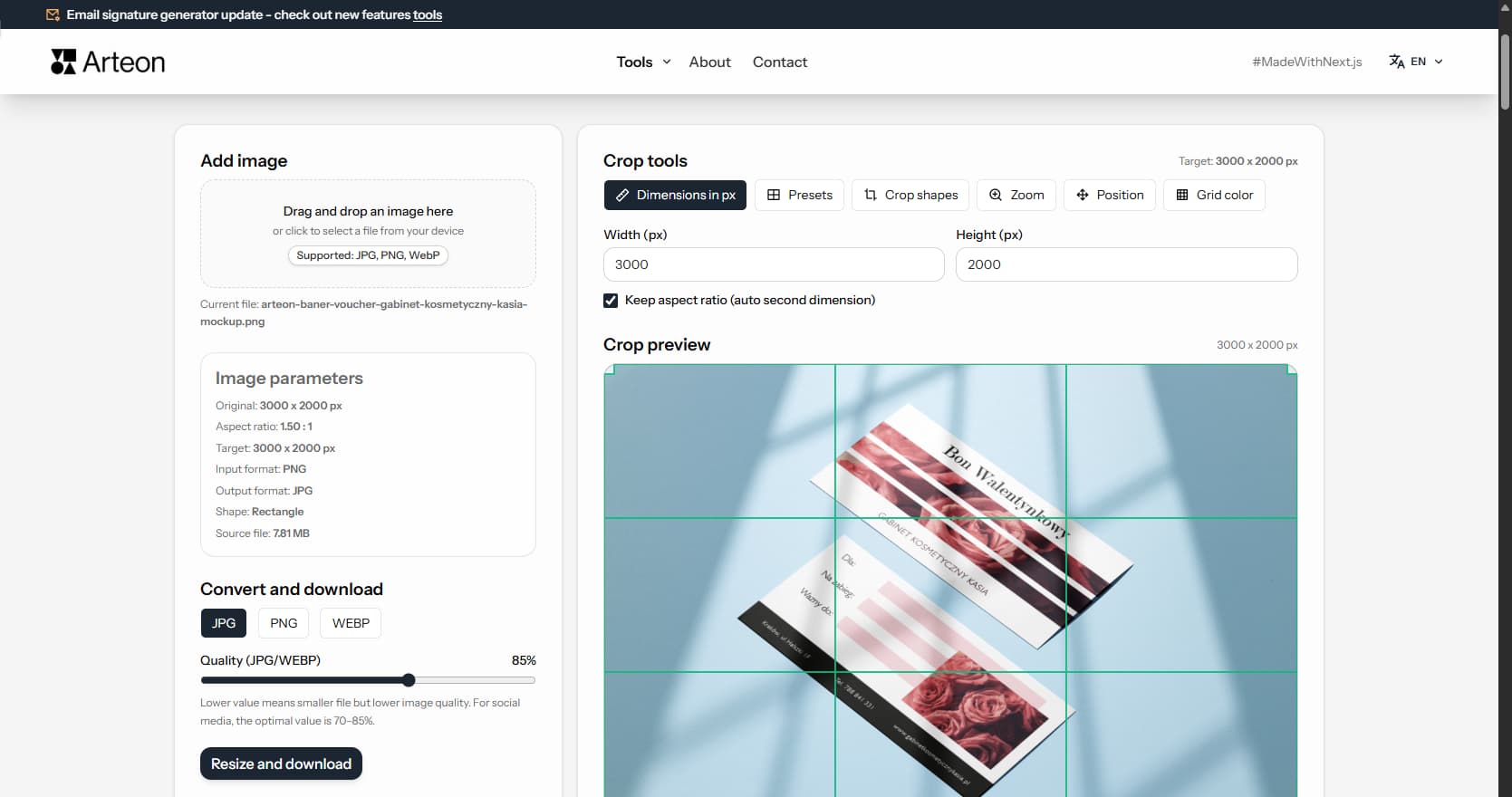
Online image editor
Resize, crop and convert your image. Ready-made formats for social media, circular avatars, export to JPG/PNG/WebP.
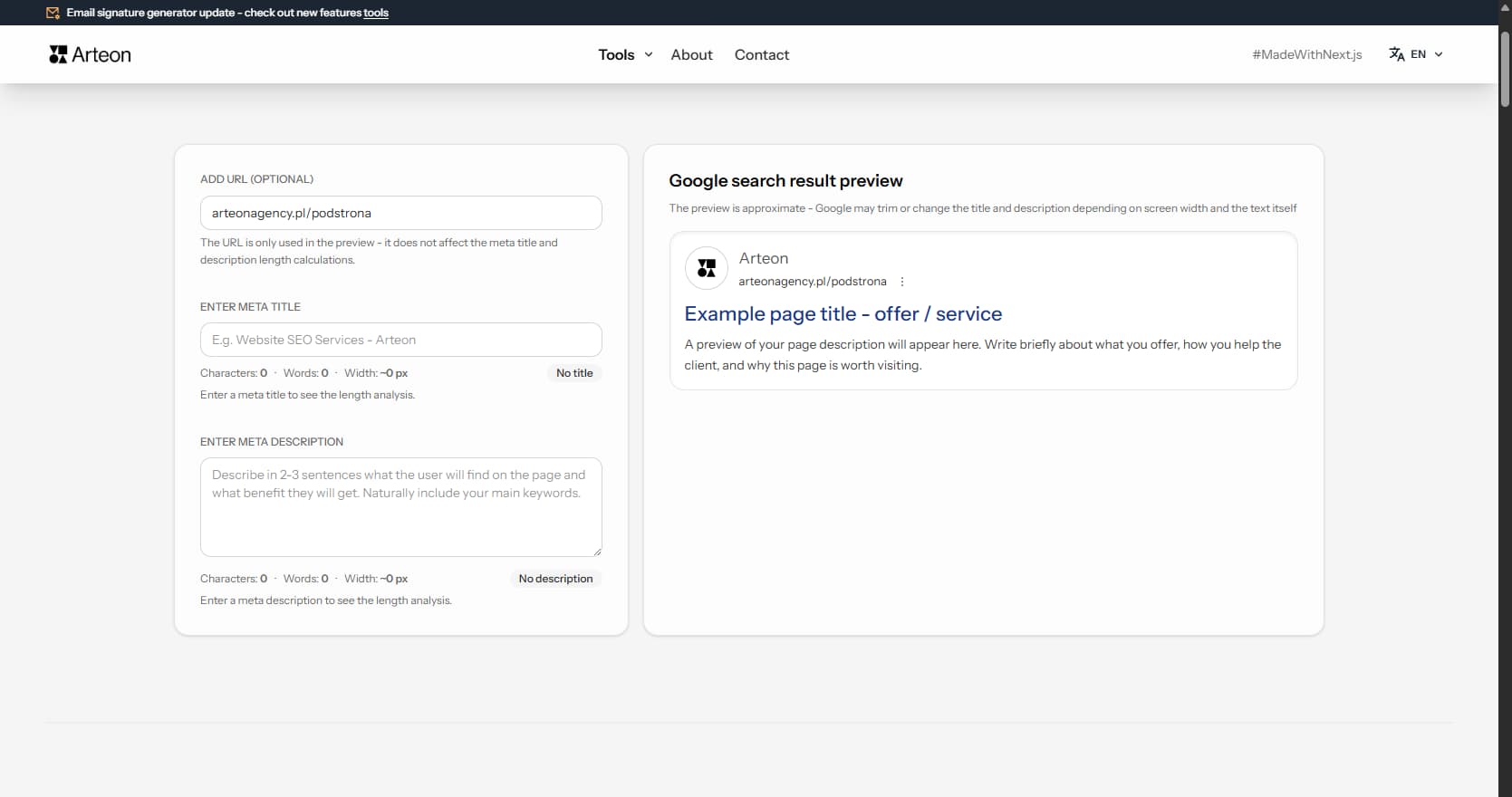
Meta title & description checker
Check title and description length in pixels. Live Google preview and optimization tips.
PNG to JPG
Convert PNG files to JPG in your browser. No file limits, no signup, no server uploads.
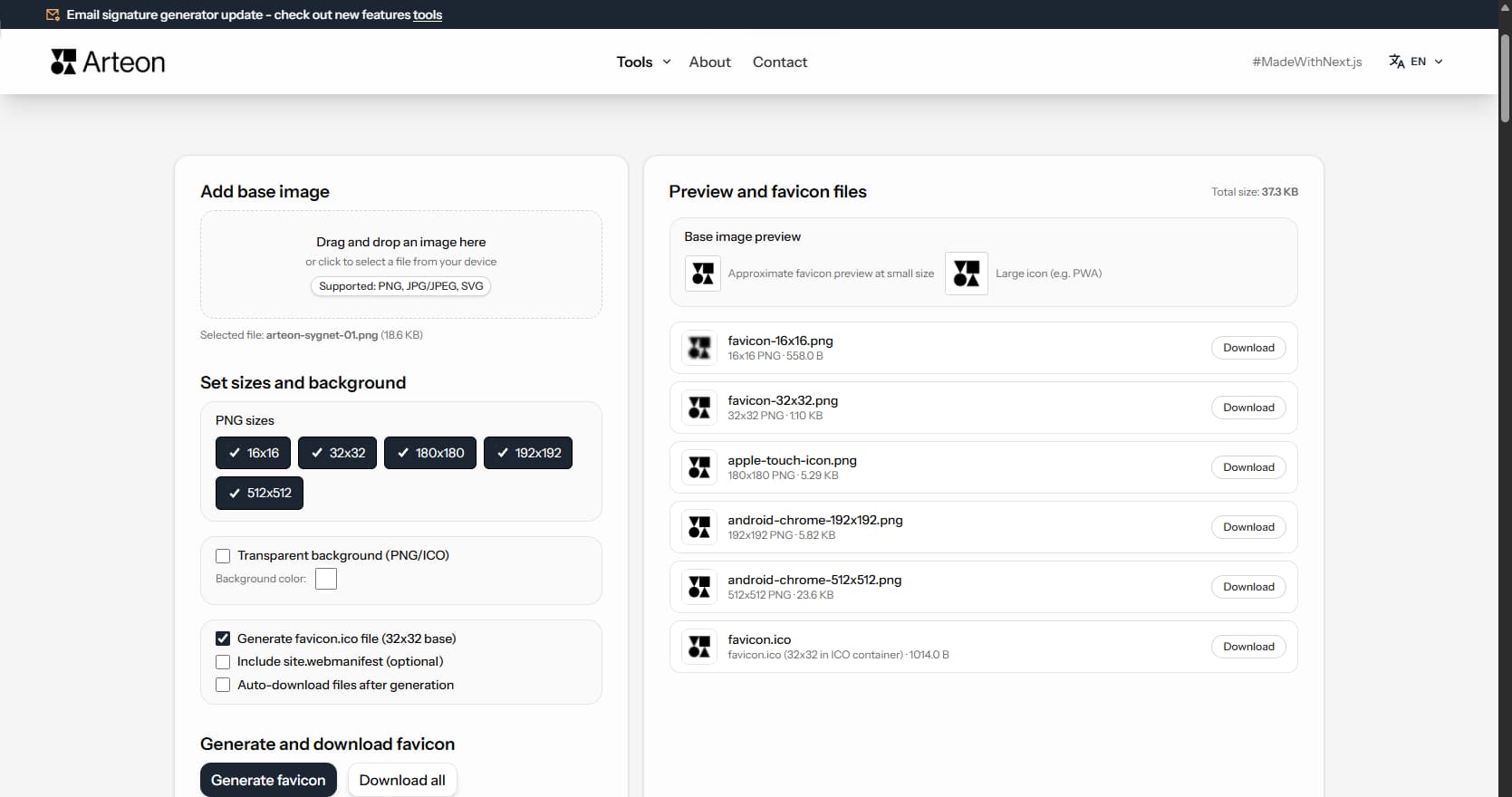
Favicon generator
Create a complete favicon.ico set for your website from one image. All required sizes, no login.
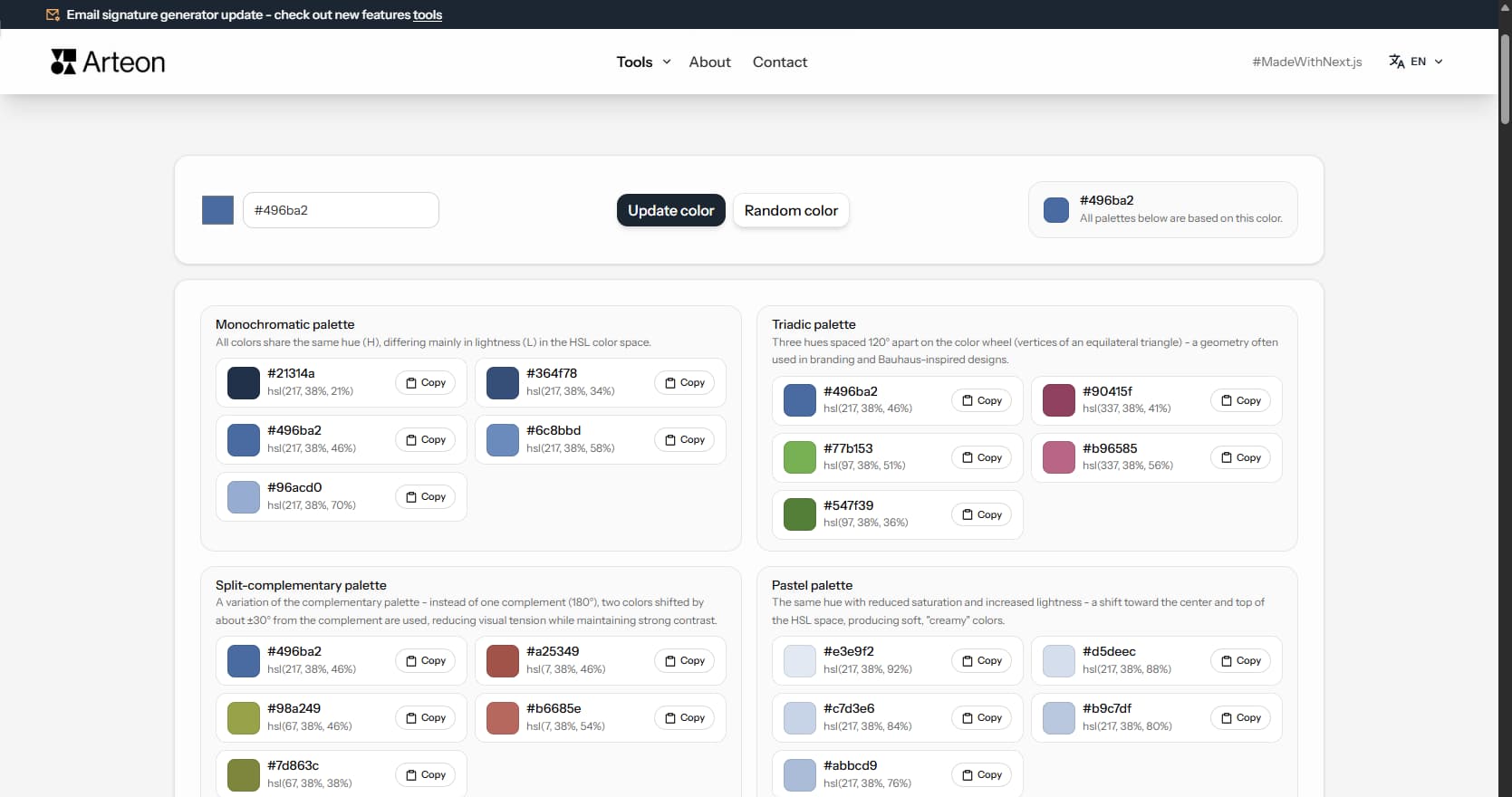
Color palette generator
Generate 9 palettes from one color: monochromatic, complementary, triadic and more. HEX codes.
WebP to JPG
Convert WebP files to universally compatible JPG. Works in every app and platform.
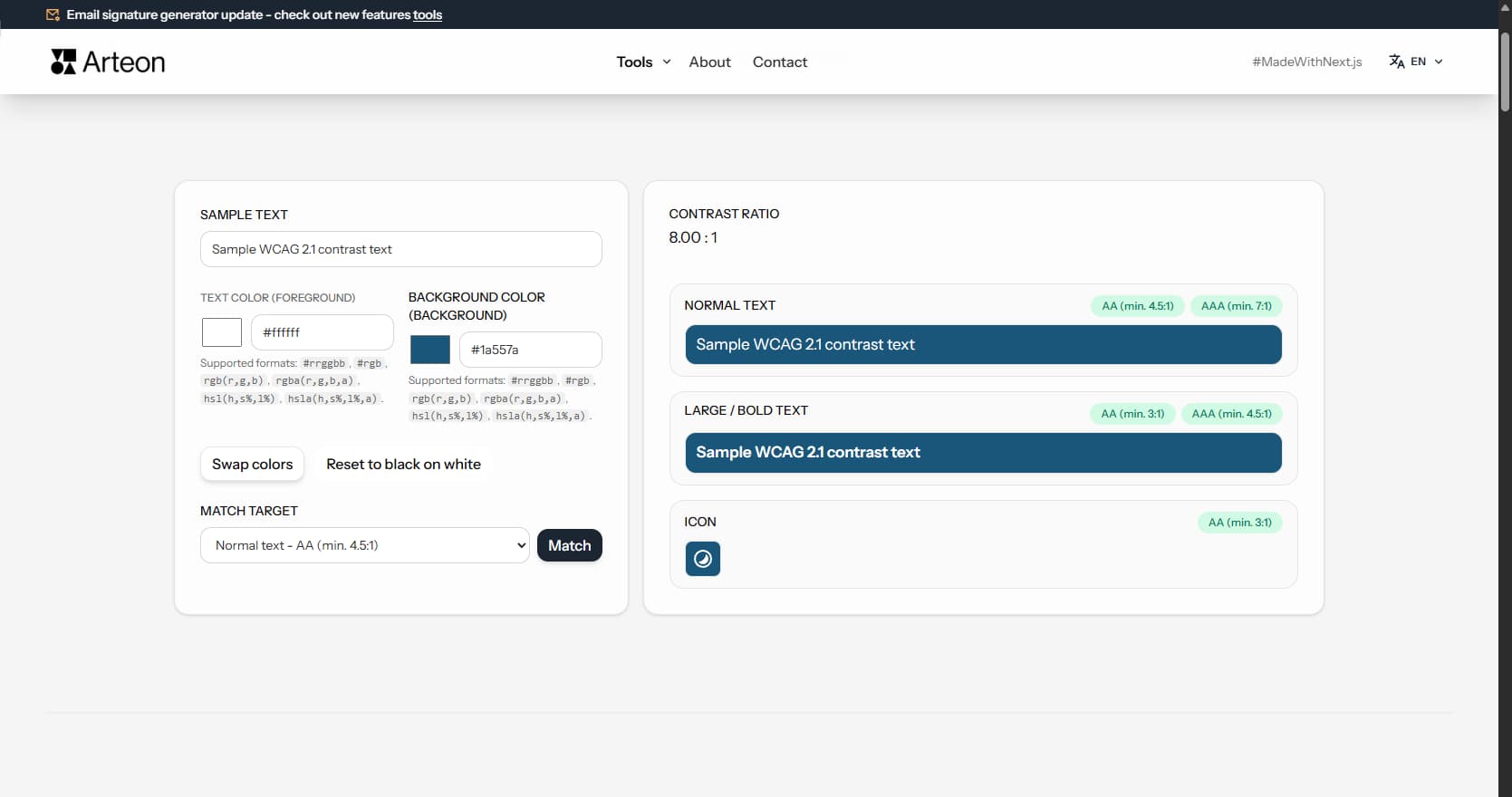
Color contrast checker
Check text and background contrast per WCAG 2.1 AA and AAA. Automatic color correction.
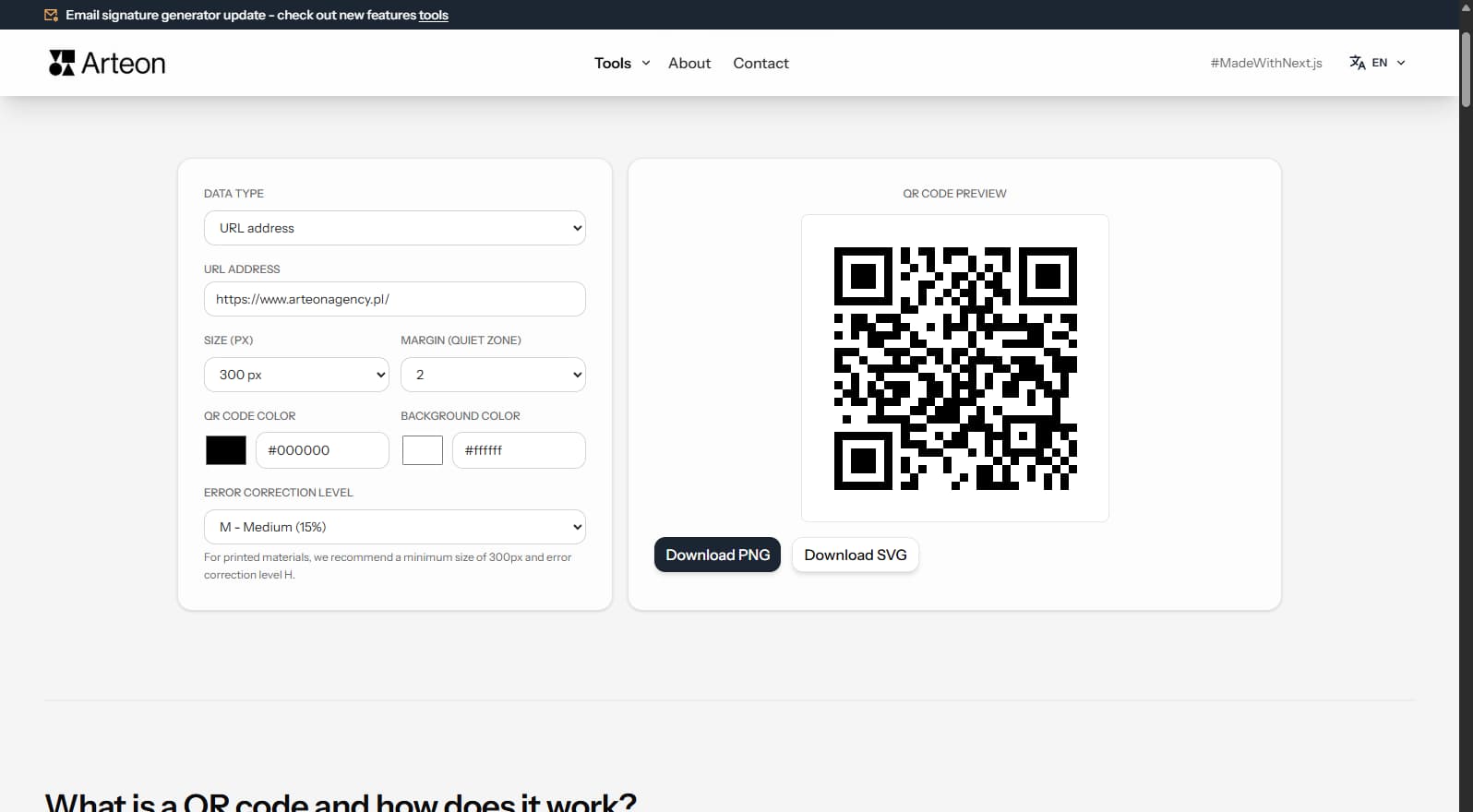
Free QR code generator
Create a QR code for a website, vCard business card or print. Export PNG and SVG, no registration.
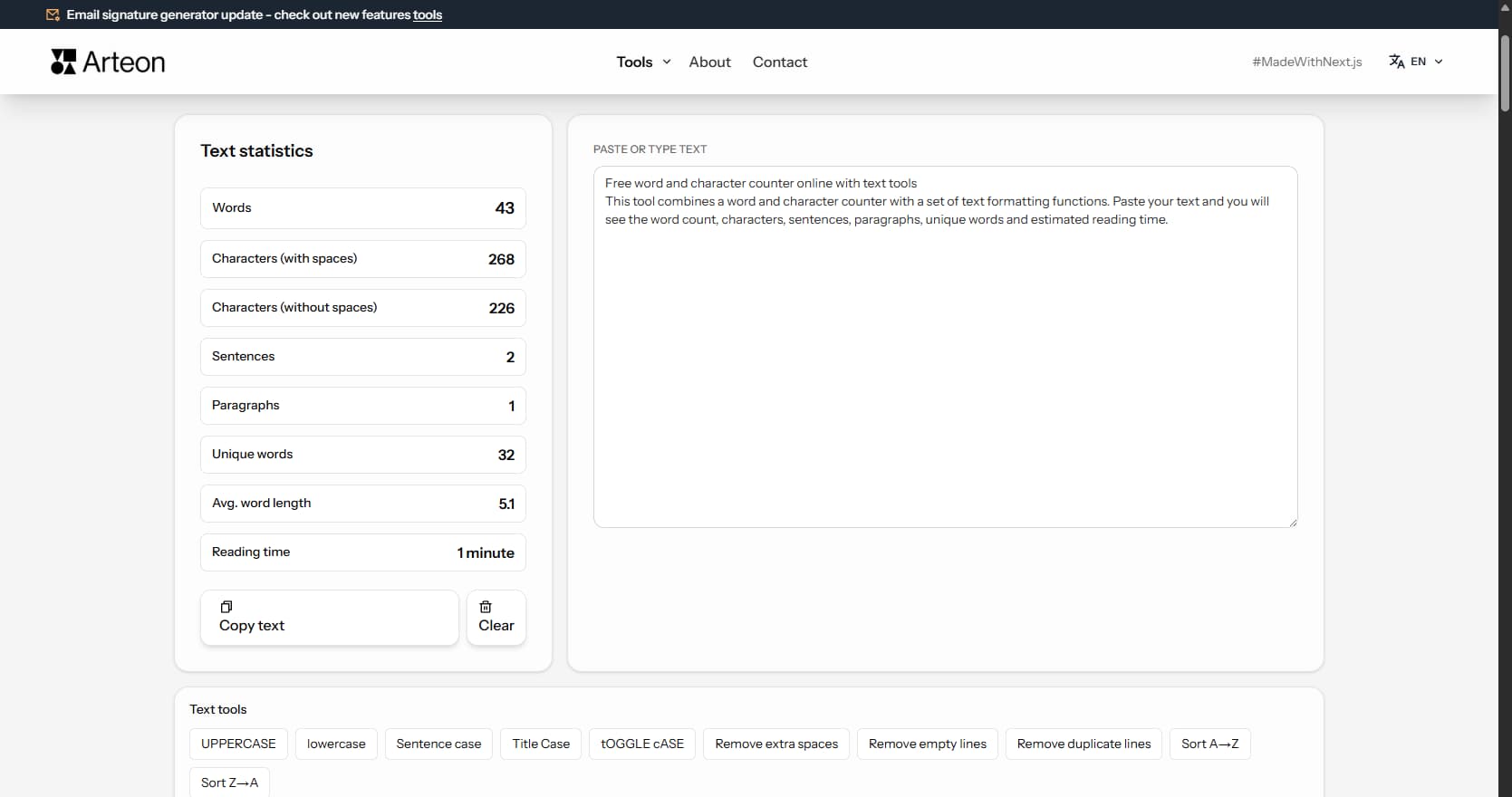
Word & character counter
Count words, characters, sentences and reading time. Check readability with the Flesch-Kincaid score.