PNG to GIF converter
Convert PNG graphics to GIF. Ideal for simple icons and graphics. Runs entirely in your browser. No server uploads, no registration required.
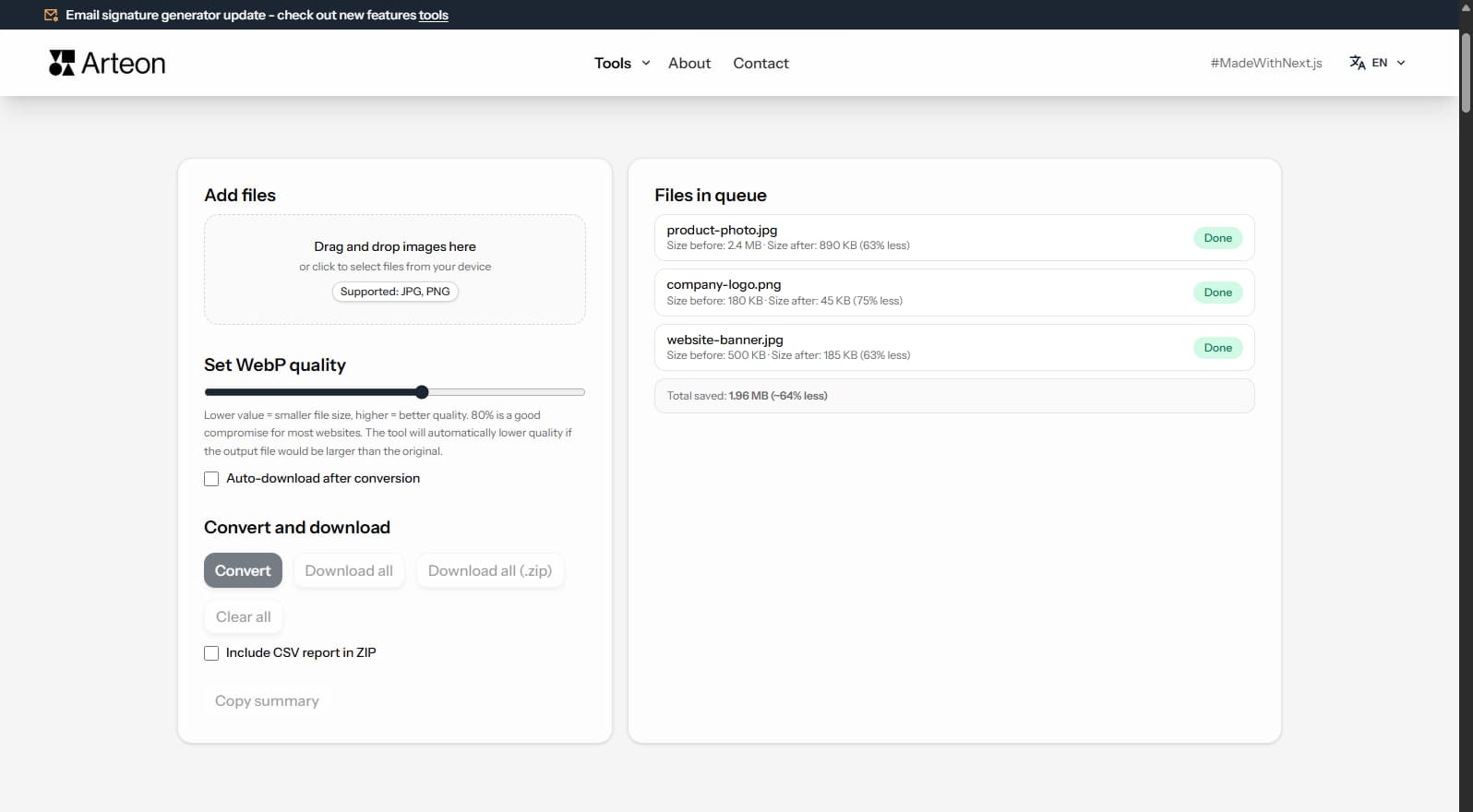
Files in queue
Why convert PNG to GIF?
PNG supports millions of colors and smooth alpha transparency, but not every platform handles it well — older email clients (Outlook, some webmail), legacy CMS systems, and certain messaging apps work better with GIF. Converting PNG to GIF ensures maximum compatibility at the cost of reducing the palette to 256 colors.
GIF uses lossless LZW compression and supports binary transparency (a pixel is either fully transparent or fully opaque — no semi-transparency). For simple graphics, icons, diagrams, and logos with limited color palettes, GIF can produce smaller files than PNG with comparable visual quality.
The 256-color limit means photos with smooth gradients will lose quality. If you're converting a photograph, consider JPG or WebP instead. GIF works best for flat-color graphics where palette reduction is barely noticeable.
This converter processes files locally in your browser — nothing is sent to any server. No registration, no limits, no watermarks.
How to convert PNG to GIF
Upload your PNG file
Drag and drop your PNG image onto the converter area or click to browse your device. You can add multiple files at once for batch conversion.Adjust settings
Choose your preferred quality and output options. The converter shows a live preview so you can compare the original PNG with the GIF result before downloading.Download your GIF file
Click the download button to save your converted GIF file. For multiple files, use the batch download option to get all results in one click.
When should you convert PNG to GIF?
Website optimization
Convert PNG to GIF to prepare images for web publication.Email and sharing
GIF files are universally accepted by email clients like Gmail, Outlook, and Apple Mail. Convert to GIF for high-quality images suitable for sharing.E-commerce and marketplaces
Platforms like Amazon, eBay, Etsy, Shopify may require specific formats – converting to GIF ensures your product images meet their requirements.Documents and archival
GIF provides a modern and efficient format for document image storage.
What makes this PNG to GIF converter different?
Complete privacy
Your PNG files are processed entirely in your browser. Nothing is uploaded to any server – your images stay on your device at all times.No limits
Convert as many PNG files to GIF as you need. There are no daily limits, no file size restrictions, and no watermarks on the output.Quality control
Adjust compression settings to find the perfect balance between file size and image quality. Preview changes in real time before downloading.Instant conversion
All processing happens locally using modern browser APIs, which means conversion is fast and works even without an internet connection after the page loads.
PNG to GIF conversion in practice
Businesses, developers, and creators worldwide rely on image format compatibility. Whether you are preparing product images for Amazon, eBay, Etsy, Shopify, optimizing graphics for WordPress, Wix, Squarespace, or converting photos for government portals worldwide, having the right format matters.
While GIF is not the most efficient format for static images, it remains essential for simple animations, memes, and graphics with limited color palettes. The 256-color limit makes GIF less suitable for photographs but ideal for icons, logos, and animated content shared on social media and messaging platforms.
For email marketing campaigns and social media, GIF offers maximum compatibility across all platforms. Whether you are a freelancer, small business owner, or enterprise user, this converter handles your image conversion needs reliably and securely.
Tips for converting PNG to GIF
- Batch convert for efficiency – if you have many PNG files, use the batch conversion feature to process them all at once. This saves considerable time compared to one-by-one conversion.
- Compare before downloading – use the live preview to compare the original PNG with the GIF result. Adjust quality settings until you find the right balance for your specific use case.
- Keep your originals – always save a copy of your original PNG files. Even with lossless conversion, it is good practice to keep source files.
PNG vs GIF – format comparison
| Feature | PNG | GIF |
|---|---|---|
| Lossy compression | — | — |
| Lossless compression | ✓ | ✓ |
| Transparency (alpha channel) | ✓ | ✓ |
| Animation support | — | ✓ |
| Web browser support | All browsers | All browsers |
| Color depth | 8/16-bit | 8-bit (256) |
| Compact file size | — | — |
| Metadata (EXIF) | — | — |
How much can you save by converting PNG to GIF?
Savings depend on the source file type and its original compression. Below are example results:
Camera photo
1.2 MB → 280 KB
Product image
800 KB → 210 KB
Screenshot / banner
150 KB → 45 KB
Actual savings may vary depending on image content and quality settings. The converter shows the exact size before and after conversion for each file.
How image conversion impacts page speed and SEO
Core Web Vitals is a set of performance metrics Google uses when evaluating websites. One of them - LCP (Largest Contentful Paint) - measures the time it takes for the largest visible element to appear on screen. On many pages, that element is an image.
Converting PNG images to GIF reduces graphic file sizes, which directly shortens resource download time and improves the LCP score. Smaller files mean faster page loading - especially important on mobile devices with slower connections. Additional techniques like loading="lazy" and fetchpriority="high" speed up rendering.
Tools like PageSpeed Insights and Lighthouse identify specific files worth optimizing.
Convert other files to GIF
Convert PNG to other formats
Frequently asked questions about PNG to GIF conversion
Is converting PNG to GIF free?
Yes, this PNG to GIF converter is completely free with no limits. You can convert as many files as you need without registration or watermarks.
Does the converter upload my files to a server?
No. All processing happens locally in your browser using JavaScript and Canvas API. Your files never leave your device, ensuring complete privacy and security.
Will I lose quality when converting PNG to GIF?
GIF supports lossless compression, so you can preserve the original image quality completely. If GIF also supports lossy mode, you can choose lower quality for smaller files.
Can I convert multiple PNG files at once?
Yes, the converter supports batch conversion. You can add multiple PNG files and convert them all to GIF simultaneously. Use the batch download option to save all converted files at once.
What is the maximum file size I can convert?
There is no hard file size limit since processing happens in your browser. However, very large files (over 50 MB) may take longer to process depending on your device's available memory and processing power.
Does the converter work on mobile devices?
Yes, the converter works on any device with a modern web browser, including smartphones and tablets. The interface adapts to your screen size for a comfortable experience on any device.
Is converting PNG to GIF safe for my files?
Yes. All conversion happens locally in your browser using the Canvas API. Files are never sent to any external server. When you close the page, data is automatically cleared.
Is GIF supported by all browsers?
The GIF format is widely supported by modern browsers: Chrome, Firefox, Safari, Edge, and Opera.
Help us improve our tools
Have an idea, found a bug, or want to suggest a feature? Drop us a message – we respond within 24 hours.
Explore other useful tools
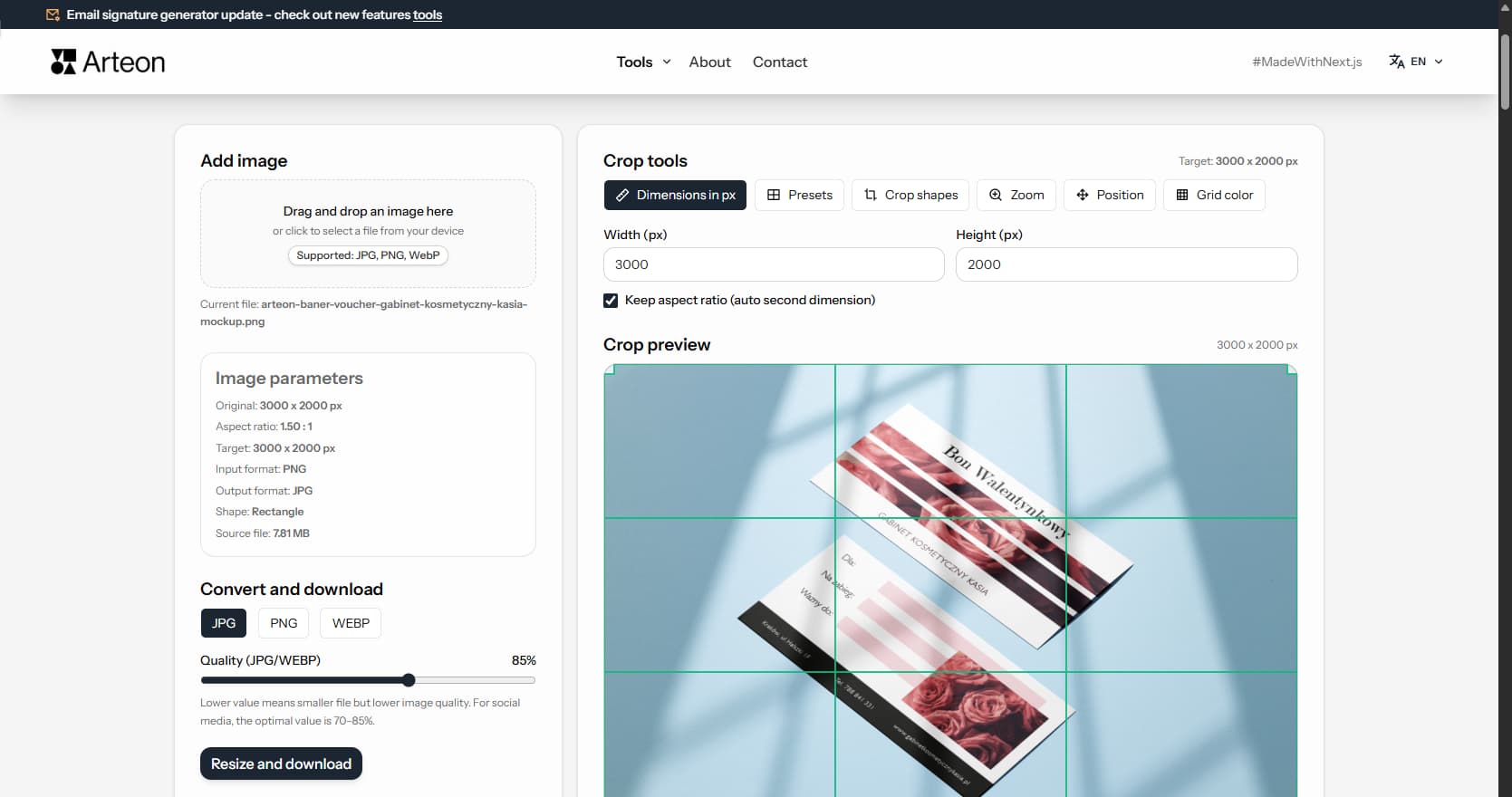
Online image editor
Resize, crop and convert your image. Ready-made formats for social media, circular avatars, export to JPG/PNG/WebP.
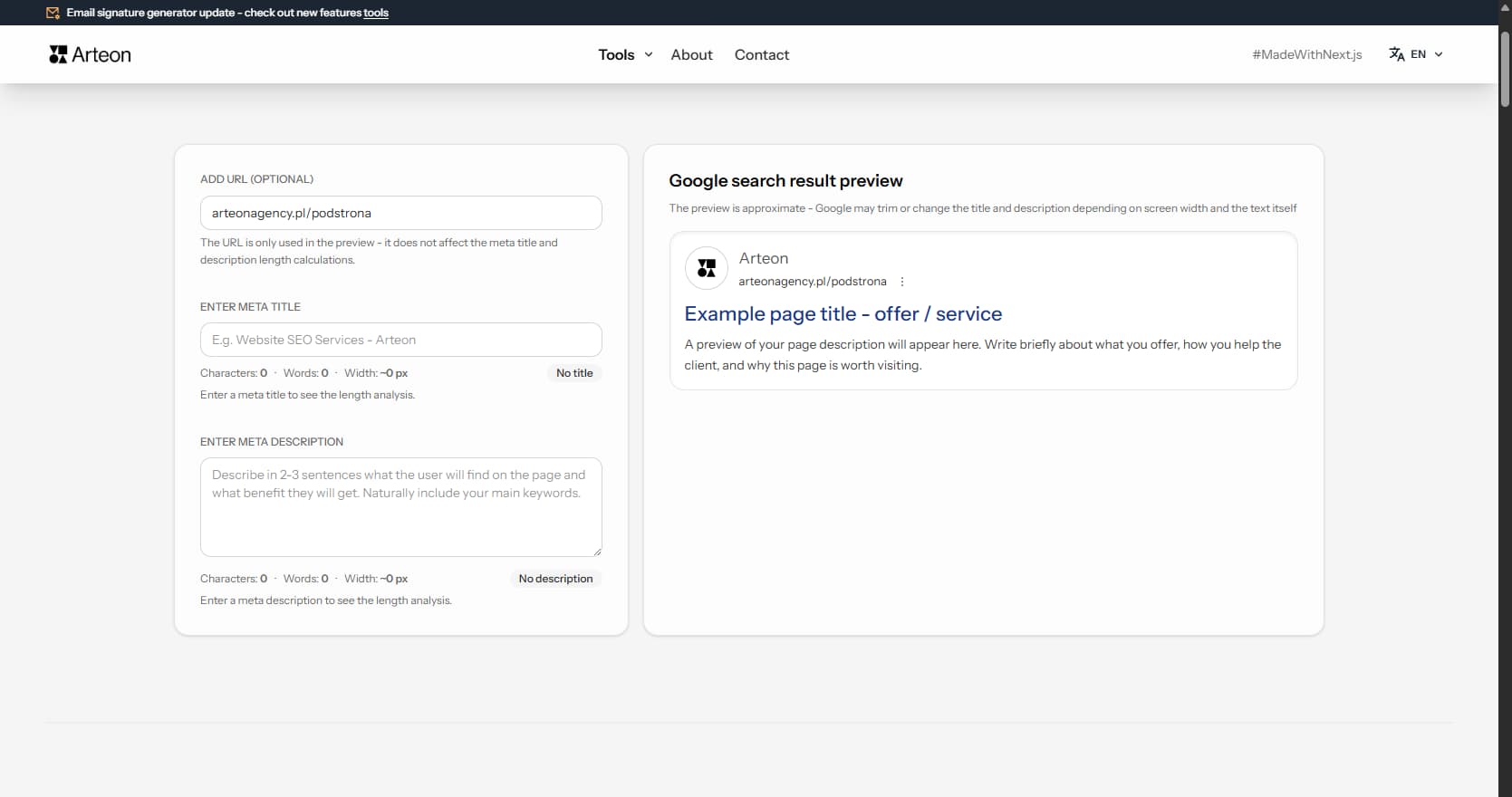
Meta title & description checker
Check title and description length in pixels. Live Google preview and optimization tips.
PNG to JPG
Convert PNG files to JPG in your browser. No file limits, no signup, no server uploads.
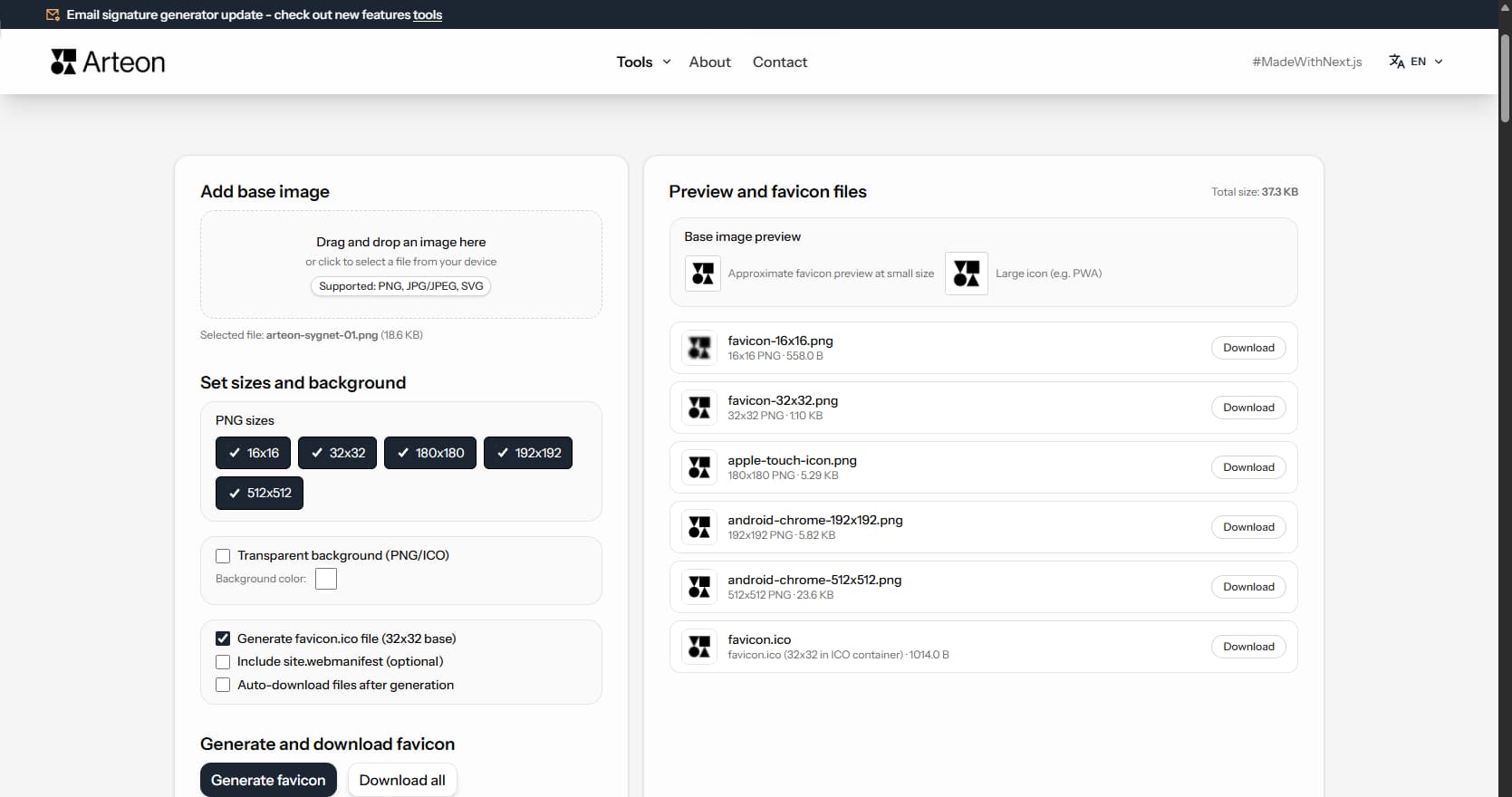
Favicon generator
Create a complete favicon.ico set for your website from one image. All required sizes, no login.
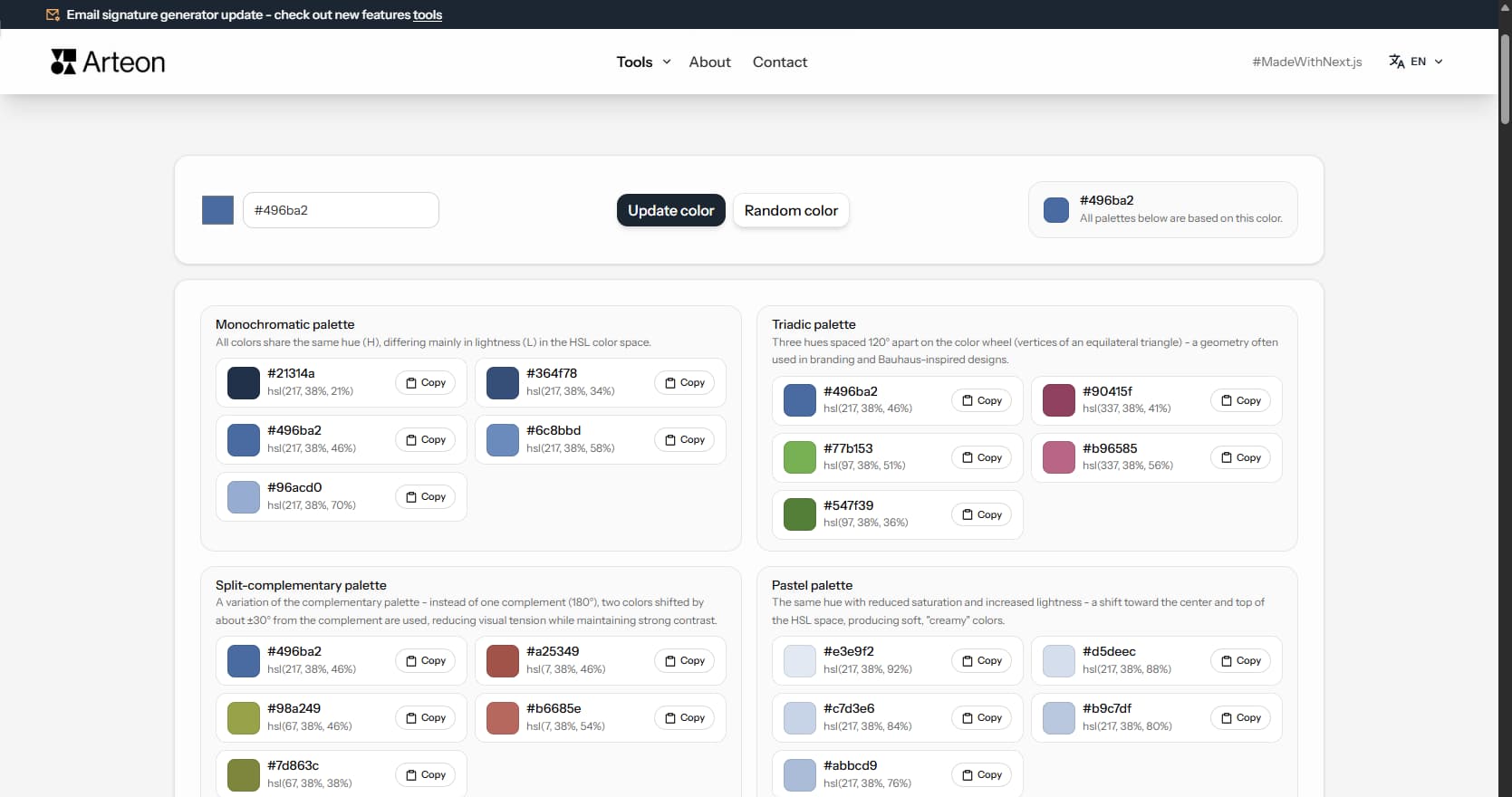
Color palette generator
Generate 9 palettes from one color: monochromatic, complementary, triadic and more. HEX codes.
WebP to JPG
Convert WebP files to universally compatible JPG. Works in every app and platform.
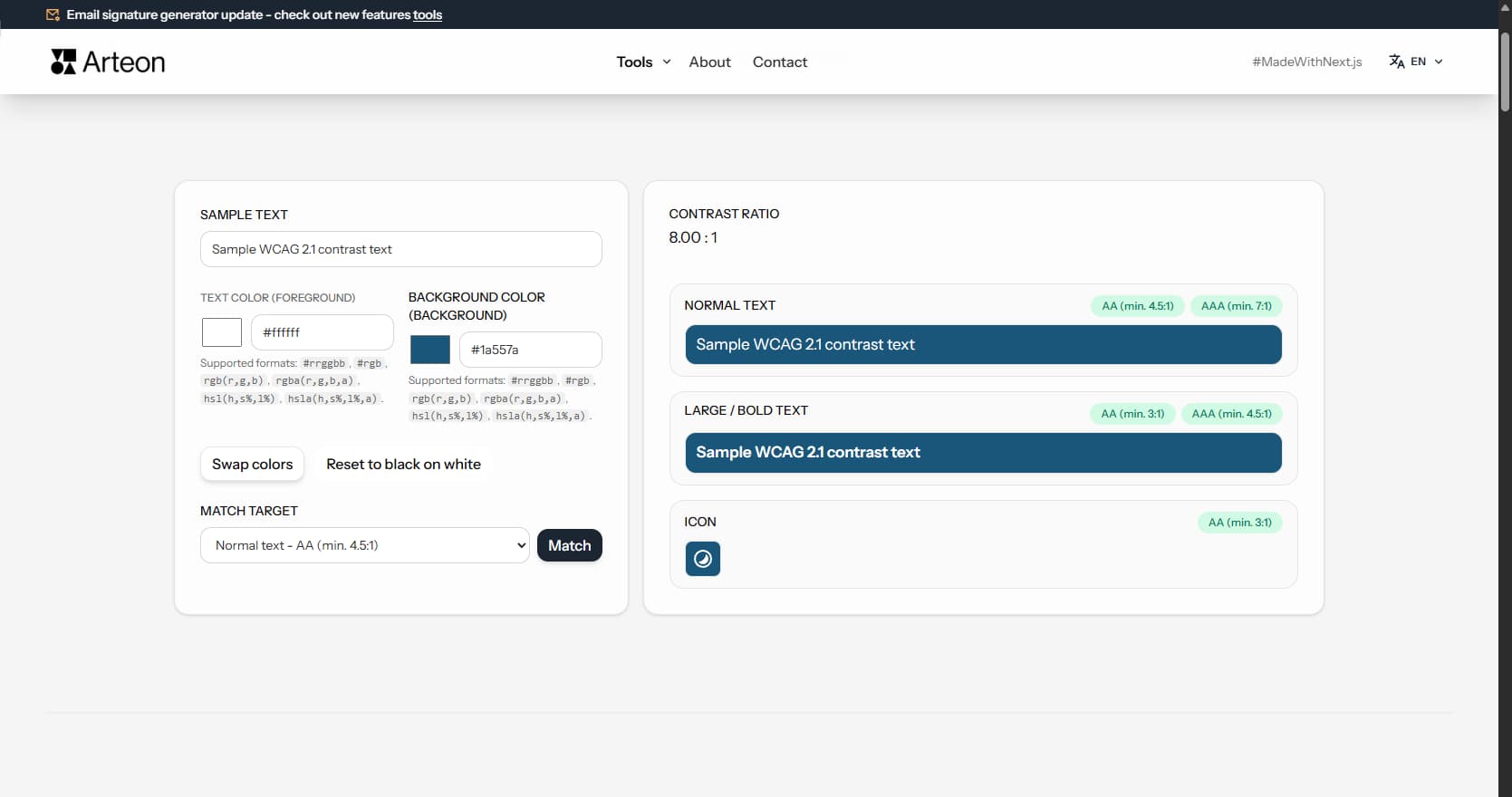
Color contrast checker
Check text and background contrast per WCAG 2.1 AA and AAA. Automatic color correction.
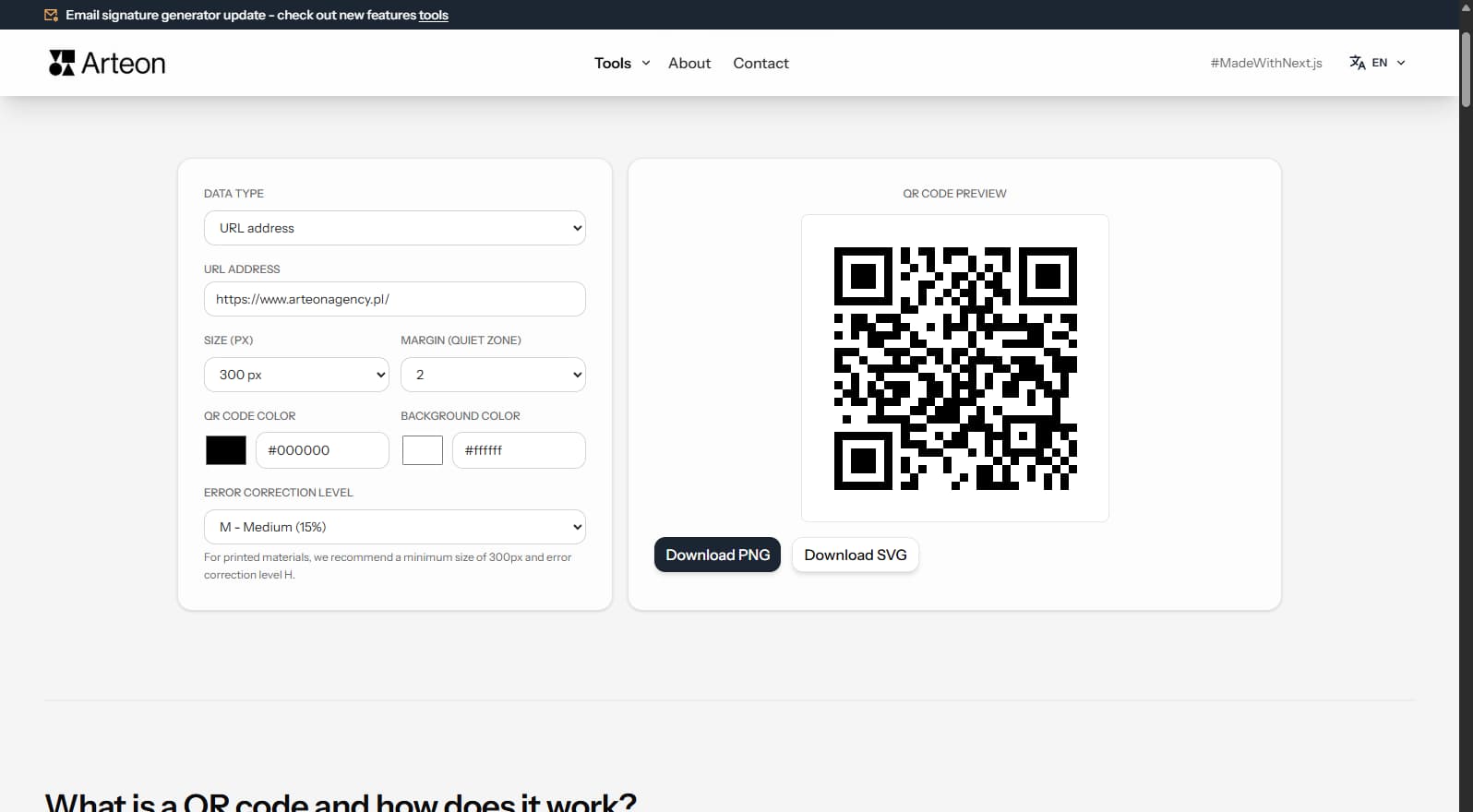
Free QR code generator
Create a QR code for a website, vCard business card or print. Export PNG and SVG, no registration.
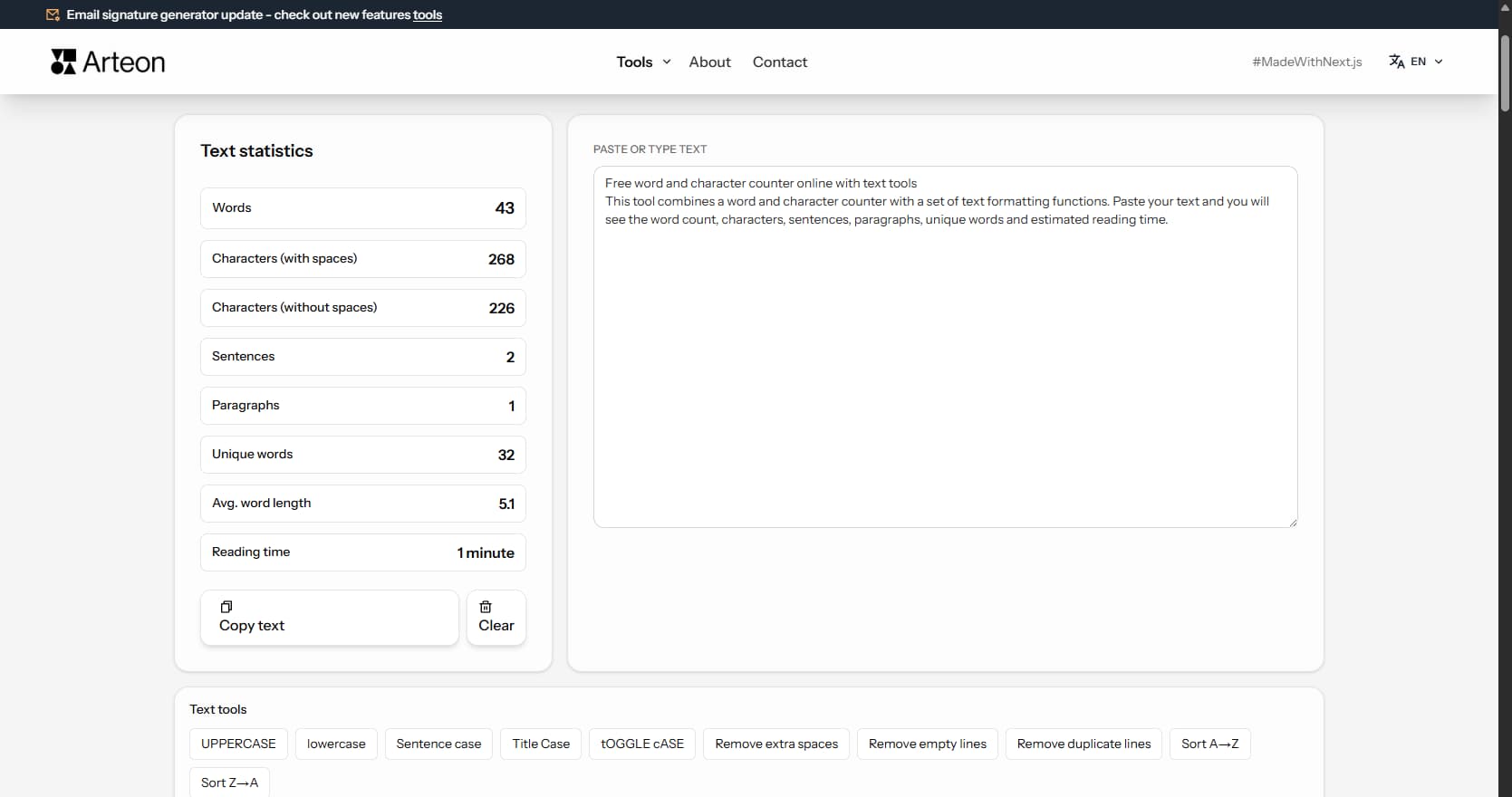
Word & character counter
Count words, characters, sentences and reading time. Check readability with the Flesch-Kincaid score.