Count words and characters – check reading time and readability
Paste your text and the tool will count words, characters, sentences, reading time and syllables, and score its readability.
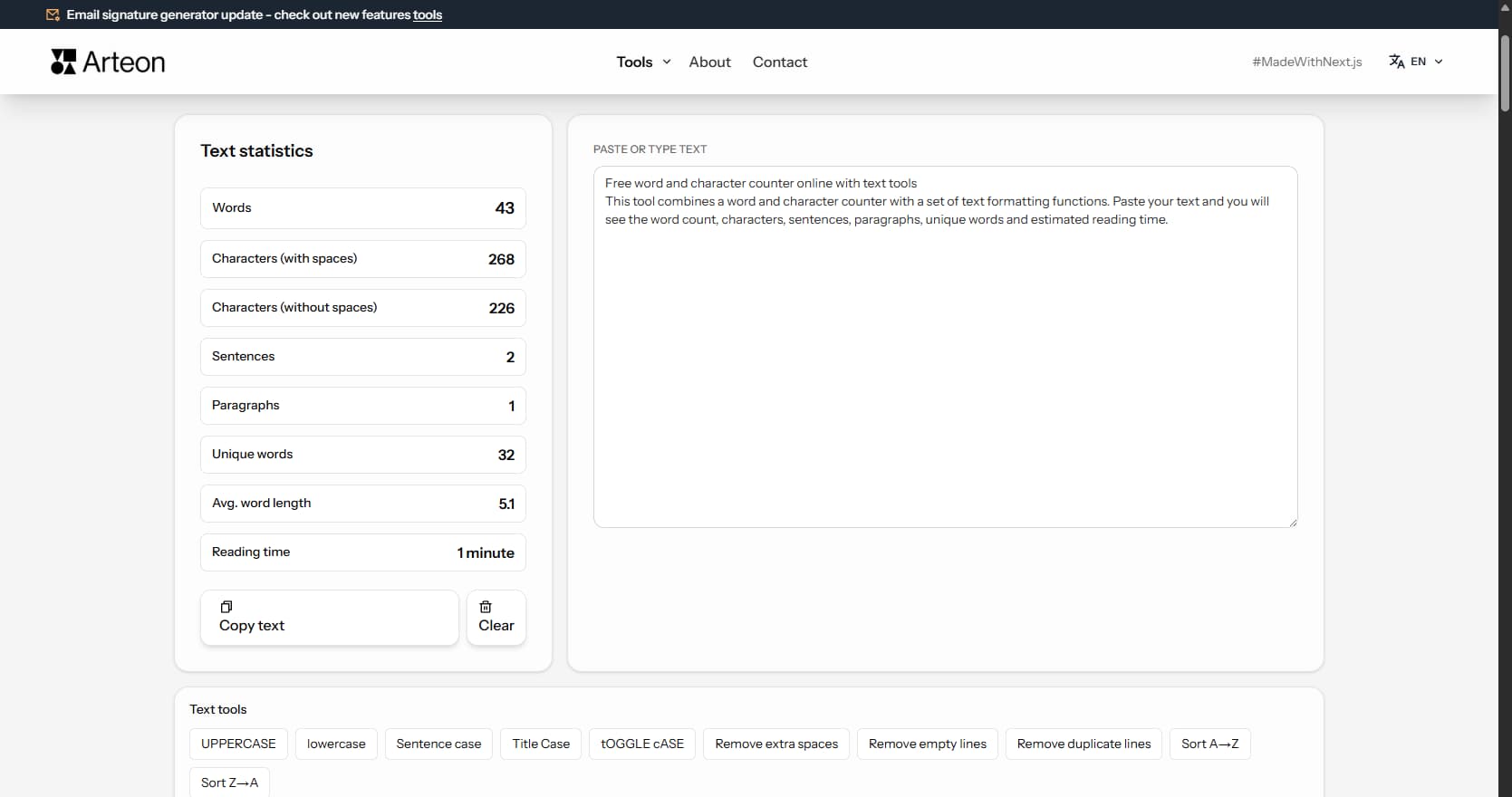
Text statistics
Type text to see statistics.
Free word and character counter
This tool combines a word and character counter with Flesch-Kincaid readability analysis. Paste your text and you will see the word count, characters, syllables, sentences, estimated reading time, speaking time, and a color-coded readability score.
The Flesch-Kincaid readability score (0–100) tells you how easy your text is to read. Scores above 70 indicate easy reading (suitable for a broad audience), while scores below 30 indicate academic-level complexity. The tool uses language-adapted formulas for 16 languages, including Amstad (German), Fernandez-Huerta (Spanish), and Gulpease (Italian).
All analysis and processing happens locally in your browser.
How to use the word and character counter
Analyze text in three steps:
1. Paste your text
Paste or type text into the field on the right. The tool will immediately count words, characters and sentences, and estimate reading time.2. Check the statistics
In the left panel you will see 8 metrics: words, characters, sentences, reading time, speaking time, syllables and Flesch-Kincaid readability score.3. Copy the result
Click Copy text to transfer the text to your clipboard. Use Clear to start over.
8 text metrics - what the counter measures
The counter analyzes your text across eight indicators:
Words
Total word count. The primary indicator of text length, useful for content creation, articles and descriptions.Characters (with spaces)
All characters including spaces. Useful when a platform has a character limit (e.g., Amazon listings, meta descriptions).Characters (without spaces)
Only letters, digits and punctuation. The standard billing unit for translations and print shops.Sentences
Number of sentences in the text. Helps assess complexity and readability - shorter sentences are easier to absorb.Reading time
Estimated time to read the text at 200 words per minute. An approximate value for typical text.Speaking time
Estimated time to speak the text aloud at 130 words per minute. Useful for speeches, presentations and video scripts.Syllables
Total syllable count using language-aware heuristics. A key input for readability formulas and poetry analysis.Readability (Flesch-Kincaid)
A 0-100 score indicating how easy the text is to read. Above 70 = easy, 50-70 = moderate, below 30 = academic. Color-coded for quick assessment.
Who is this word counter for?
The tool is useful for anyone who works with text:
Copywriters and editors
Count words and characters, check platform limits and readability before publishing.Bloggers and content creators
Monitor post length and check reading time and readability.Store owners
Verify product descriptions against character limits on platforms (Amazon, eBay, Etsy).SEO specialists
Analyze content length, check the Flesch-Kincaid readability score and assess text complexity.Students and academics
Check word or character limits in essays and research papers.Translators
Count characters without spaces for quotes (the standard billing unit in translation).
Character limits on popular platforms
The character counter is useful when creating content for platforms with length restrictions:
| Platform / Element | Character limit | Notes |
|---|---|---|
| Google - meta title | 50–60 characters | Longer titles are truncated in search results. |
| Google - meta description | 150–160 characters | The description visible below the link in search results. |
| Amazon - product title | 200 characters | Short, specific title with the most important keywords. |
| Amazon - bullet points | 500 characters each | Up to 5 bullet points describing key product features. |
| X (Twitter) - post | 280 characters | Standard limit for regular users. |
| LinkedIn - post | 3,000 characters | After ~210 characters a "see more" link appears. |
Understanding the Flesch-Kincaid readability score
The Flesch Reading Ease score measures how easy a text is to read on a scale from 0 to 100. It is calculated from two factors: average sentence length (words per sentence) and average word complexity (syllables per word).
The formula for English is: 206.835 − 1.015 × ASL − 84.6 × ASW where ASL is average sentence length and ASW is average syllables per word.
- 90–100 - Very easy. Short sentences, common words. Understood by 11-year-olds.
- 70–89 - Easy. Conversational language. Suitable for a broad audience.
- 50–69 - Moderate. Standard business and journalism writing.
- 30–49 - Difficult. Long sentences, specialized vocabulary. College-level reading.
- 0–29 - Very difficult. Academic papers, legal documents, technical specifications.
This tool adapts the formula per language: Amstad for German, Fernández-Huerta for Spanish, Flesch-Douma for Dutch, Gulpease for Italian, and Kandel-Moles for French.
Why readability matters for SEO
Search engines prioritize content that satisfies user intent. Readable text directly affects key engagement metrics:
- Dwell time - visitors stay longer on pages they can read comfortably. Google interprets longer visits as a quality signal.
- Bounce rate - dense, hard-to-read text drives visitors away. A Flesch score below 30 on a general-audience page often correlates with high bounce rates.
- Featured snippets - Google tends to pull clear, concise answers into featured snippets. Shorter sentences and direct language increase the chance of being selected.
- Mobile readability - on small screens, long sentences and complex vocabulary are even harder to follow. Aiming for a Flesch score of 60+ improves the mobile experience.
A good target for web content is a Flesch score between 60 and 70 - clear enough for most readers, detailed enough to convey expertise.
What makes this word and character counter special?
8 text metrics + readability score
Words, characters, syllables, sentences, reading time, speaking time, and a Flesch-Kincaid readability score - all in one panel.Local processing in the browser
Your text is never sent to any server. All analysis happens locally on your device.Copy and clear text
Copy the modified text to your clipboard with one click or clear the field to start over.Instant results
Statistics update in real time as you type or paste text. No waiting for processing.No registration or limits
The tool is completely free. No registration, login or personal data required.
How word count affects content performance
Long-form blog posts (1,500–2,500 words) consistently rank higher in search results than short articles. They cover topics in more depth, attract more backlinks, and keep readers on the page longer. Standard informational posts (800–1,200 words) work well for focused how-to guides and answers to specific questions. Posts under 500 words rarely rank unless they target a very narrow query.
Product descriptions perform best at 150–300 words. Shorter descriptions leave buyers without enough information. Longer descriptions work for technical products where specifications need detailed explanation. Landing pages vary more: a simple lead-generation page may need only 200–400 words, while a sales page for a high-value service can run 1,500–3,000 words.
Word count is a guideline, not a target. A 2,000-word article padded with filler performs worse than a focused 800-word article packed with useful information. Use the word counter to track length, but prioritize value density - the amount of useful information per paragraph. If you can say it in fewer words without losing meaning, the shorter version is better.
Characters with vs. without spaces - when each metric matters
The translation industry bills by characters without spaces in most European markets. One standard page is typically 1,500–1,800 characters without spaces, depending on the country and agency. Before ordering a translation, paste your text into the counter and check the character count to estimate the cost accurately.
Social media platforms count characters including spaces. Twitter/X allows 280 characters with spaces. Instagram captions can be up to 2,200 characters. LinkedIn posts allow 3,000 characters, but the "see more" truncation happens at around 210. When writing for these platforms, the "characters with spaces" metric is the one that matters.
Academic submissions use different units depending on the institution. Most universities set word limits (e.g., 10,000-word dissertation chapter), but some European institutions and grant applications specify character counts. Patent filings in some jurisdictions also use character-based limits. Always check which unit your institution requires and use the matching metric in the counter.
Why readability formulas differ across languages
The original Flesch Reading Ease formula was designed for English, where shorter words generally mean simpler vocabulary. This assumption breaks down in other languages. German builds compound words by joining smaller words together - "Suchmaschinenoptimierung" (search engine optimization) is one word with 25 letters, but it is not inherently difficult. The Amstad formula adjusts for this by using different coefficient weights.
Romance languages have their own adaptations. Italian uses the Gulpease index, which operates on a reversed scale and counts letters instead of syllables. French uses Kandel-Moles, which adjusts for the language's naturally longer sentences. Spanish and Portuguese share the Fernández-Huerta formula, adapted from Flesch with coefficients tuned for syllable patterns common in these languages.
This means a score of 60 in English is not the same difficulty level as 60 in German or Italian. Each formula is calibrated to its own language, so compare scores only within the same language. This tool automatically selects the correct formula based on the interface language, giving you an accurate readability assessment without manual configuration.
Using text metrics to improve your writing
Sentence count combined with word count gives you the average sentence length. If the average exceeds 20–25 words, readability drops noticeably. The fix is straightforward: find sentences longer than 25 words and split them. A practical workflow is: paste your draft into the tool, check the readability score, identify long sentences, shorten them, then re-check the score. Two or three rounds of this process typically raise the score by 10–15 points.
Speaking time and reading time - preparing content for different formats
Reading time assumes 200 words per minute - the average speed for silent reading of non-technical text. A 1,000-word blog post takes about 5 minutes to read. A 2,500-word in-depth guide takes about 12.5 minutes. Displaying reading time at the top of an article helps set reader expectations and can reduce bounce rates, because visitors know the time commitment before they start.
Speaking time uses 130 words per minute - the natural pace for presentations, podcasts, and video narration. This pace includes natural pauses, emphasis, and breathing. A 1,000-word script takes about 7.5 minutes to deliver. Professional audiobook narration runs at about 150 words per minute, slightly faster than presentations because it flows more continuously.
Use speaking time to plan video and podcast content before recording. If you need a 10-minute YouTube video, write a script of approximately 1,300 words. For a 20-minute podcast episode, aim for 2,600 words. For conference presentations, 100–120 words per minute is a safer estimate, because speakers pause for audience reactions and slide transitions. A 15-minute talk needs roughly 1,500–1,800 words of script.
Frequently asked questions about the word and character counter
How does the reading time calculator work?
The tool divides the word count by 200 - the average reading speed for typical text. Technical or demanding text (e.g., documentation, terms of service) will be read slower. A light lifestyle article - faster. The result is an approximate value that helps estimate how long a reader will spend with the text.
What is the difference between characters with and without spaces?
Characters with spaces includes all characters in the text including spaces, tabs and newlines. Characters without spaces includes only letters, digits and punctuation. Platforms like Amazon or eBay have limits in characters with spaces. Translation agencies and print shops bill by characters without spaces.
Is my text safe?
Yes. All analysis and text processing happens exclusively in your browser - your text is never sent to any server. The tool does not save or store pasted text. After closing the page, the text is gone permanently.
What is the Flesch-Kincaid readability score?
The Flesch Reading Ease score is a number from 0 to 100 that indicates how easy a text is to read. It is calculated from the average sentence length and average syllables per word. A score of 90-100 means very easy (5th-grade level), 70-89 means easy (6th-7th grade), 50-69 means moderate, 30-49 means difficult (college level), and 0-29 means very difficult (academic). This tool uses language-adapted formulas: Amstad for German, Fernandez-Huerta for Spanish/Portuguese, Flesch-Douma for Dutch, Gulpease for Italian, and Kandel-Moles for French.
How is speaking time calculated?
Speaking time is estimated by dividing the word count by 130 - the average speaking rate for presentations and public speaking. This is slower than the 200 words per minute used for reading time, because spoken delivery includes natural pauses, emphasis, and breathing.
How accurate is the syllable counter?
The tool uses language-specific heuristics to count syllables. For English, it handles silent-e, common suffixes (-ed, -es, -le), and diphthongs. For other languages, it recognizes language-specific diphthongs and vowel patterns (e.g., German ei/au/eu, French ou/ai/oi, Greek αι/ει/οι). The count is approximate but sufficient for readability scoring and text analysis.
What Flesch score should I aim for in web content?
For general web content (blogs, service pages, product descriptions), aim for a Flesch Reading Ease score between 60 and 70. This range is clear enough for most readers while still conveying expertise. For specialized audiences (developers, scientists, legal professionals), scores of 40-50 are acceptable. For instructions or support content, target 70+ for maximum clarity.
How is speaking time different from reading time?
Reading time assumes 200 words per minute - the average silent reading speed. Speaking time uses 130 words per minute - the natural pace for presentations, podcasts, and public speaking, which includes pauses, emphasis, and breathing. A 1,000-word text takes about 5 minutes to read but 7.5 minutes to speak aloud.
Can I use this tool for languages other than English?
Yes. The tool supports 16 languages with adapted readability formulas: Amstad for German, Fernandez-Huerta for Spanish and Portuguese, Flesch-Douma for Dutch, Gulpease for Italian, and Kandel-Moles for French. For other supported languages (Polish, Czech, Hungarian, Romanian, Greek, Swedish, Danish, Norwegian, Finnish), a simplified Flesch adaptation is used. Word, character, and sentence counting works for all languages.
Help us improve our tools
Have an idea for a new feature, found a bug, or want to suggest another tool that would make your work easier? Write to us – we respond within 24 hours.
Explore other useful tools
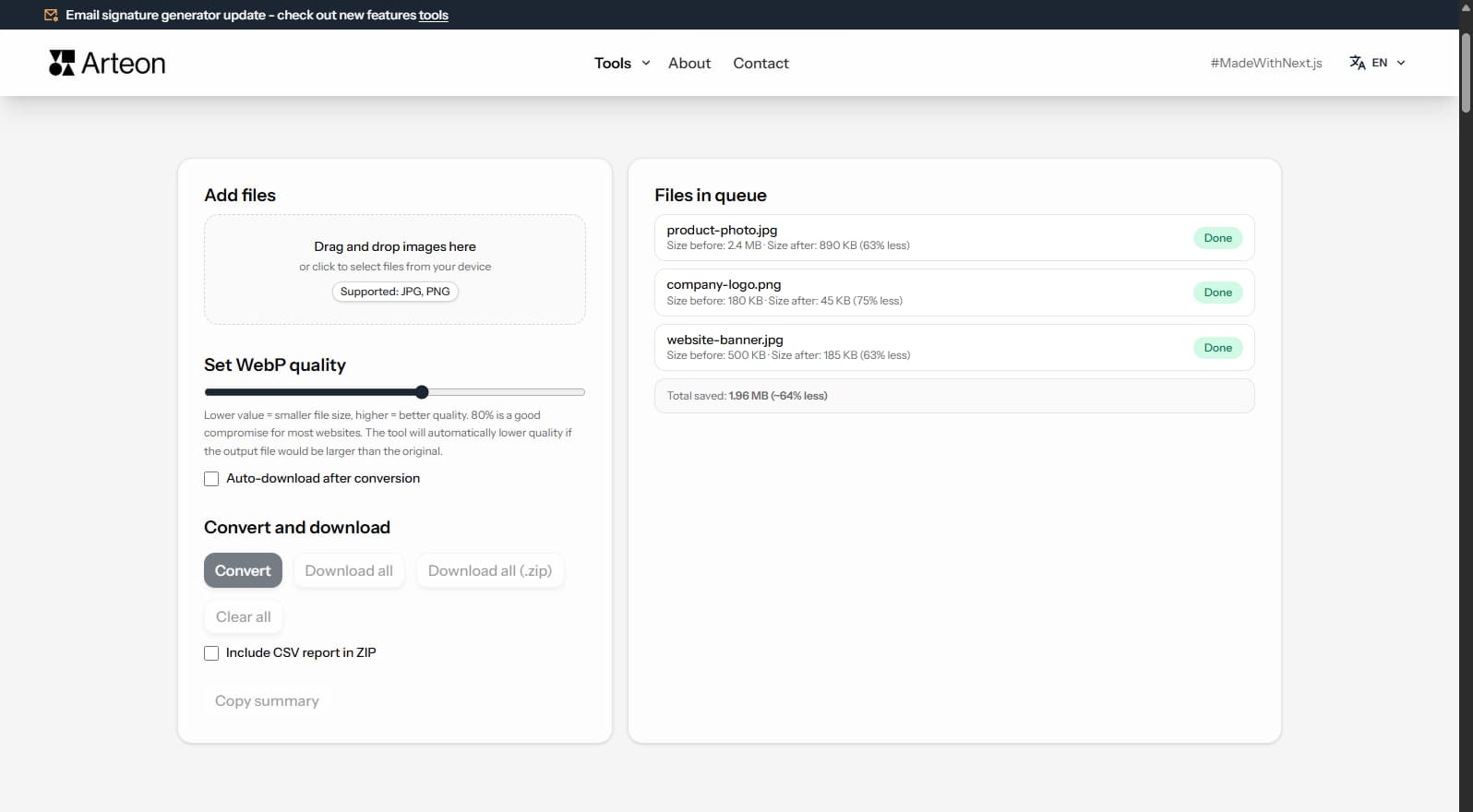
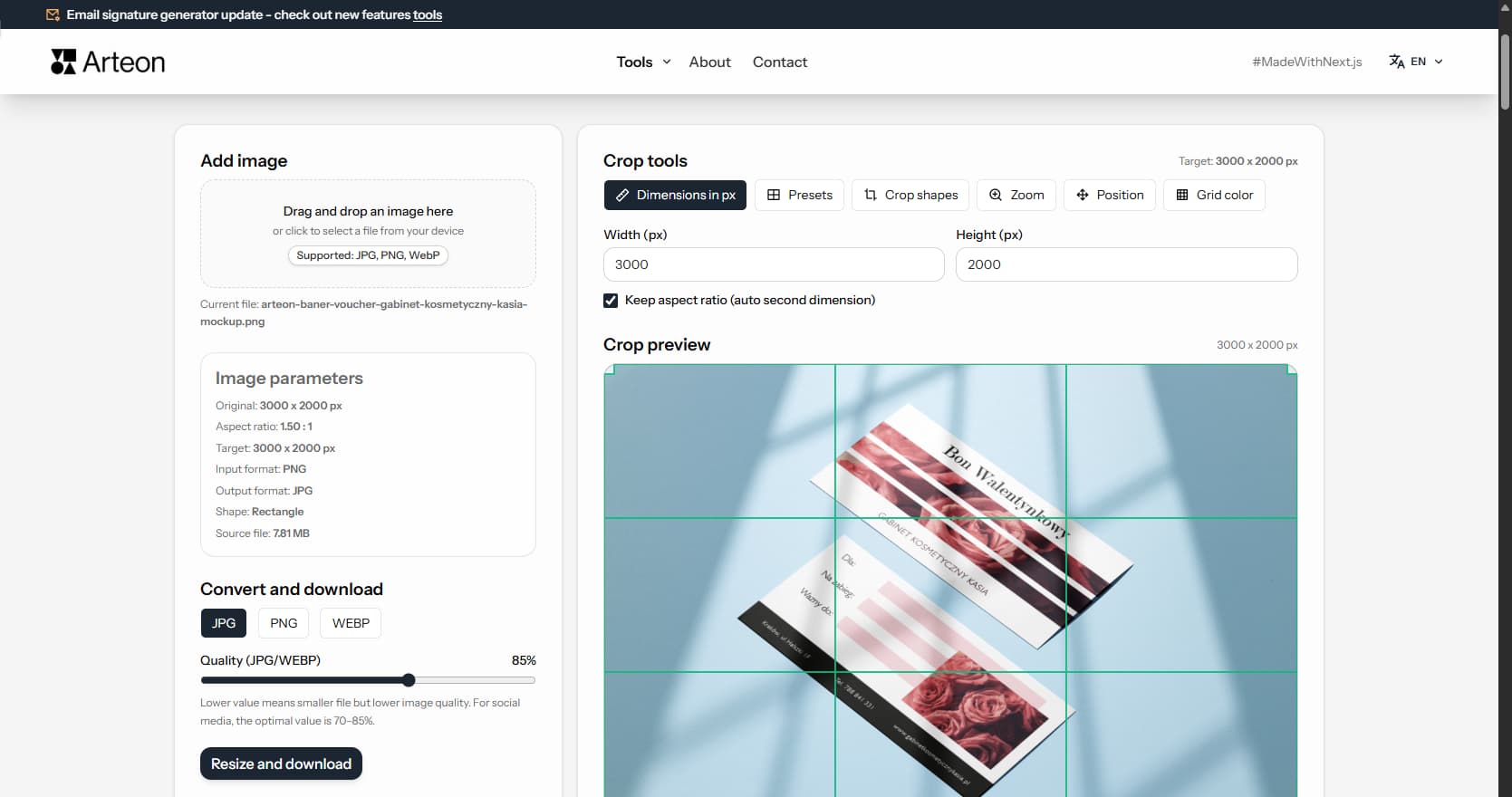
Online image editor
Resize, crop and convert your image. Ready-made formats for social media, circular avatars, export to JPG/PNG/WebP.
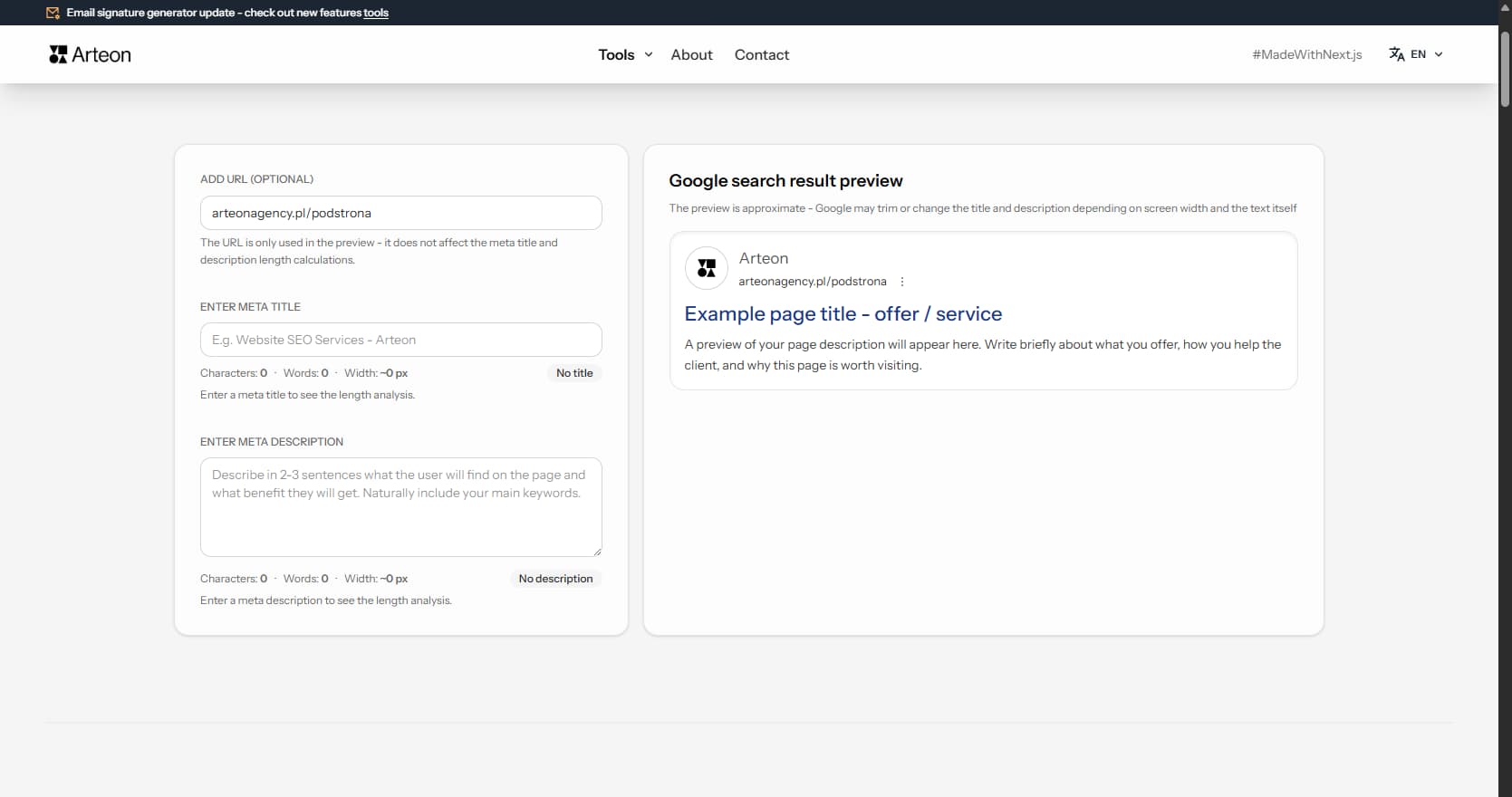
Meta title & description checker
Check title and description length in pixels. Live Google preview and optimization tips.
PNG to JPG
Convert PNG files to JPG in your browser. No file limits, no signup, no server uploads.
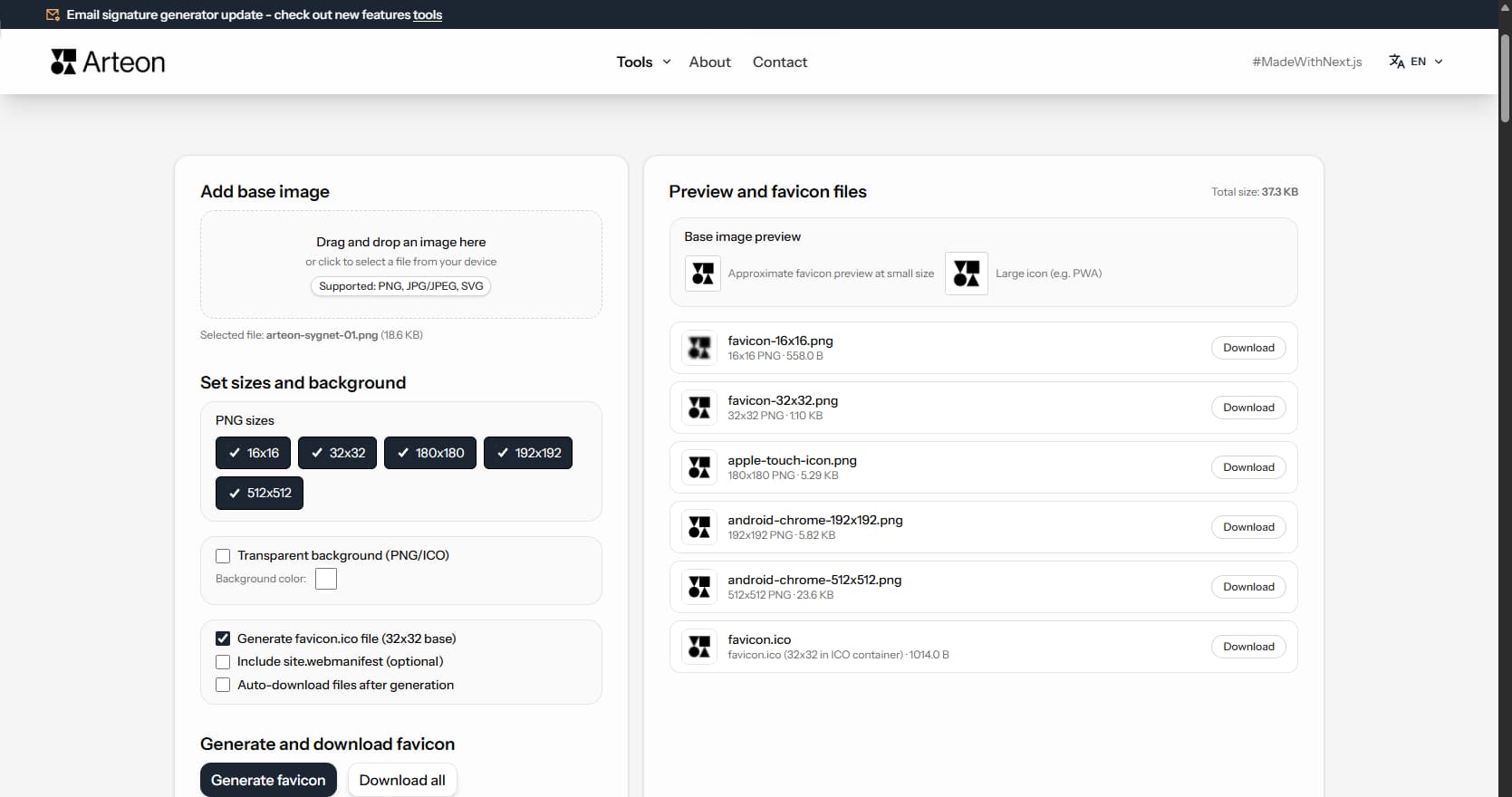
Favicon generator
Create a complete favicon.ico set for your website from one image. All required sizes, no login.
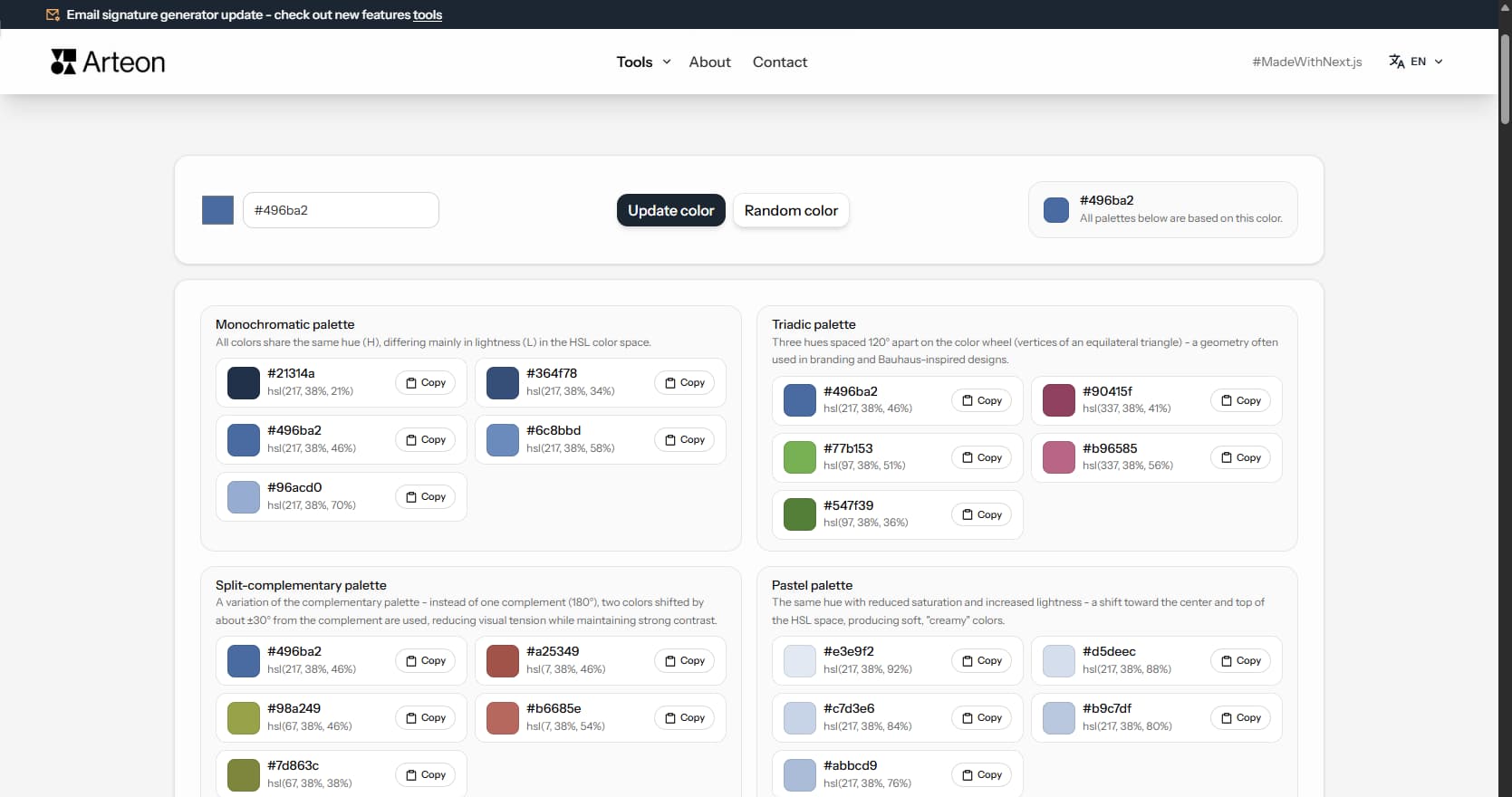
Color palette generator
Generate 9 palettes from one color: monochromatic, complementary, triadic and more. HEX codes.
WebP to JPG
Convert WebP files to universally compatible JPG. Works in every app and platform.
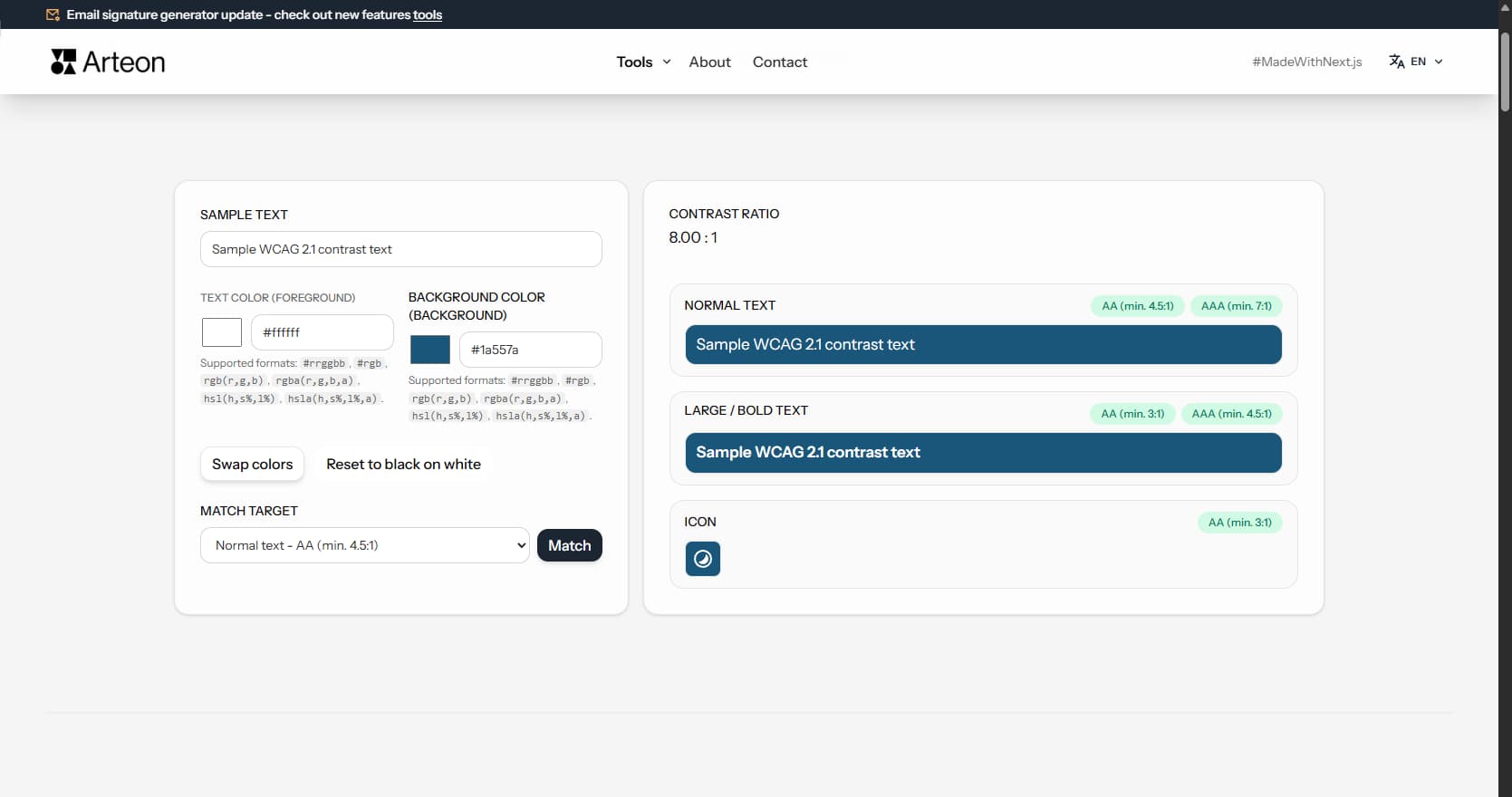
Color contrast checker
Check text and background contrast per WCAG 2.1 AA and AAA. Automatic color correction.
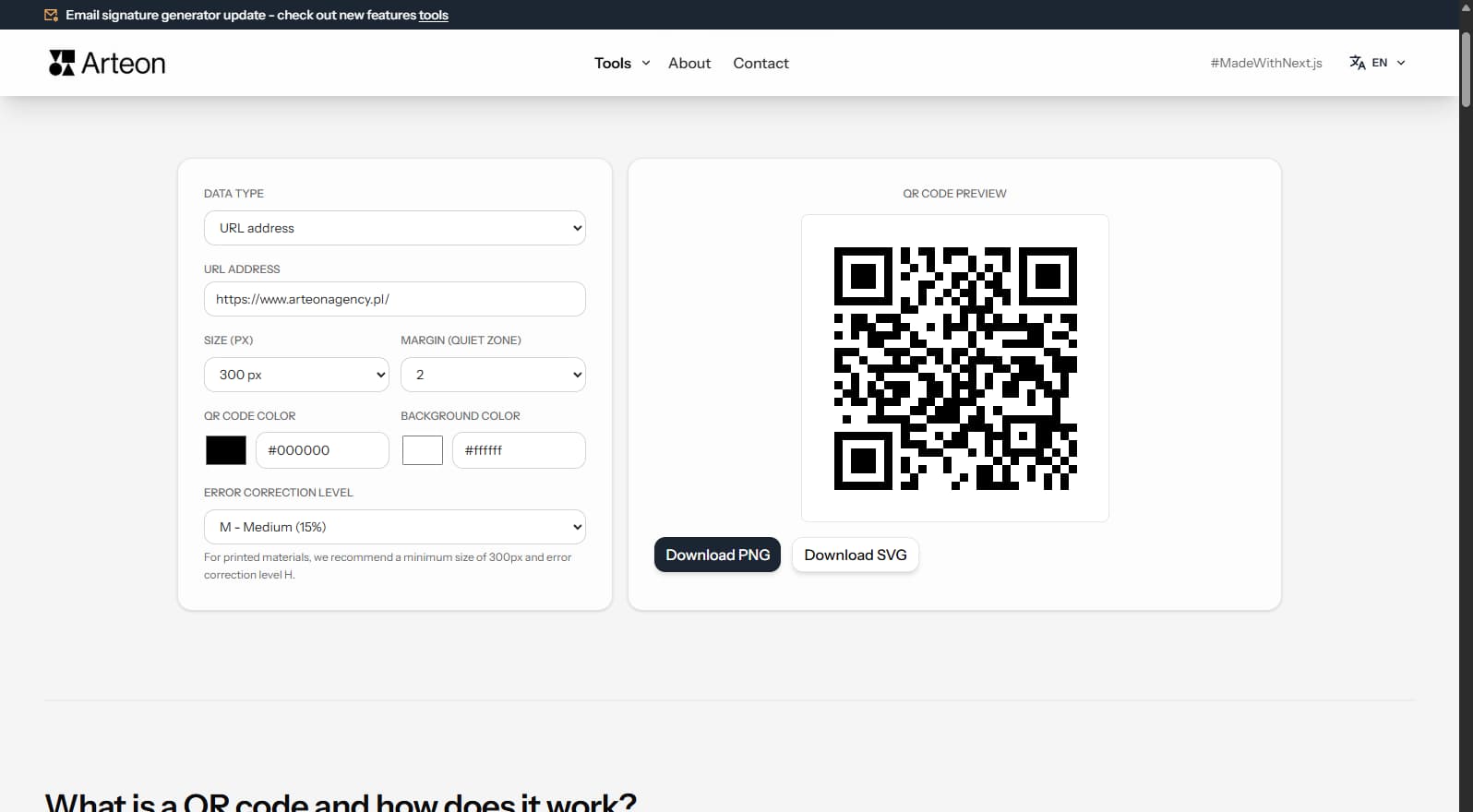
Free QR code generator
Create a QR code for a website, vCard business card or print. Export PNG and SVG, no registration.
Word & character counter
Count words, characters, sentences and reading time. Check readability with the Flesch-Kincaid score.