Convert JSON to XML – SOAP APIs and legacy systems
Enterprise systems, Android manifests, Salesforce data exchange, and RSS feeds all require XML. Paste your JSON and get valid, indented XML output in seconds — no server needed.
Why convert JSON to XML?
JSON is the standard for REST APIs and modern web apps. However, many enterprise systems, SOAP APIs, B2B data exchange standards (EDI, UBL, e-invoicing), and configuration files require XML. Converting JSON to XML bridges the gap between modern and legacy systems.
XML supports schema validation (XSD), namespaces, XSLT transformations, and digital signatures — features JSON lacks. In the enterprise world, XML remains the standard for SAP, Oracle, banking APIs (ISO 20022), and government systems.
The converter maps JSON objects to XML elements, arrays to repeating elements, and primitive types to text values. It generates well-formed, indented XML with a proper <?xml version="1.0"?> declaration.
All processing happens locally in your browser — nothing is sent to any server. No registration, no limits, no tracking.
How to convert JSON to XML
Paste your data
Paste your JSON object or array. This could be a REST API response you need to forward to a SOAP endpoint, a data payload for Salesforce, or any JSON structure that a legacy system expects in XML.Convert
Click Convert. Each JSON key becomes an XML element tag, nested objects produce child elements, and arrays produce repeated sibling elements. Special characters are automatically XML-escaped so the output validates immediately.Copy or download
Copy the well-formed, indented XML to clipboard and paste it into your SOAP client, SAP import tool, Android manifest editor, or RSS feed template. Or download as a .xml file for further processing.
What makes this converter different?
Complete privacy
Your files are processed entirely in your browser. Nothing is uploaded to any server.No limits
Convert as many files as you need. No daily limits, no file size restrictions, no watermarks.Quality control
Adjust settings to find the perfect balance between file size and quality.Instant conversion
All processing happens locally using modern browser APIs - fast and works offline after loading.
JSON vs XML – format comparison
| Feature | JSON | XML |
|---|---|---|
| Nested/hierarchical data | ✓ | ✓ |
| Tabular data | — | — |
| Schema validation | ✓ | ✓ |
| Human readable | ✓ | ✓ |
| API standard | ✓ | ✓ |
| Compact syntax | ✓ | — |
How does JSON to XML conversion work?
JSON and XML are both structured data formats, but they use fundamentally different syntax. JSON uses curly braces and key-value pairs, while XML uses opening and closing tags to define elements. The converter maps each JSON property to an XML element, preserving the hierarchical structure.
JSON objects become XML elements, JSON arrays become repeated elements, and primitive values (strings, numbers, booleans) become text content within their parent tags. The converter generates well-formed XML with proper indentation and an XML declaration header.
XML is widely used in enterprise systems, SOAP web services, configuration files, and data interchange where strict schema validation is required. The conversion runs entirely in your browser — no data is sent to any server.
Tips for converting JSON to XML
A few tips to help you avoid common issues during conversion:
Root element
XML requires a single root element. If your JSON is an array, the converter wraps it in a root element. You can customize the root element name if needed.Array handling
JSON arrays are converted to repeated XML elements with the same tag name. The element name is derived from the parent key or uses a generic item tag.Special characters
Characters like <, >, &, and quotes are automatically escaped in the XML output using standard XML entities to ensure valid markup.Attributes vs elements
By default, all JSON properties become XML child elements. JSON does not have a native concept of XML attributes, so no attributes are generated.
JSON to XML mapping rules
The converter maps JSON structures to XML elements following these rules:
- Objects – each key becomes an XML element.
{"name": "John"}→<name>John</name> - Arrays – each item becomes a repeating element with the key name.
{"items": [1, 2]}→<items>1</items><items>2</items> - Primitives – strings, numbers, booleans become text content of their parent element.
- Null values – converted to empty elements or omitted.
The output includes a proper XML declaration and uses 2-space indentation for readability. Element names are derived directly from JSON keys.
Convert JSON to other formats
Frequently asked questions about JSON to XML conversion
Is converting JSON to XML free?
Yes, this converter is completely free with no limits. No registration, no watermarks.
Does the converter upload my files?
No. All processing happens locally in your browser. Your files never leave your device.
Can I convert multiple files at once?
Yes, the converter supports batch conversion. Add multiple files and convert them all simultaneously.
Does the converter work on mobile?
Yes, the converter works on any device with a modern web browser, including smartphones and tablets.
Is converting JSON to XML safe?
Yes. The entire conversion runs locally in your browser. Your data is never sent to any server. When you close the page, all data is automatically cleared from memory.
Is the conversion lossless?
Yes. All data from the JSON input is preserved in the XML output. The structure and values remain intact, though the syntax changes from JSON to XML notation.
Can I validate the XML output?
The converter produces well-formed XML that passes standard XML validation. If you need schema validation (XSD), you can apply your schema to the output separately.
Can I use the XML output in Salesforce or SAP integrations?
Yes. Both Salesforce and SAP commonly exchange data in XML format. The converter produces well-formed XML with a proper declaration that you can use as a data import payload, SOAP request body, or file attachment in these enterprise systems.
Help us improve our tools
Have an idea, found a bug, or want to suggest a feature? Drop us a message – we respond within 24 hours.
Explore other useful tools
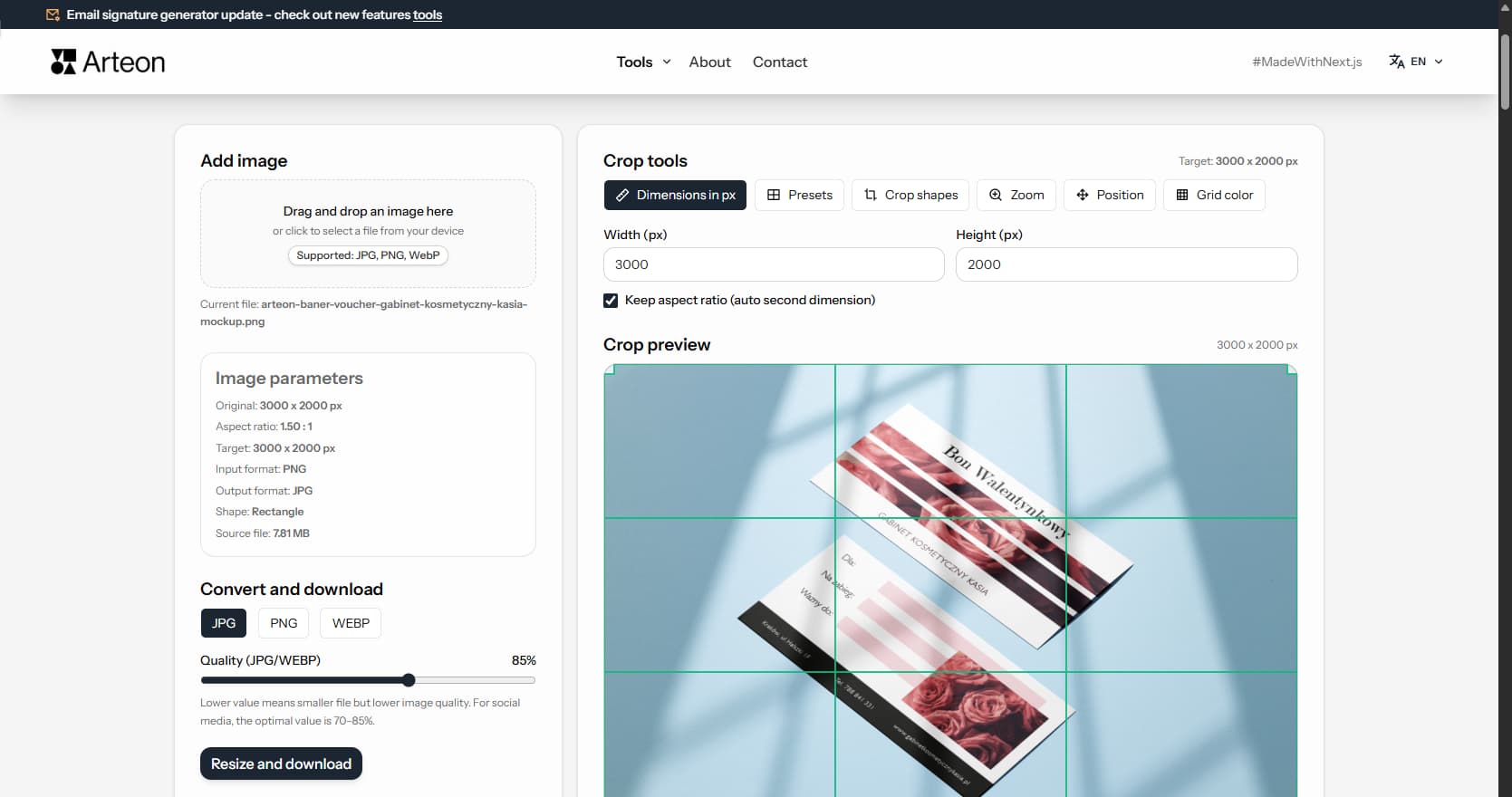
Online image editor
Resize, crop and convert your image. Ready-made formats for social media, circular avatars, export to JPG/PNG/WebP.
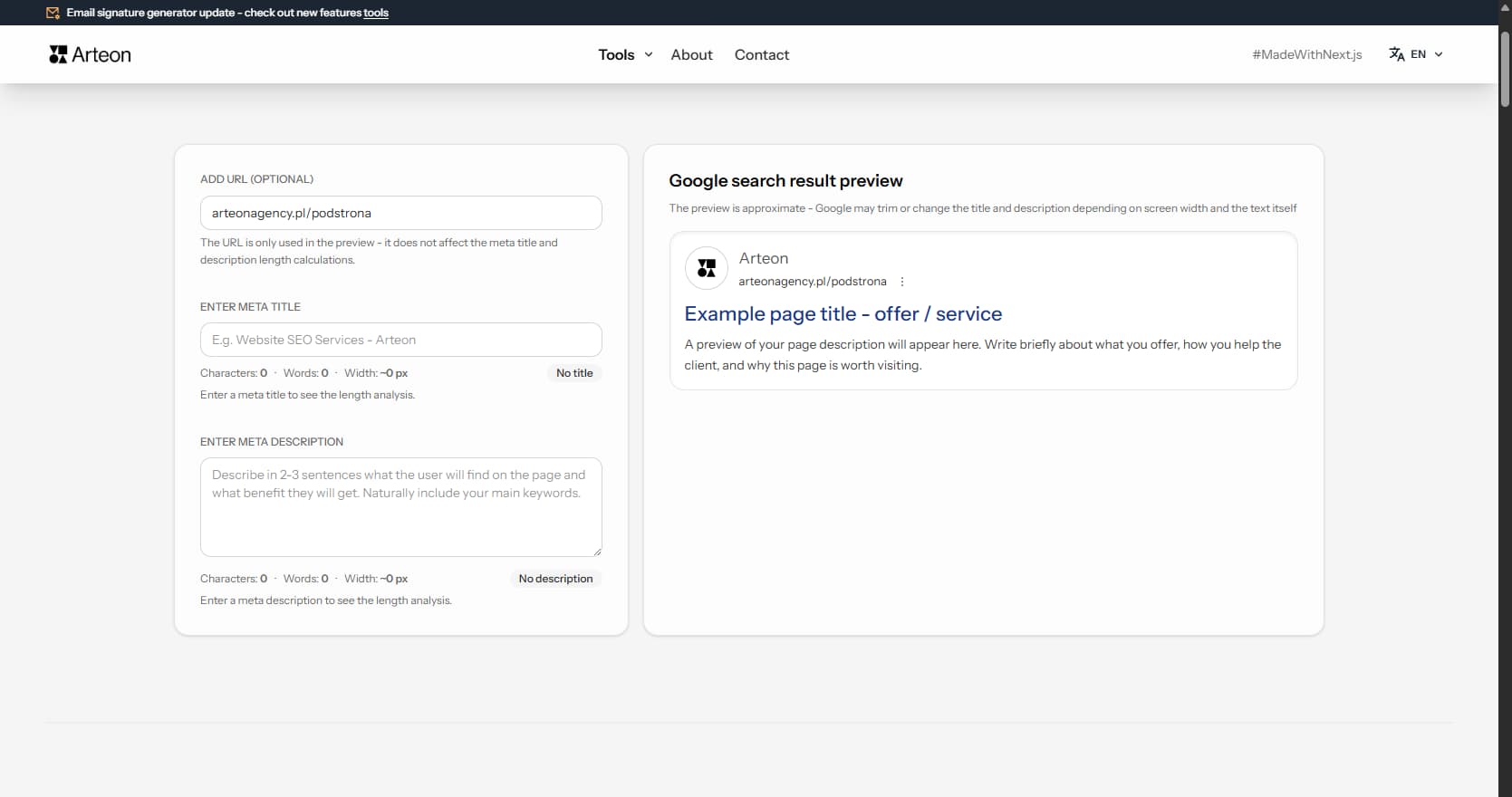
Meta title & description checker
Check title and description length in pixels. Live Google preview and optimization tips.
PNG to JPG
Convert PNG files to JPG in your browser. No file limits, no signup, no server uploads.
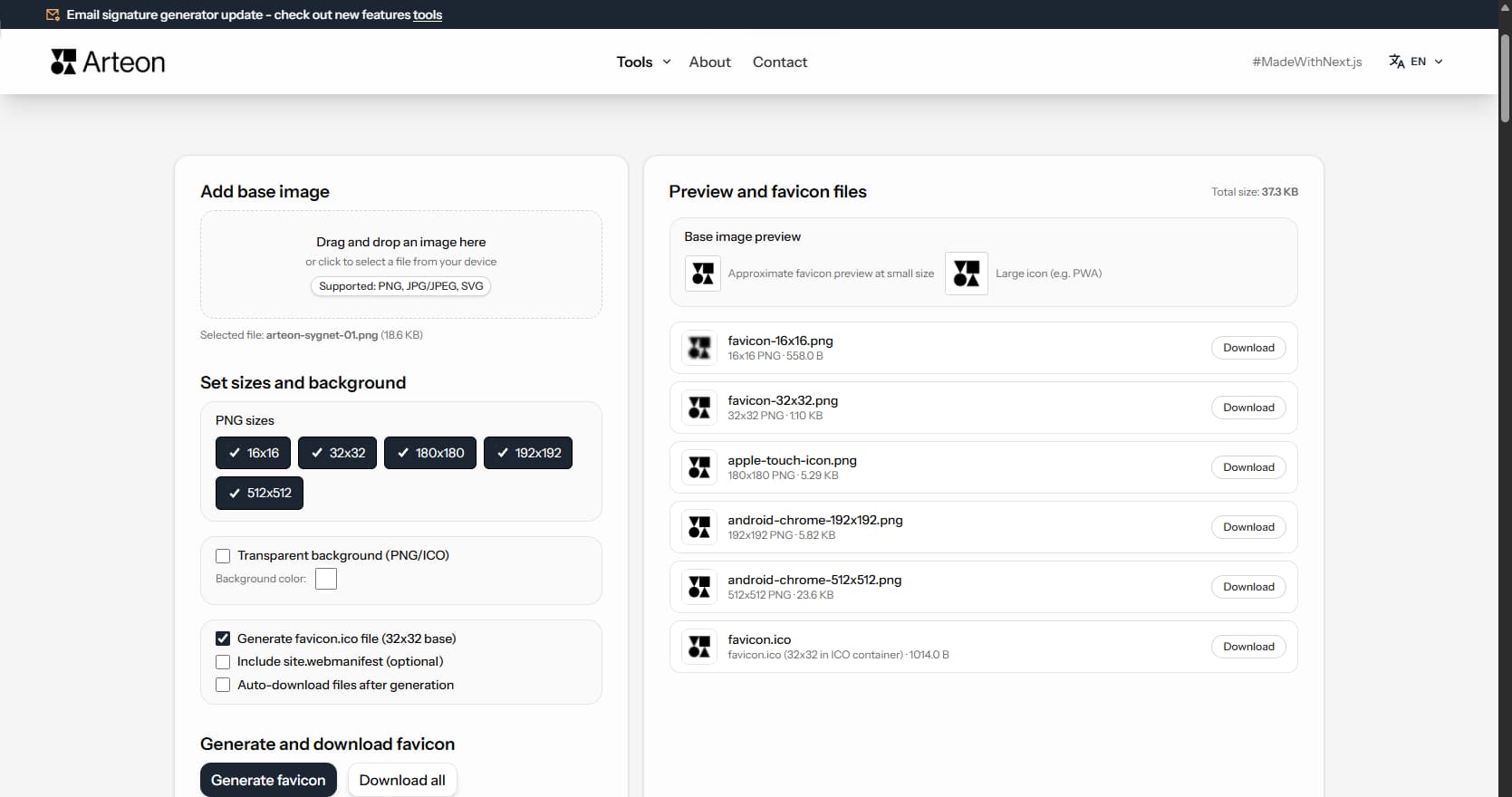
Favicon generator
Create a complete favicon.ico set for your website from one image. All required sizes, no login.
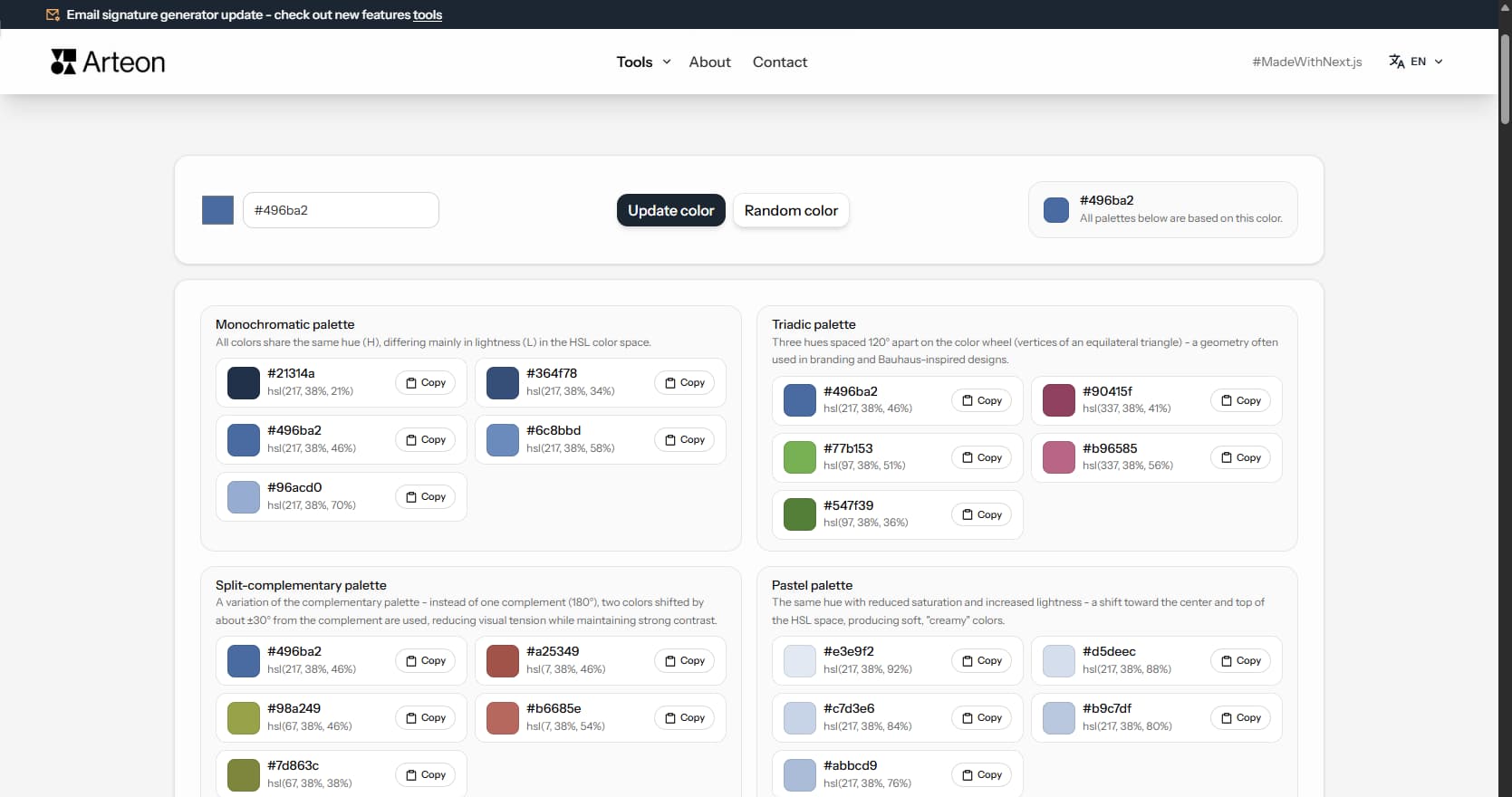
Color palette generator
Generate 9 palettes from one color: monochromatic, complementary, triadic and more. HEX codes.
WebP to JPG
Convert WebP files to universally compatible JPG. Works in every app and platform.
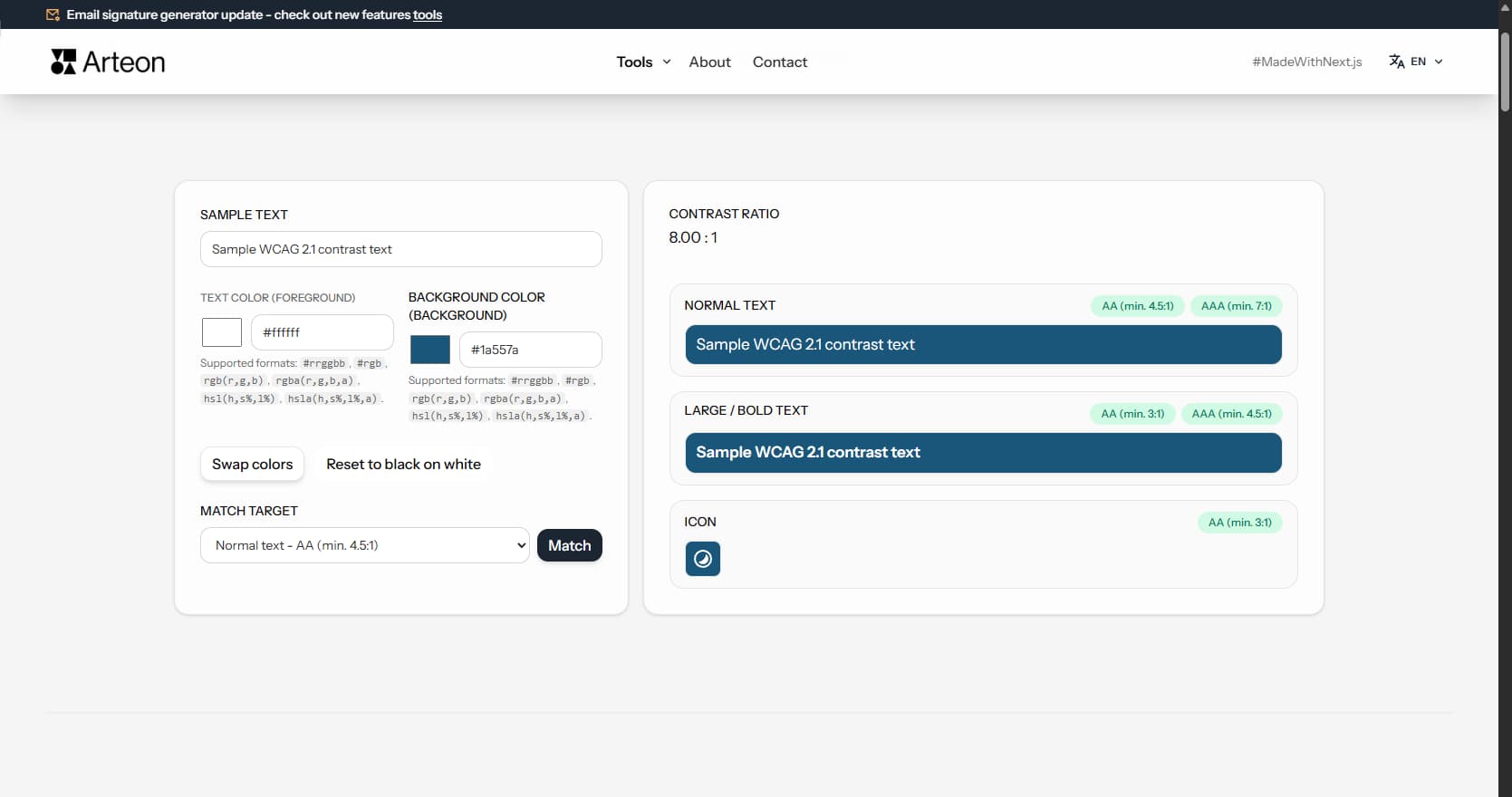
Color contrast checker
Check text and background contrast per WCAG 2.1 AA and AAA. Automatic color correction.
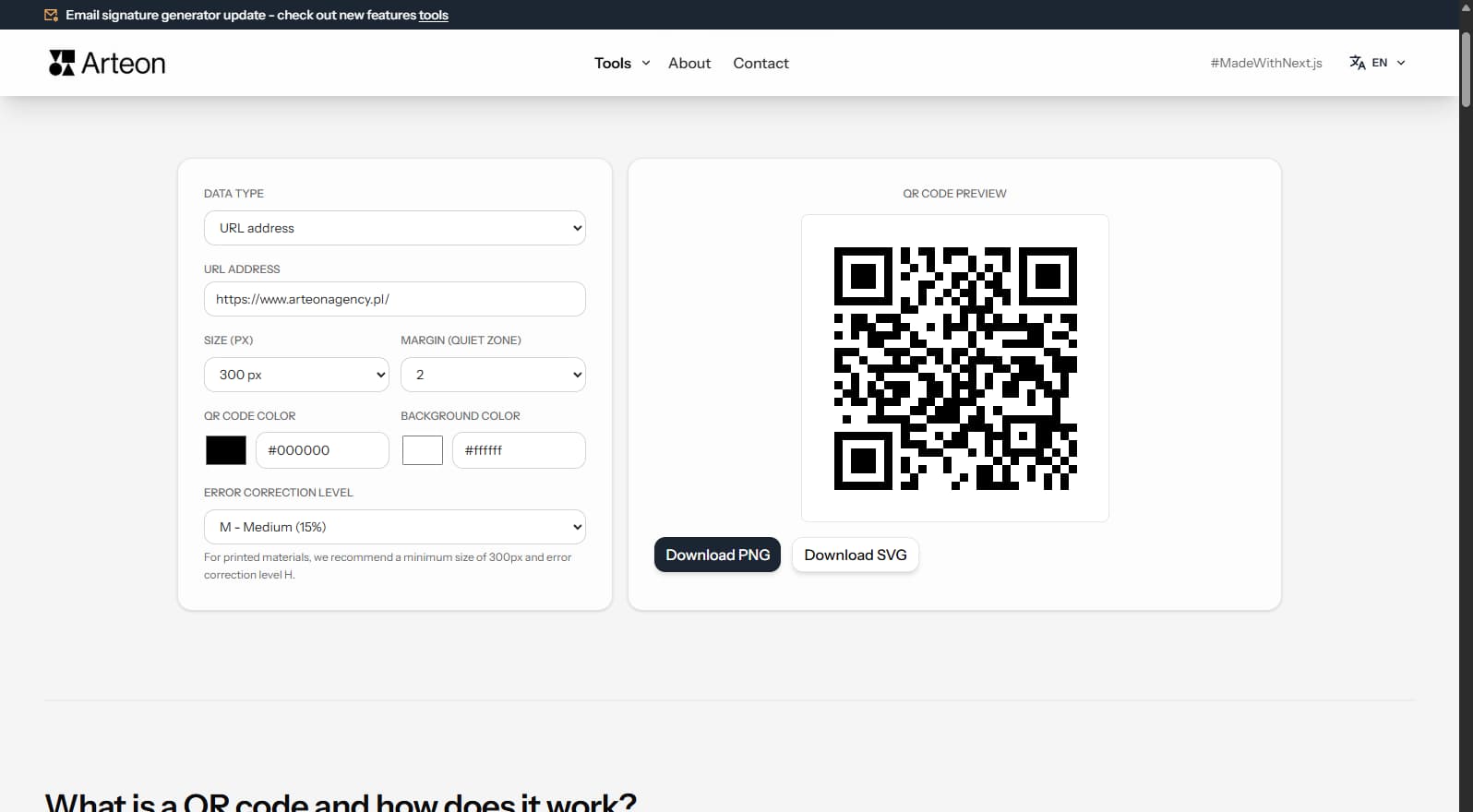
Free QR code generator
Create a QR code for a website, vCard business card or print. Export PNG and SVG, no registration.
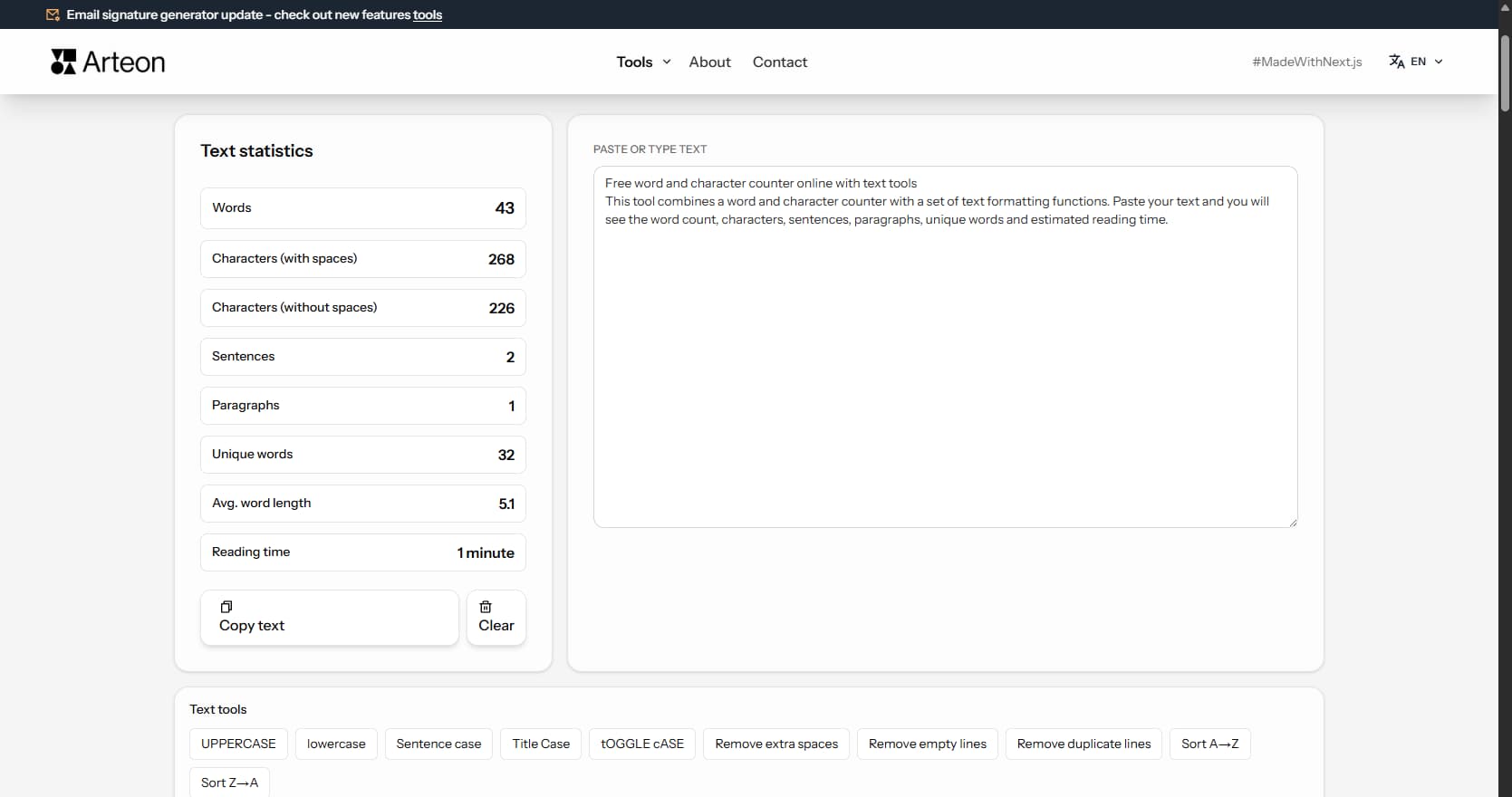
Word & character counter
Count words, characters, sentences and reading time. Check readability with the Flesch-Kincaid score.