image to Base64 converter
Encode images to Base64 format. Copy ready code for CSS or HTML. Free, no registration.
Why convert image to Base64?
Base64 encodes binary data (like images) as a text string. An encoded image can be embedded directly in HTML (<img src="data:image/png;base64,...">), CSS (background-image: url(data:...)), JSON, or sent to APIs — without hosting the file on a server.
Base64 encoding is essential for several use cases: embedding small icons and logos inline in CSS (eliminating HTTP requests), creating email templates with embedded images (Outlook blocks external images by default), sending images to APIs (OpenAI Vision, Google Cloud Vision), and generating self-contained HTML files.
Base64 increases data size by approximately 33% (3 binary bytes = 4 Base64 characters). For small images under 10 KB, the benefit of eliminating HTTP requests outweighs the size increase. For large photos (>50 KB), use regular files instead — Base64 would increase page size and slow loading.
This converter processes files locally in your browser — nothing is sent to any server. No registration, no limits, no watermarks.
How to convert image to Base64
Upload your image file
Drag and drop your image file onto the converter or click to browse.Convert
The tool instantly generates Base64 code ready to use.Download your Base64
Copy the Base64 code for use in CSS, HTML, or your application.
What makes this converter different?
Complete privacy
Your files are processed entirely in your browser. Nothing is uploaded to any server.No limits
Convert as many files as you need. No daily limits, no file size restrictions, no watermarks.Quality control
Adjust settings to find the perfect balance between file size and quality.Instant conversion
All processing happens locally using modern browser APIs - fast and works offline after loading.
How does Image to Base64 encoding work?
Base64 encoding converts binary image data into a text string using 64 printable ASCII characters (A–Z, a–z, 0–9, +, /). Every 3 bytes of binary data become 4 Base64 characters, which means the encoded string is about 33% larger than the original file.
The converter reads your image file, encodes it as a Base64 string, and prepends the appropriate data URI prefix (e.g., data:image/png;base64,). This creates a self-contained string that can be embedded directly in HTML, CSS, or JSON without requiring a separate image file.
Base64 encoding works best for small assets under 10 KB — icons, logos, and UI elements — where eliminating an extra HTTP request improves page load performance. For larger images, serving them as separate files is usually more efficient. The conversion runs entirely in your browser — no data is sent to any server.
Tips for converting IMAGE to BASE64
A few tips to help you avoid common issues during conversion:
Size increase
Base64 encoding increases file size by approximately 33%. A 10 KB image becomes about 13.3 KB as a Base64 string. Best suited for small images under 10 KB.Data URI format
The output includes the complete data URI prefix (data:image/png;base64,...) ready to paste into HTML img src or CSS background-image properties.Supported formats
The converter accepts PNG, JPG, GIF, WebP, SVG, and BMP images. The MIME type in the data URI is set automatically based on the input format.Caching considerations
Base64-embedded images cannot be cached separately by the browser. For images used on multiple pages, separate files with proper cache headers are more efficient.
When to use Base64 encoding vs regular image files
Base64 encoding is beneficial in specific scenarios, but not always the right choice:
- Use Base64 for – small images under 10 KB (icons, logos), email templates with embedded images, API requests requiring image data in JSON, self-contained HTML files.
- Use regular files for – large images over 50 KB, website hero images and photos, images that need browser caching, content served via CDN.
Base64 increases data size by 33% and prevents browser caching. For web performance, only inline very small assets. For everything else, serve images as regular files with proper caching headers.
Convert JPG to other formats
Frequently asked questions about image to Base64 conversion
Is converting image to Base64 free?
Yes, this converter is completely free with no limits. No registration, no watermarks.
Does the converter upload my files?
No. All processing happens locally in your browser. Your files never leave your device.
Can I convert multiple files at once?
Yes, the converter supports batch conversion. Add multiple files and convert them all simultaneously.
Does the converter work on mobile?
Yes, the converter works on any device with a modern web browser, including smartphones and tablets.
Is converting images to Base64 safe?
Yes. The entire conversion runs locally in your browser. Your images are never sent to any server. When you close the page, all data is automatically cleared from memory.
When should I use Base64 instead of image files?
Base64 is ideal for small images (icons, logos under 10 KB) where eliminating an HTTP request matters. For larger images, separate files are more efficient because they can be cached by the browser and don't inflate your HTML/CSS.
Can I use Base64 images in emails?
Yes, but support varies by email client. Gmail, Outlook, and Apple Mail support Base64 data URIs in img tags. Some older email clients may block them. Test with your target audience.
Help us improve our tools
Have an idea, found a bug, or want to suggest a feature? Drop us a message – we respond within 24 hours.
Explore other useful tools
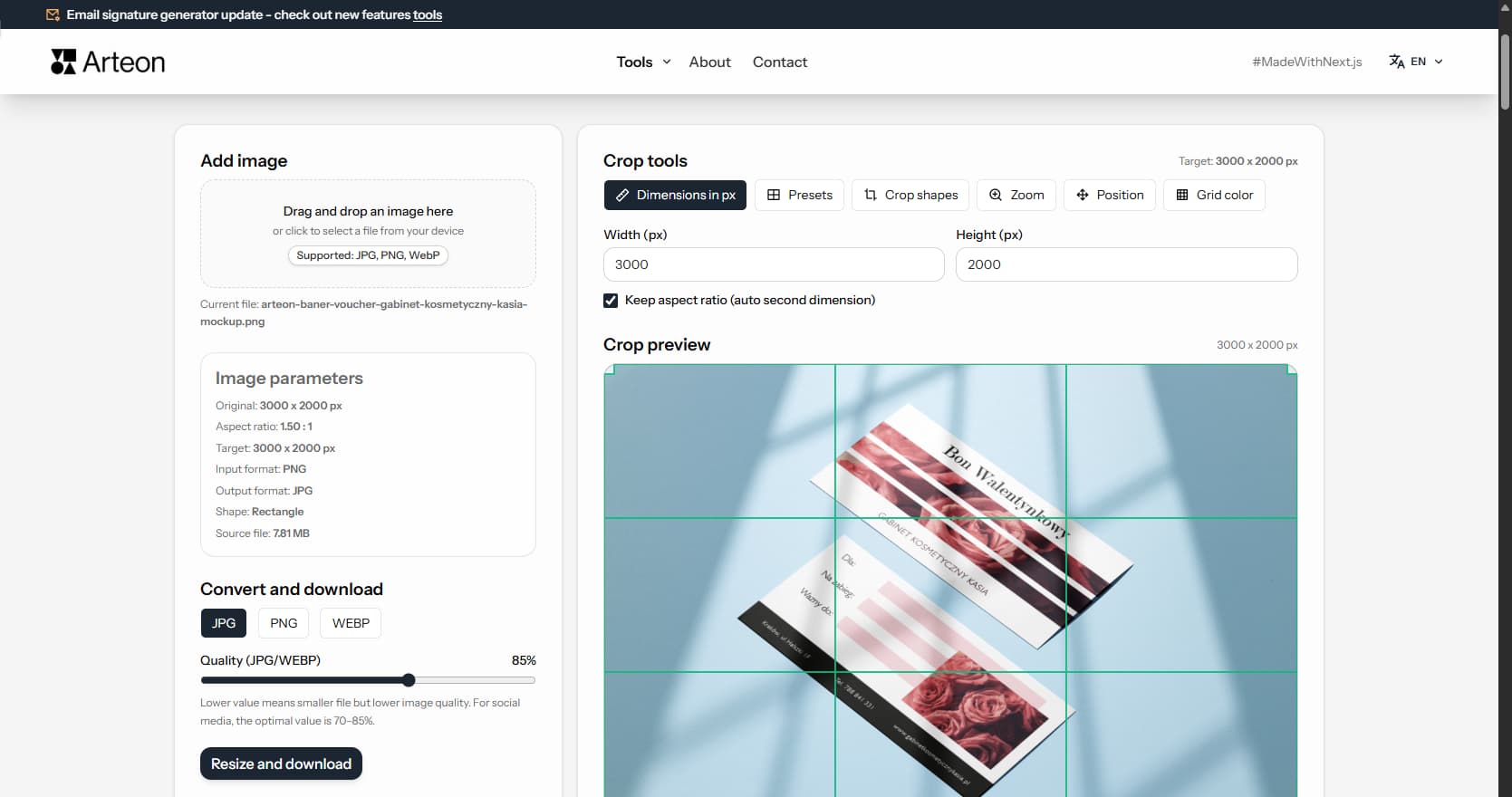
Online image editor
Resize, crop and convert your image. Ready-made formats for social media, circular avatars, export to JPG/PNG/WebP.
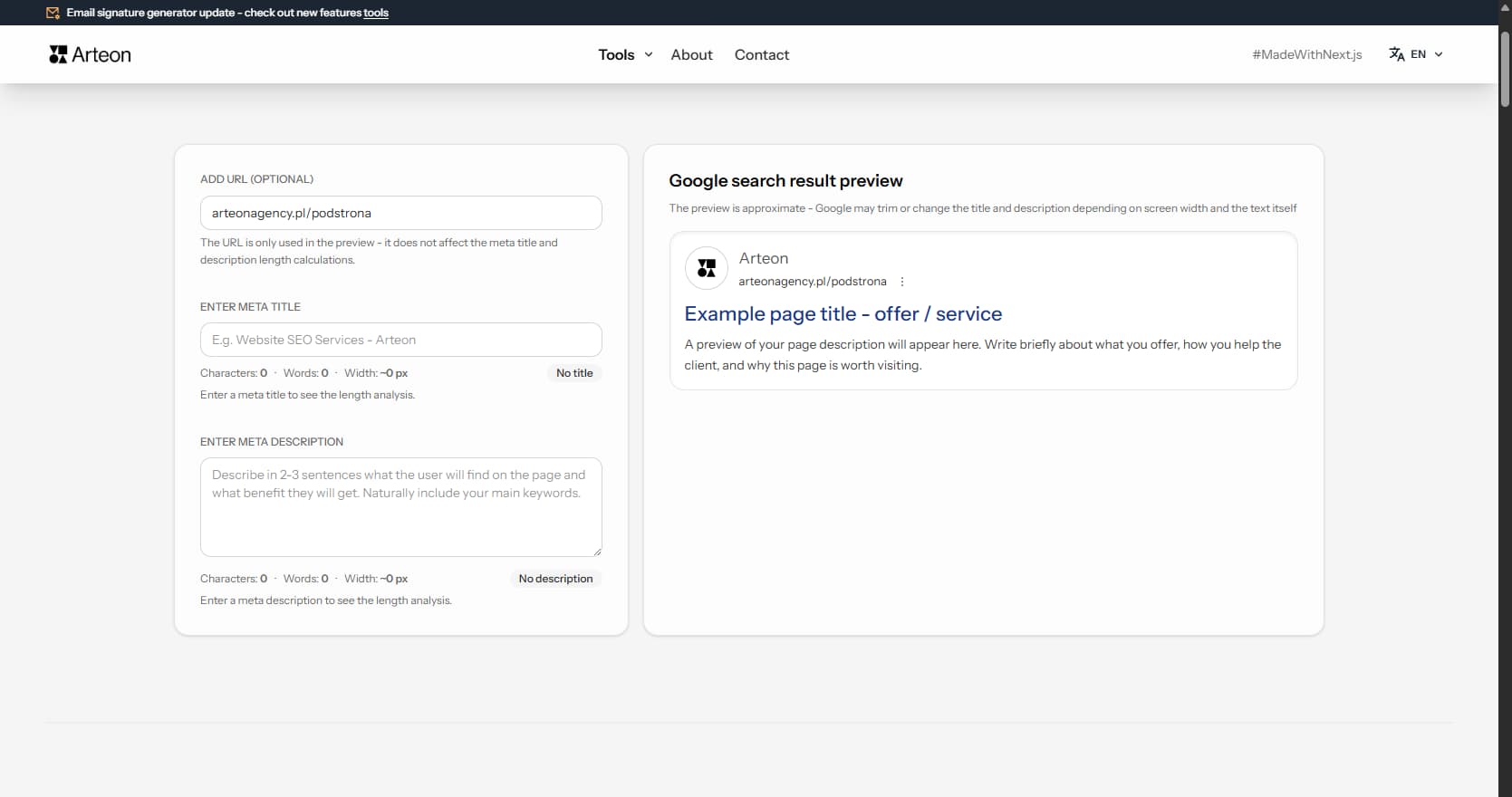
Meta title & description checker
Check title and description length in pixels. Live Google preview and optimization tips.
PNG to JPG
Convert PNG files to JPG in your browser. No file limits, no signup, no server uploads.
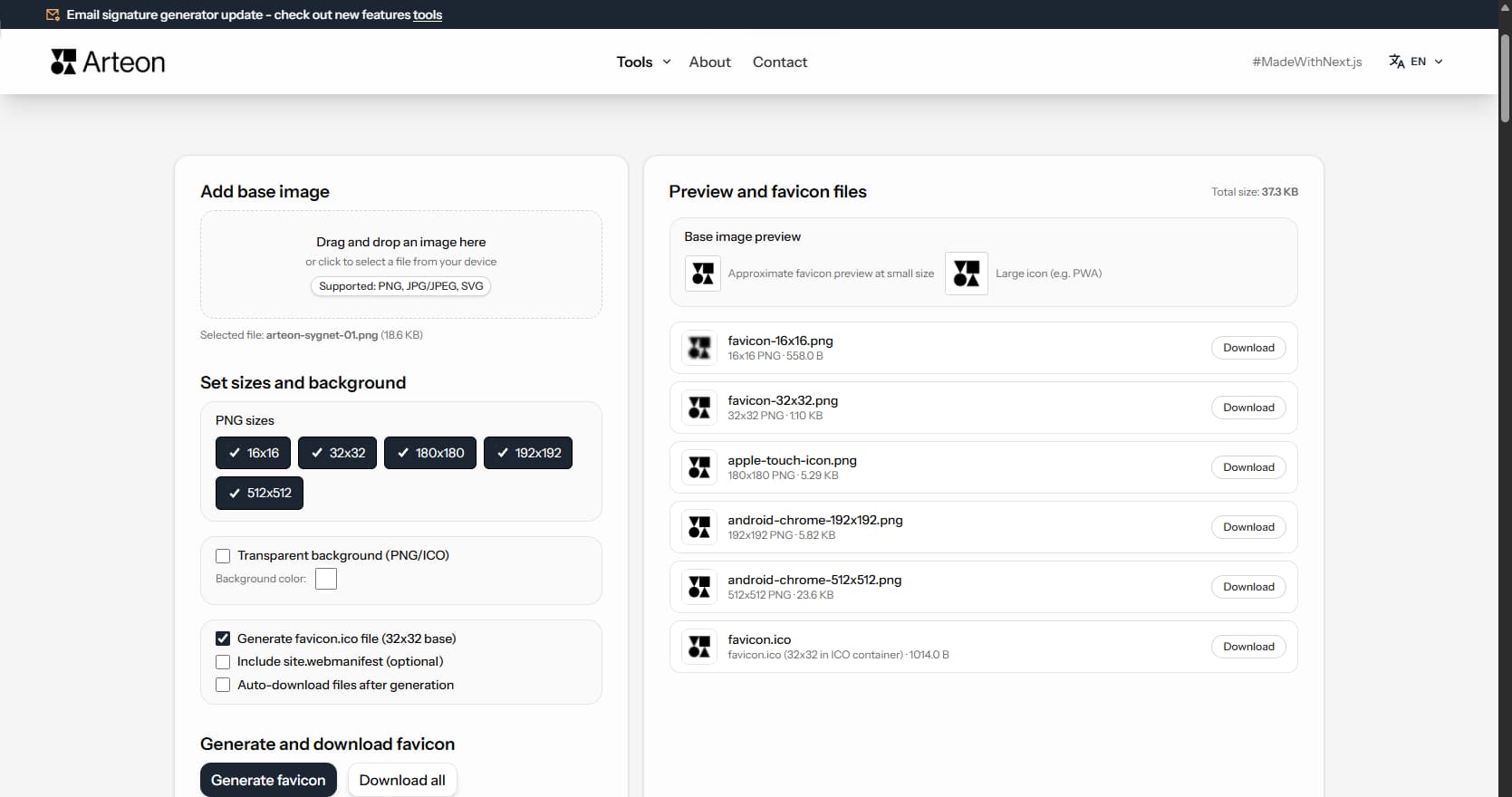
Favicon generator
Create a complete favicon.ico set for your website from one image. All required sizes, no login.
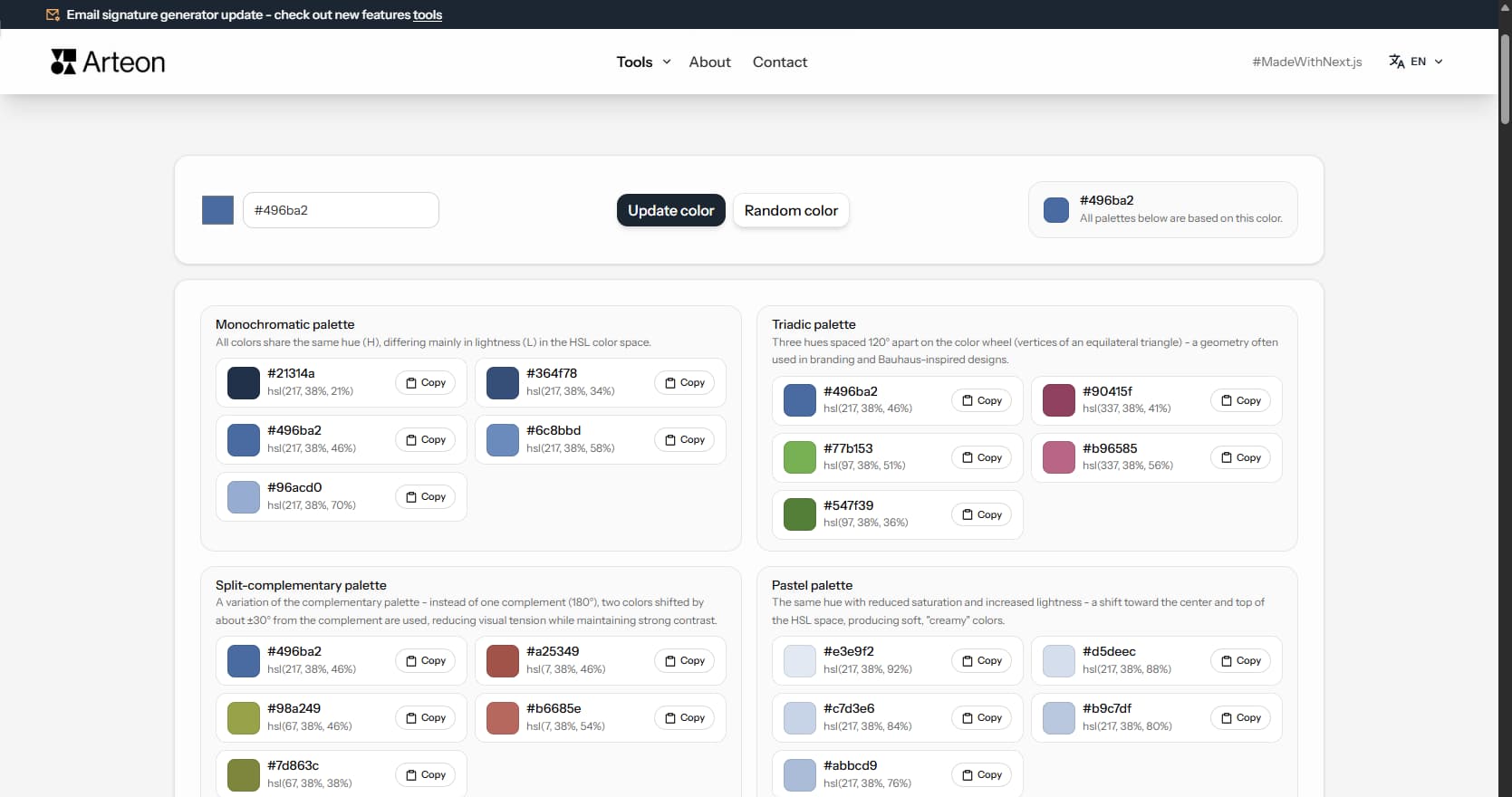
Color palette generator
Generate 9 palettes from one color: monochromatic, complementary, triadic and more. HEX codes.
WebP to JPG
Convert WebP files to universally compatible JPG. Works in every app and platform.
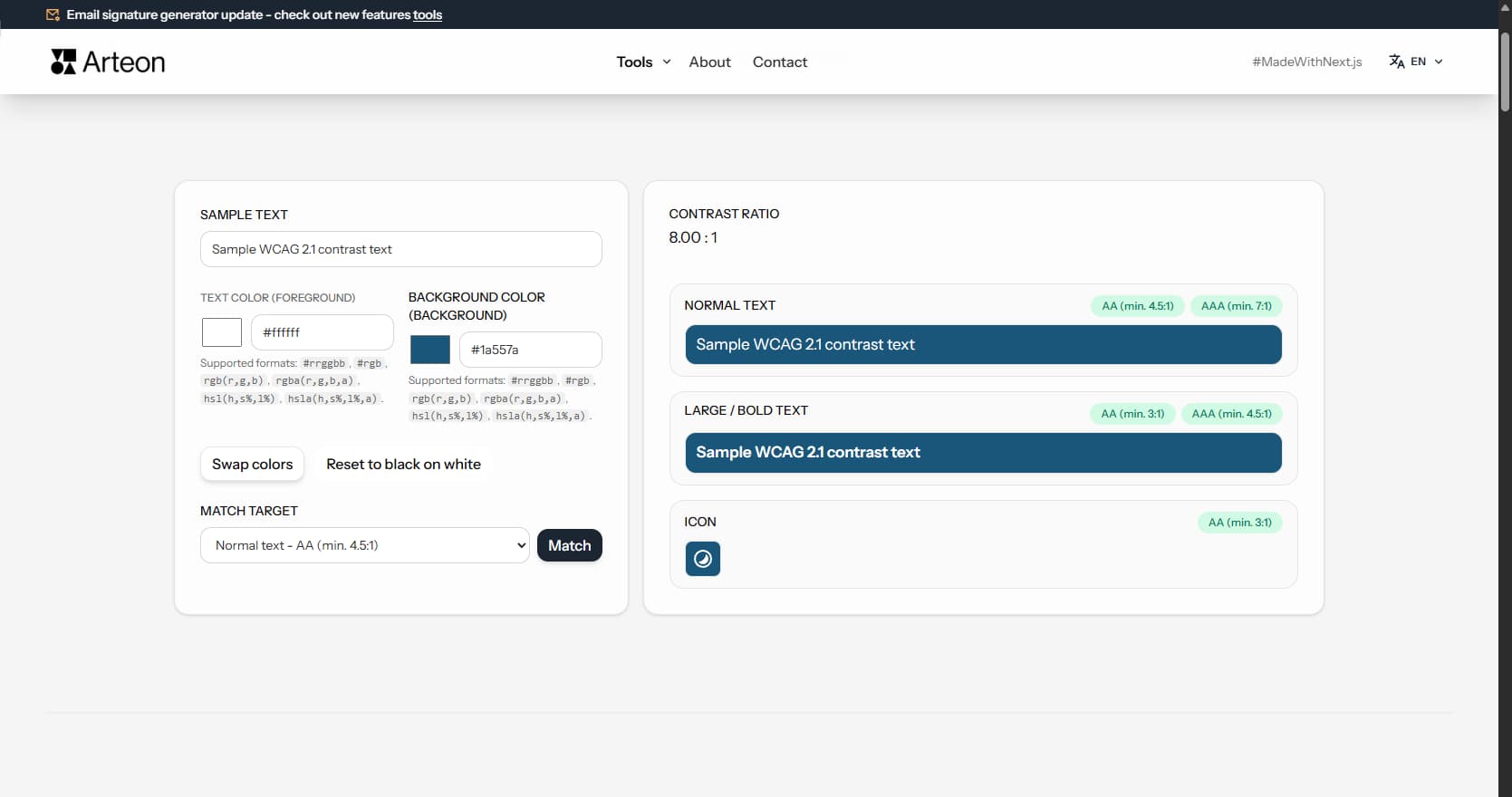
Color contrast checker
Check text and background contrast per WCAG 2.1 AA and AAA. Automatic color correction.
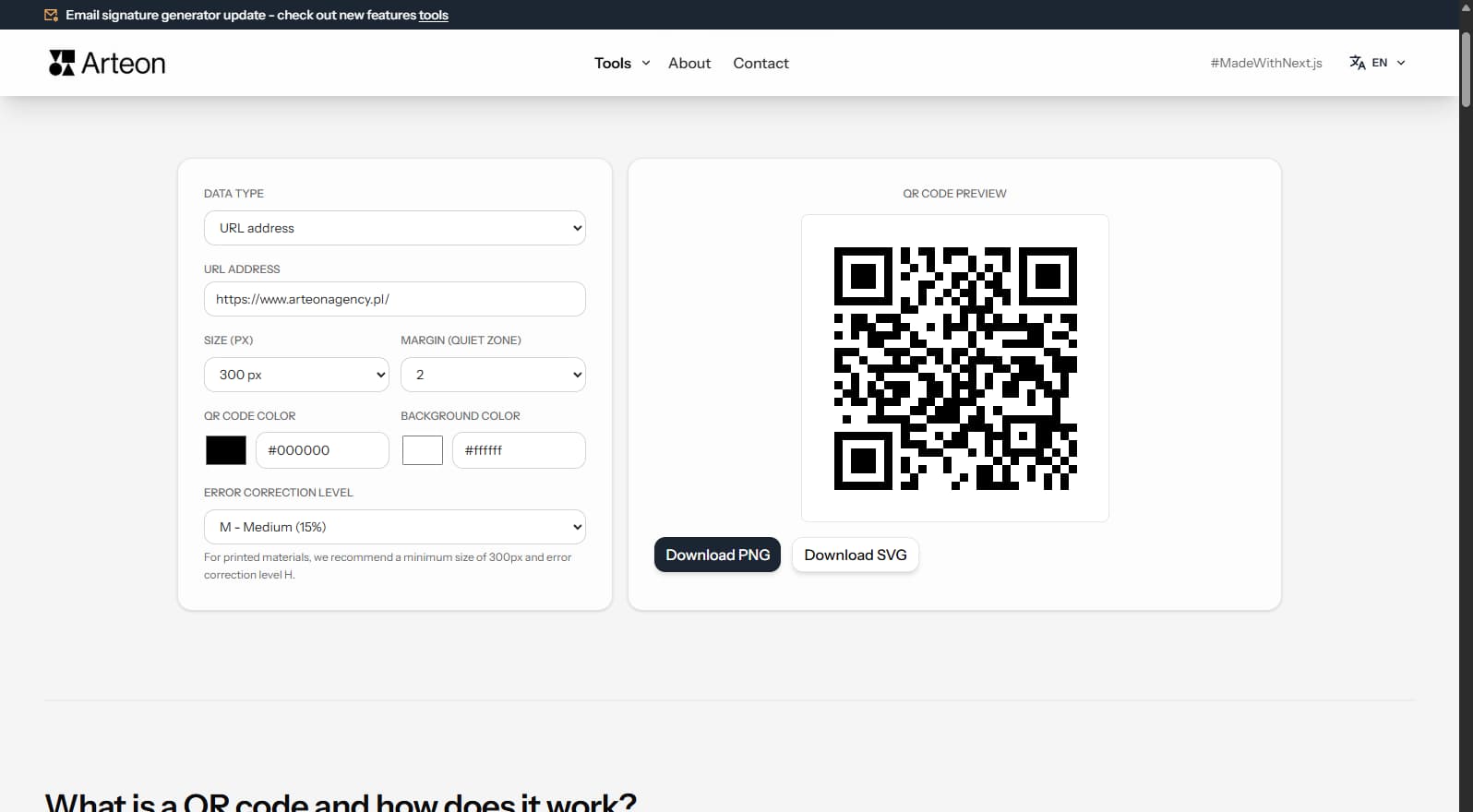
Free QR code generator
Create a QR code for a website, vCard business card or print. Export PNG and SVG, no registration.
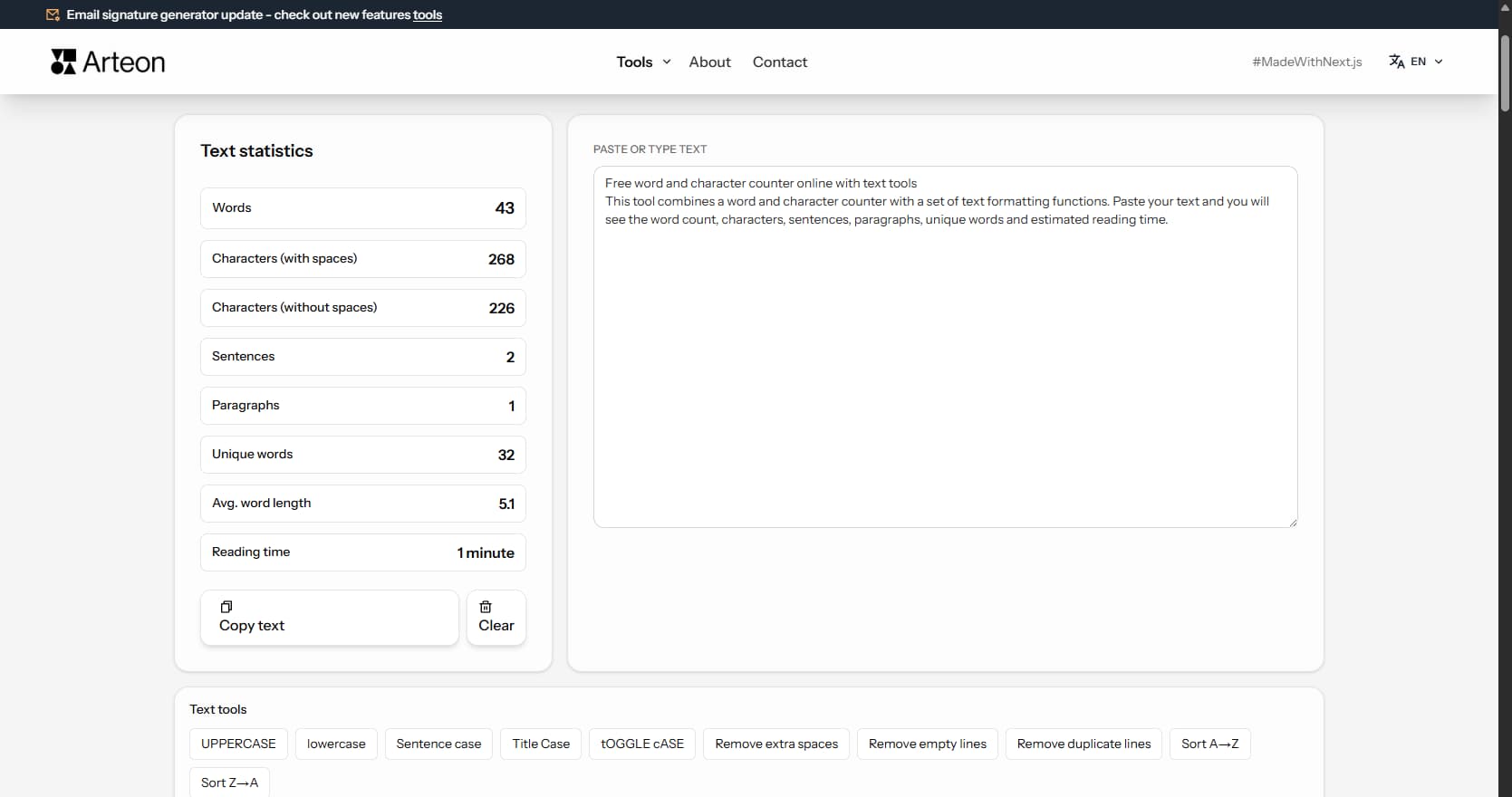
Word & character counter
Count words, characters, sentences and reading time. Check readability with the Flesch-Kincaid score.