Convert HTML to Markdown – clean output for Git and Notion
Moving from WordPress to Ghost, Gatsby, or Obsidian? Paste your HTML and get clean Markdown that keeps your headings, lists, links, and code intact — no plugins, no server, free.
Why convert HTML to Markdown?
HTML is powerful but difficult to read and edit without specialized tools. Markdown uses simple syntax — # Heading instead of <h1>, **bold** instead of <strong>. It is the standard format for GitHub/GitLab documentation, static site generators (Hugo, Jekyll, Gatsby, Astro), note-taking apps (Notion, Obsidian), and technical writing.
Converting HTML to Markdown is essential when migrating content from a CMS (WordPress, Joomla) to static site generators, moving articles to Git repositories, creating technical documentation, and archiving web content in a readable plain-text format.
The converter recognizes semantic HTML tags: headings (h1–h6), lists (ul, ol), links (a), images (img), code blocks (pre, code), tables, and text formatting (strong, em, del). It ignores irrelevant tags (div, span, script, style).
All processing happens locally in your browser — nothing is sent to any server. No registration, no limits, no tracking.
How to convert HTML to Markdown
Paste your data
Paste your HTML — a WordPress post, a Confluence page, or content copied from a web page. You can paste the full page source or just the body content. Upload a .html file if you prefer.Convert
Click Convert. The converter parses semantic tags (headings, lists, links, images, tables, code) and maps them to Markdown equivalents. Irrelevant tags like div, span, script, and style are stripped, leaving only meaningful content.Copy or download
Copy the clean Markdown and paste it into your Obsidian vault, GitHub README, Notion page, or LLM prompt. Markdown is significantly more token-efficient than HTML when feeding content to AI models.
What makes this converter different?
Complete privacy
Your files are processed entirely in your browser. Nothing is uploaded to any server.No limits
Convert as many files as you need. No daily limits, no file size restrictions, no watermarks.Quality control
Adjust settings to find the perfect balance between file size and quality.Instant conversion
All processing happens locally using modern browser APIs - fast and works offline after loading.
HTML vs Markdown – format comparison
| Feature | HTML | Markdown |
|---|---|---|
| Nested/hierarchical data | ✓ | — |
| Tabular data | ✓ | ✓ |
| Schema validation | ✓ | — |
| Human readable | — | ✓ |
| API standard | — | — |
| Compact syntax | — | ✓ |
How does HTML to Markdown conversion work?
HTML uses tags like <h1>, <strong>, <a>, and <ul> to structure content. Markdown uses simpler symbols: # for headings, ** for bold, [text](url) for links, and - for lists. The converter parses the HTML document tree and maps each element to its Markdown equivalent.
For example, <h1>Title</h1> becomes # Title, <strong>bold</strong> becomes **bold**, and <a href="url">link</a> becomes [link](url). Complex structures like tables, code blocks, and nested lists are also handled.
Converting HTML to Markdown is useful for migrating website content to documentation systems, static site generators, or any platform that uses Markdown. The conversion runs entirely in your browser — no data is sent to any server.
Tips for converting HTML to Markdown
A few tips to help you avoid common issues during conversion:
Inline styles are removed
Markdown does not support CSS styling. Inline styles, classes, and IDs in your HTML are stripped during conversion. Only the semantic structure and text content are preserved.Complex layouts
HTML layouts using divs, grids, or flexbox cannot be represented in Markdown. The converter extracts the text content and preserves headings, lists, and links.Images and links
HTML <img> tags become  and <a> tags become [text](url) in Markdown. Relative URLs are preserved as-is.Tables
HTML tables are converted to Markdown pipe tables where possible. Complex tables with colspan or rowspan may be simplified.
What HTML elements are converted?
The converter handles all common semantic HTML elements:
- Headings – <h1> through <h6> → # through ######
- Text formatting – <strong>/<b> → **bold**, <em>/<i> → *italic*, <del> → ~~strikethrough~~
- Links – <a href> → [text](url)
- Images – <img> → 
- Lists – <ul>/<ol> → - / 1. list items
- Code – <code> → `inline`, <pre><code> → fenced blocks
- Tables – <table> → pipe-separated Markdown tables
Non-semantic elements (div, span, script, style) are stripped. Only meaningful content is preserved in the Markdown output.
Frequently asked questions about HTML to Markdown conversion
Is converting HTML to Markdown free?
Yes, this converter is completely free with no limits. No registration, no watermarks.
Does the converter upload my files?
No. All processing happens locally in your browser. Your files never leave your device.
Can I convert multiple files at once?
Yes, the converter supports batch conversion. Add multiple files and convert them all simultaneously.
Does the converter work on mobile?
Yes, the converter works on any device with a modern web browser, including smartphones and tablets.
Is converting HTML to Markdown safe?
Yes. The entire conversion runs locally in your browser. Your data is never sent to any server. When you close the page, all data is automatically cleared from memory.
Will I lose formatting during conversion?
Markdown supports headings, bold, italic, links, images, lists, code blocks, blockquotes, and tables. HTML-only features like custom CSS, colors, and complex layouts cannot be represented in Markdown and will be simplified.
Can I use the Markdown output in GitHub or GitLab?
Yes. The output follows standard Markdown syntax compatible with GitHub, GitLab, Bitbucket, Notion, Obsidian, and any other platform that renders Markdown.
Is Markdown better than HTML for feeding content to AI models?
Yes. Markdown is significantly more token-efficient than HTML for LLMs. Removing tags like <div class="...">, , and reduces token count while keeping full semantic meaning. Many AI workflows recommend converting HTML to Markdown before passing content to GPT-4 or Claude to reduce cost and improve response quality.
Help us improve our tools
Have an idea, found a bug, or want to suggest a feature? Drop us a message – we respond within 24 hours.
Explore other useful tools
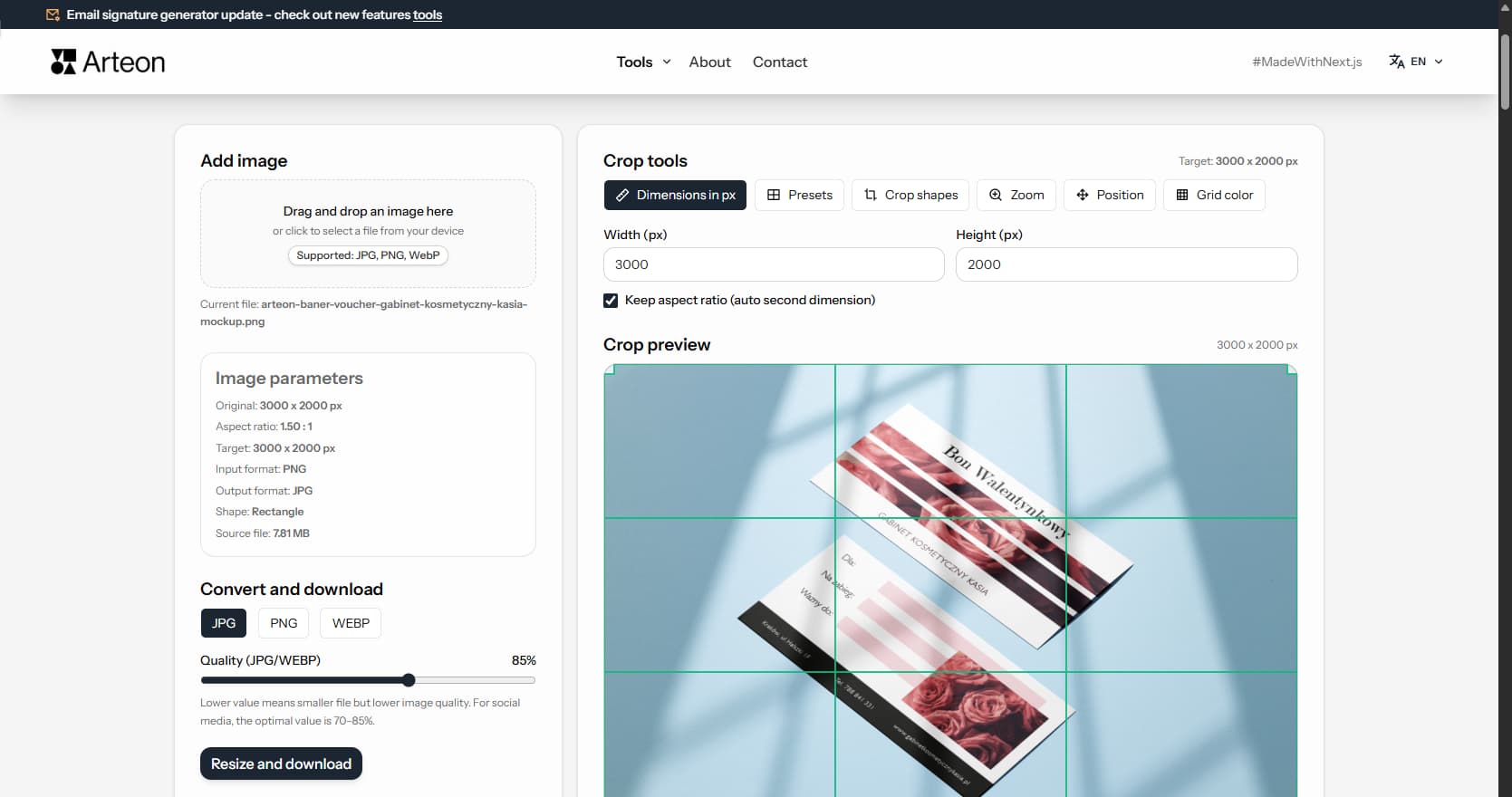
Online image editor
Resize, crop and convert your image. Ready-made formats for social media, circular avatars, export to JPG/PNG/WebP.
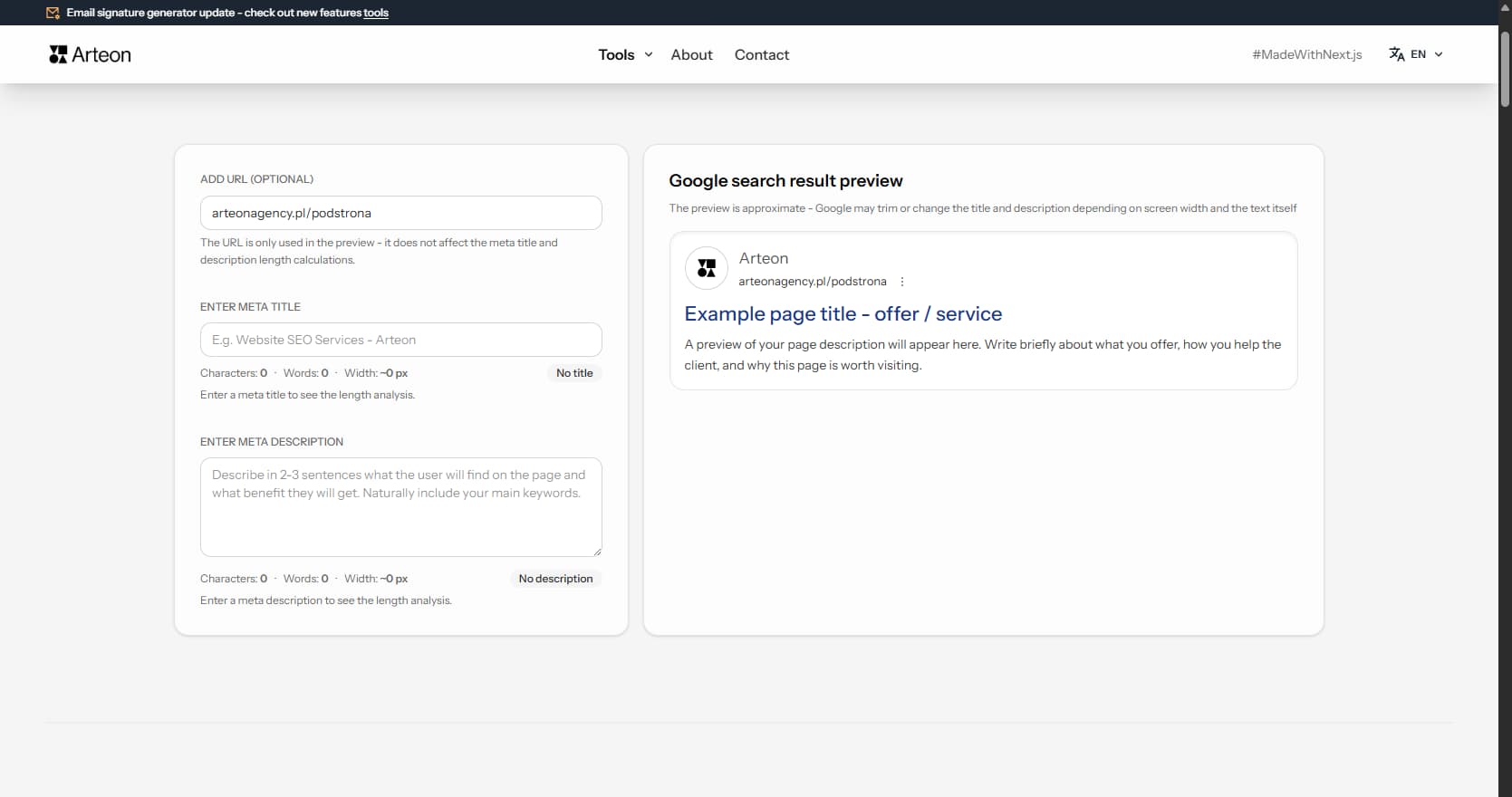
Meta title & description checker
Check title and description length in pixels. Live Google preview and optimization tips.
PNG to JPG
Convert PNG files to JPG in your browser. No file limits, no signup, no server uploads.
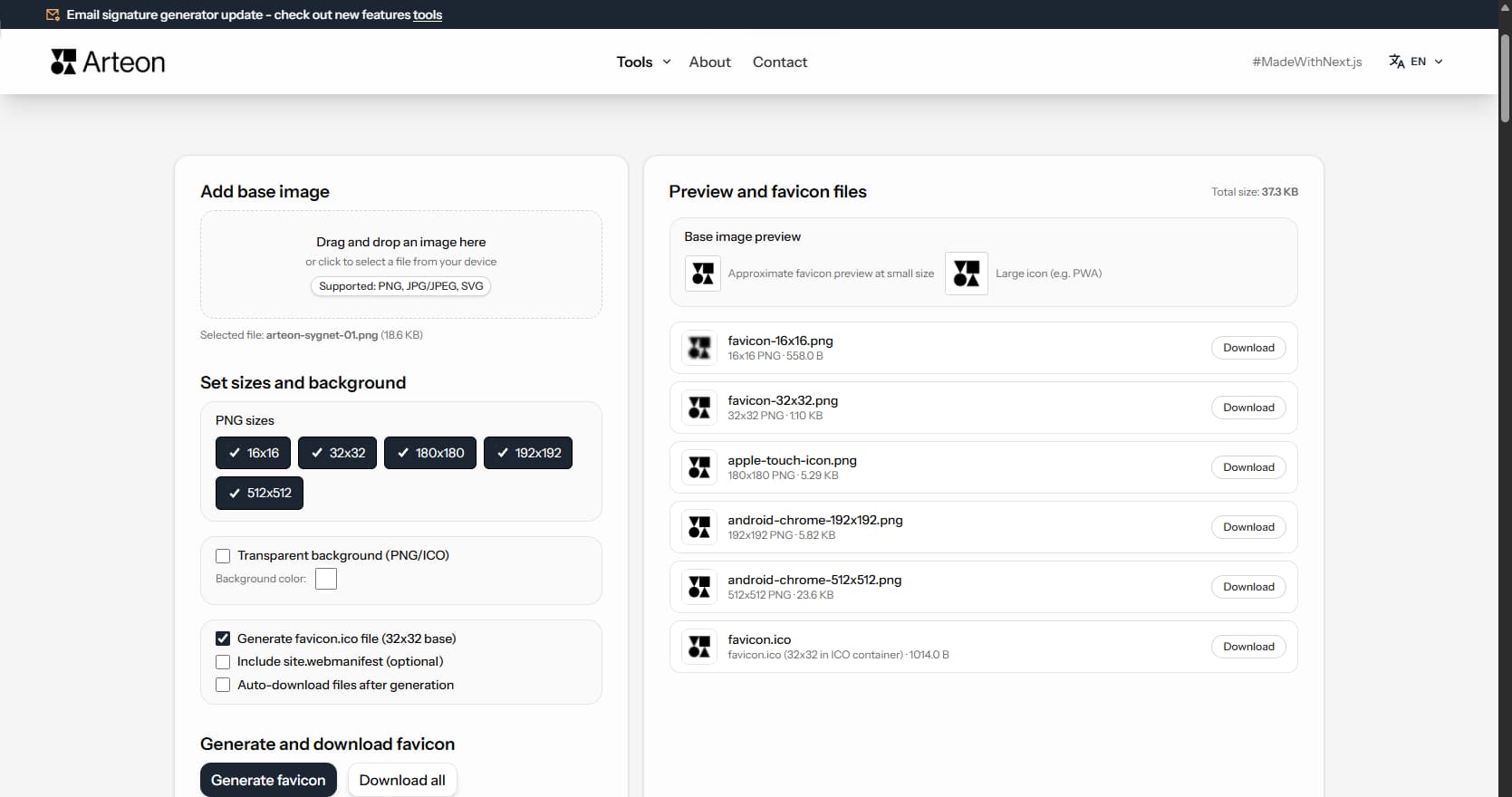
Favicon generator
Create a complete favicon.ico set for your website from one image. All required sizes, no login.
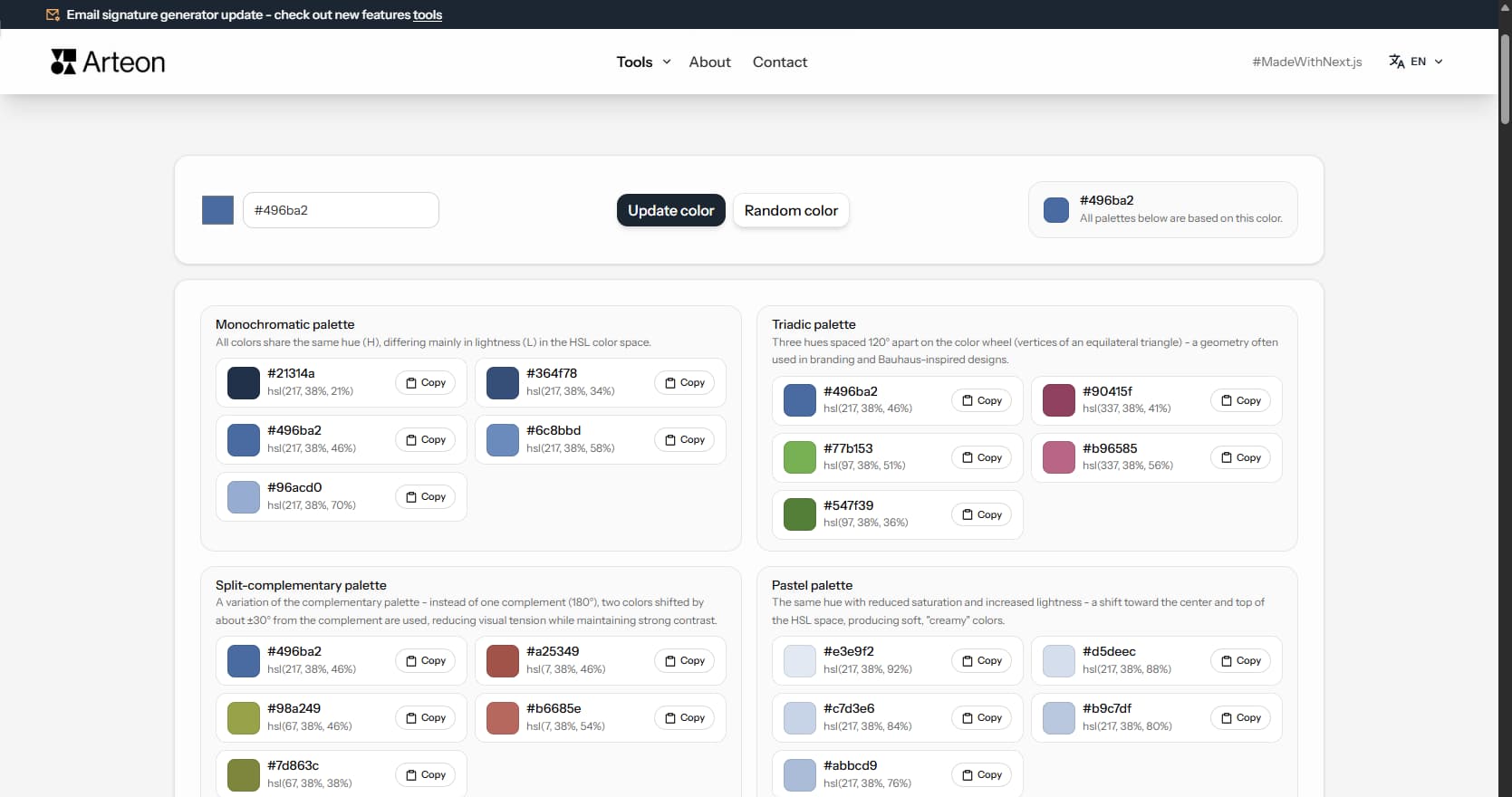
Color palette generator
Generate 9 palettes from one color: monochromatic, complementary, triadic and more. HEX codes.
WebP to JPG
Convert WebP files to universally compatible JPG. Works in every app and platform.
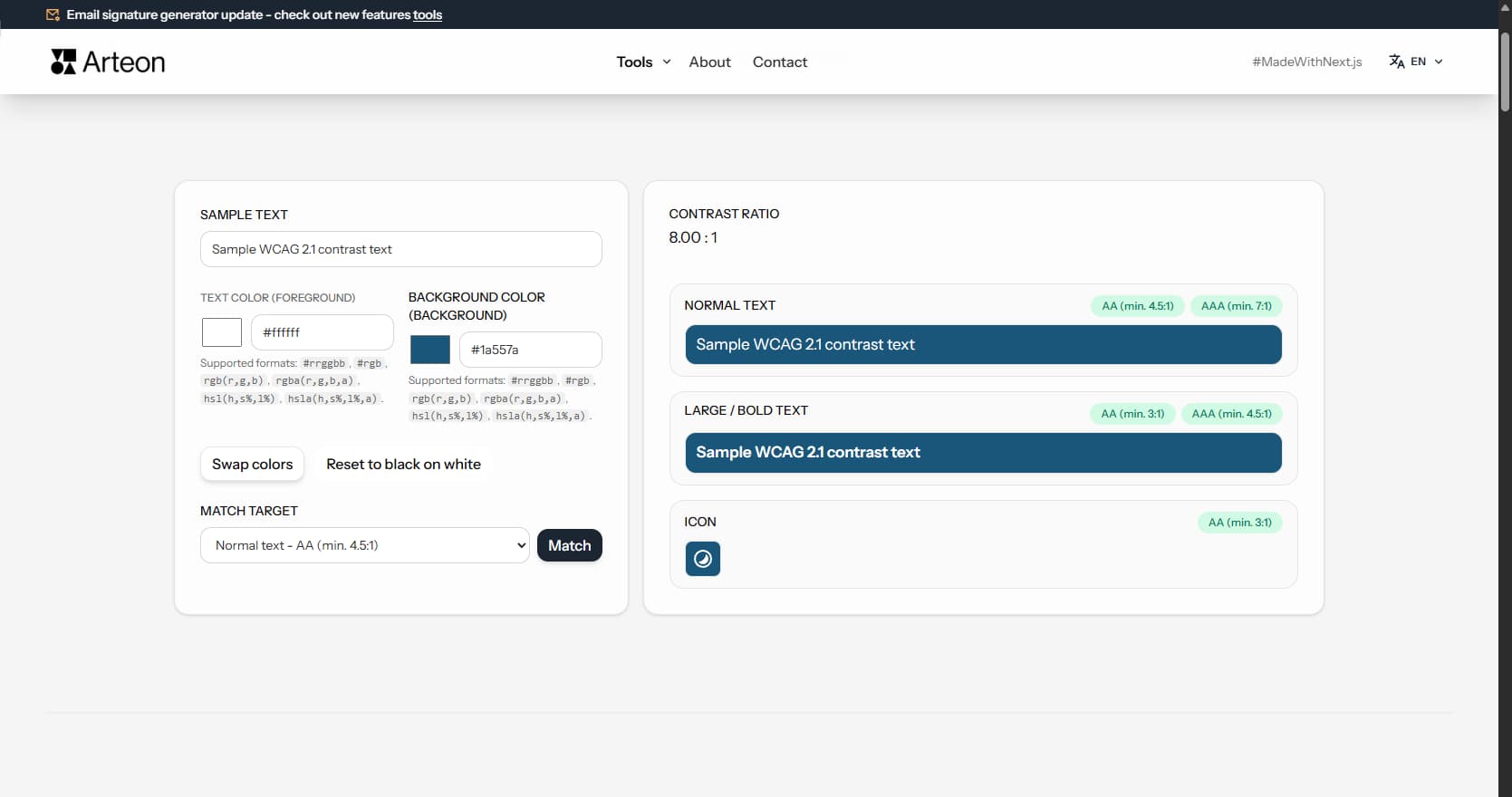
Color contrast checker
Check text and background contrast per WCAG 2.1 AA and AAA. Automatic color correction.
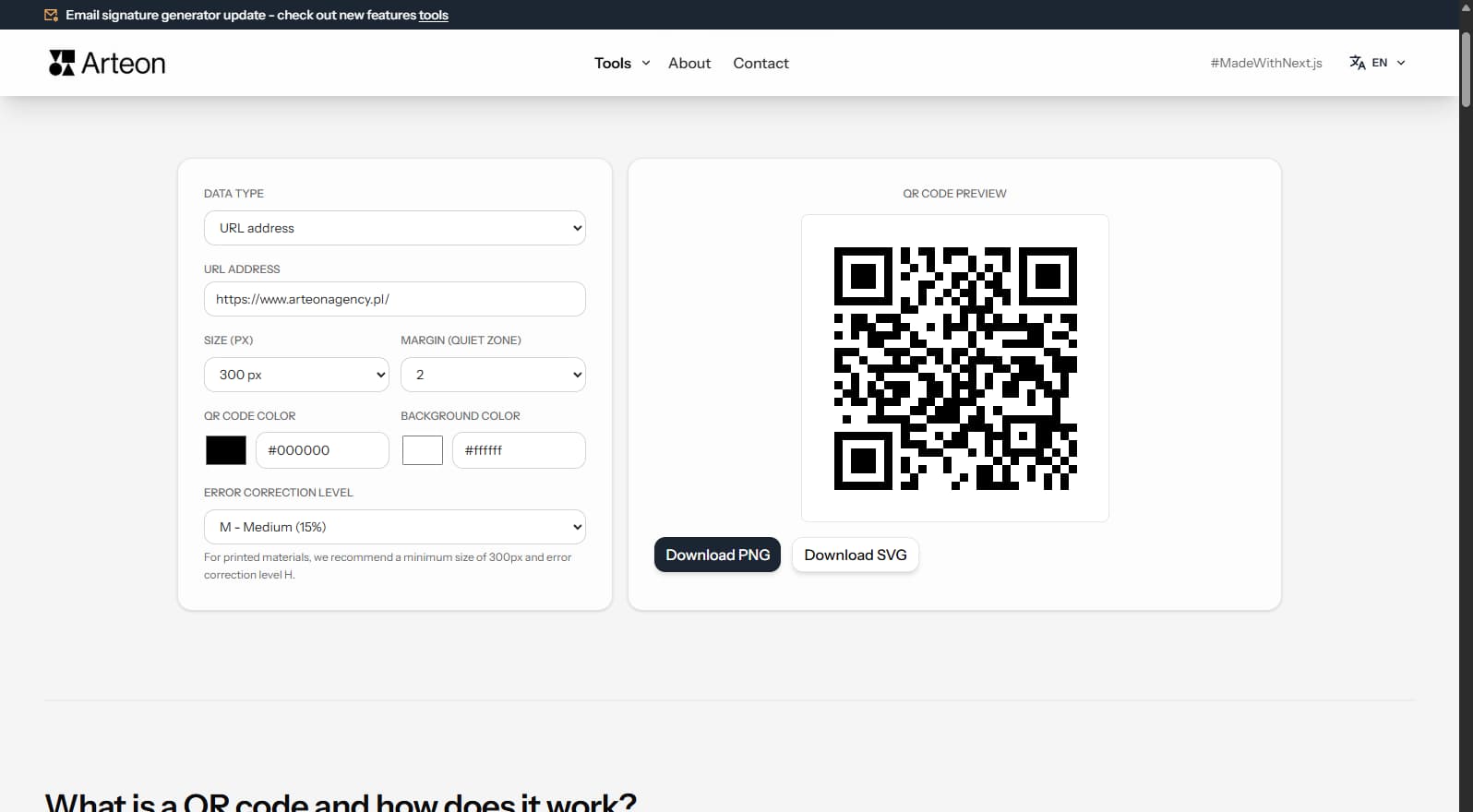
Free QR code generator
Create a QR code for a website, vCard business card or print. Export PNG and SVG, no registration.
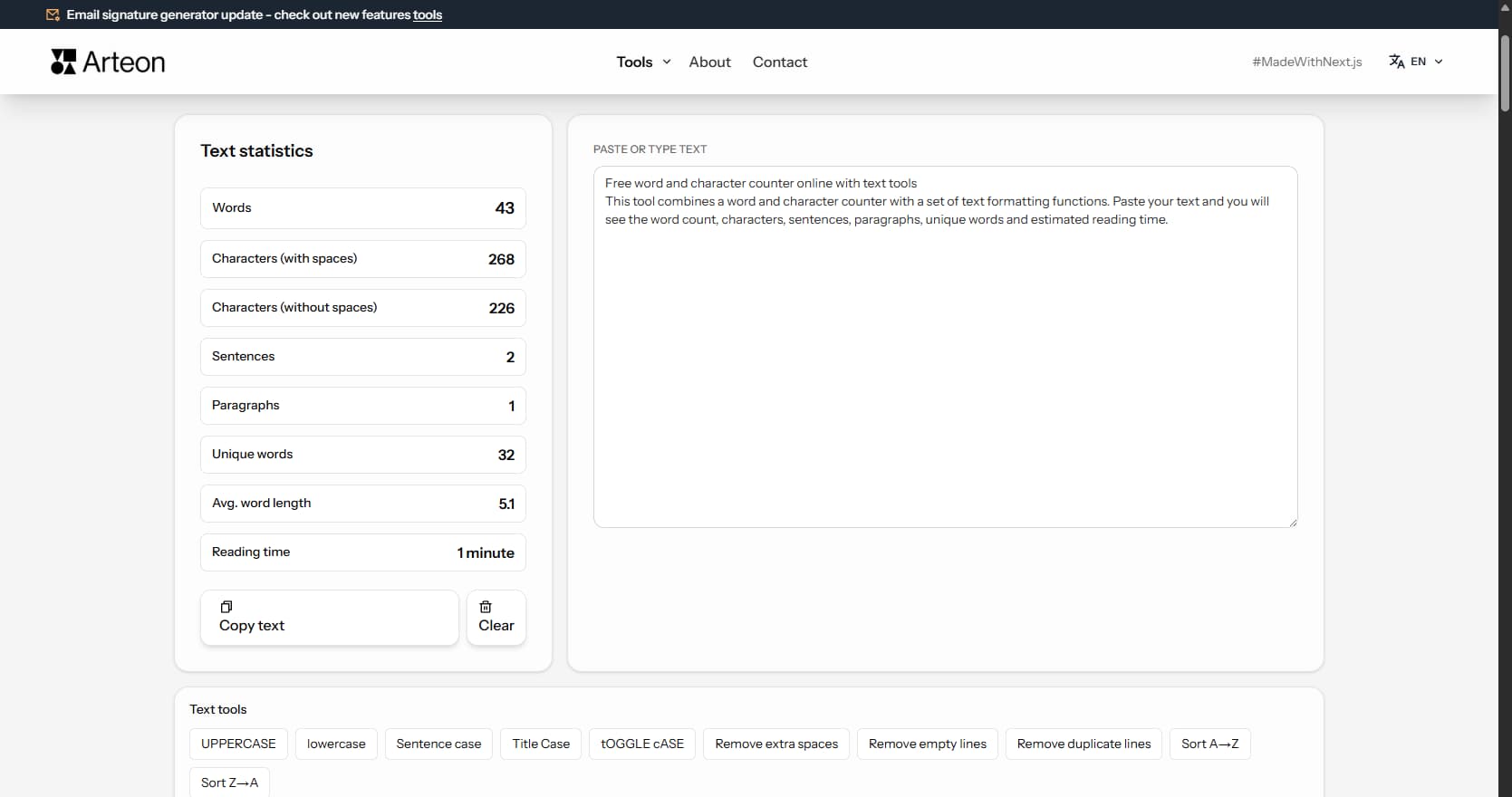
Word & character counter
Count words, characters, sentences and reading time. Check readability with the Flesch-Kincaid score.